
Plan your next year-end campaign with us
In a demo we show how segments, email, SMS, calls and appeals fit together, and what it takes to be ready in time.
For many nonprofits, the last five weeks of the year bring in a large share of annual giving. In Lumo you build that push from segments of your own gift data, email through Reach, SMS and phone calls, and you see what each appeal cost and raised. Sales Surge sets up the segments, cadences and appeals with you.
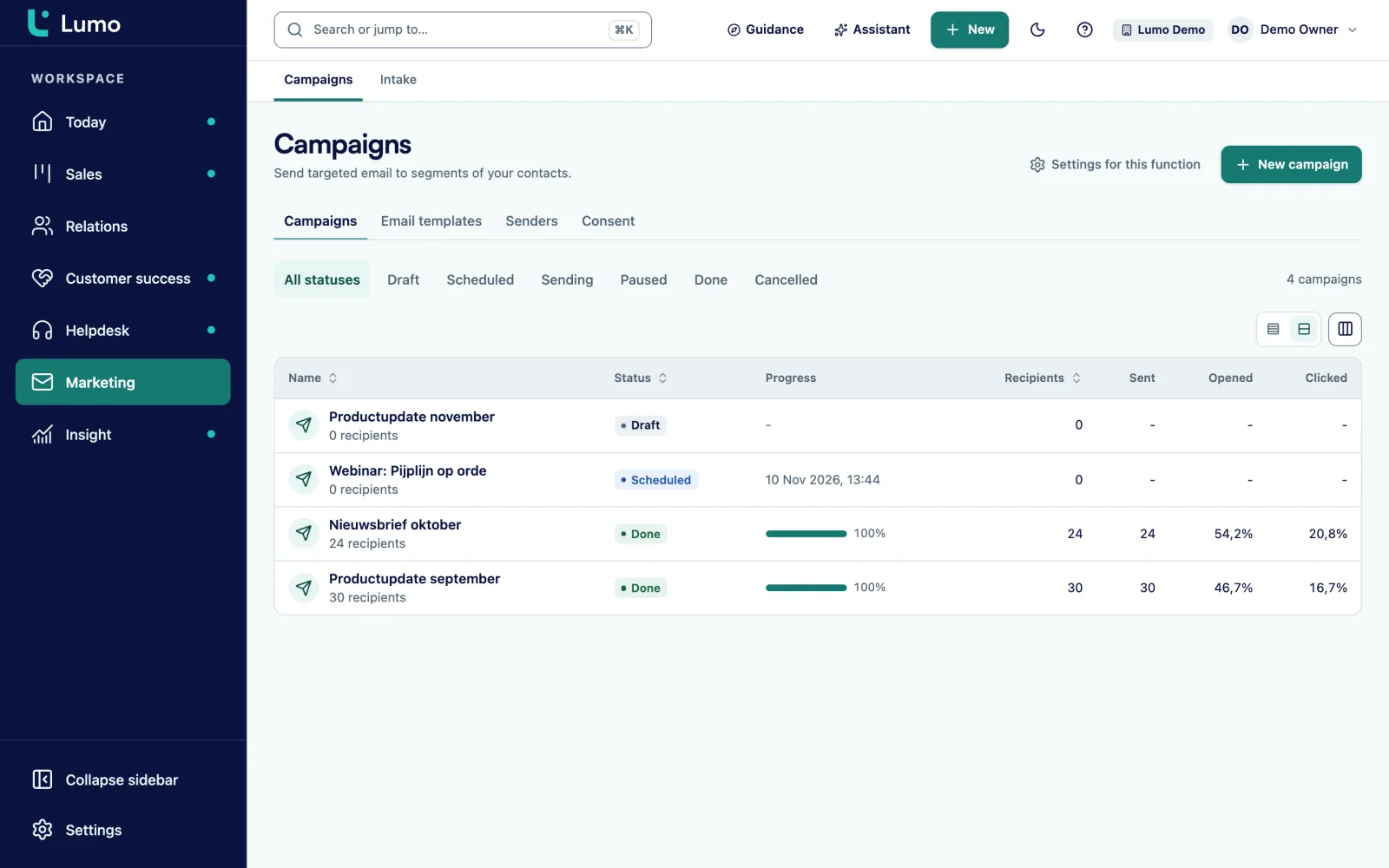
You save donor segments in the Gifts tab, such as LYBUNT and first-time donors this year. You create an appeal with its costs and tags, warm up your sending domain three weeks ahead, and send email, SMS and call steps to those segments. Afterwards you read gross revenue, new donors, ROI and cost per new donor for each appeal. There are no ready-made Giving Tuesday templates. Sales Surge sets it up with you.
It is the week before Thanksgiving. Your executive director asks if the Giving Tuesday email is ready. The copy is good. The list is not. It came from three places: an export from the donor database, the newsletter signups and a spreadsheet from the spring gala. Nobody is sure who on it ever opted in. The sending domain was set up last Friday. And the people who gave last year but not yet this year are not a group anywhere.
So one email goes to everyone. The monthly sustainer gets a plea to make a first gift. A donor who unsubscribed in April is back on the list through the gala spreadsheet. And because the domain was never warmed up, part of the send lands in spam on the one day it had to count.
A year-end campaign is not an email. It is a sequence. A heads-up, Giving Tuesday itself, a reminder to people who did not click, a text to people who explicitly agreed to texts, a phone call to loyal donors who have gone quiet this year, and the final year-end appeal in the last days of December. Every piece has its own audience and its own moment. And in January the board wants to know what it raised. Not opens. Gifts, donors and what a new donor cost.
That is where the work is. Not in the copy, but in the segments, the consent, the timing and the measurement. In Lumo your gifts, your donors and your mailings live in the same system. A segment like LYBUNT keeps itself up to date. A mailing checks consent and unsubscribes at the moment it sends. And an appeal counts the gifts that belong to it. How gifts and households are modeled is on donor management. The wider picture for mission-driven teams is on CRM for nonprofits.
This page is a playbook. It walks through planning a year-end or Giving Tuesday campaign with what Lumo has today, with a dated timeline, a worked ROI example and the mistakes we see most.
In the Gifts tab you open the Segments view. You start from a preset such as LYBUNT (gave last fiscal year but not this year), SYBUNT, Lapsed 18 months, First-time donors this year, Active recurring donors or Loyal donors to upgrade. You save it and it updates itself.
Under Appeals you click New appeal. You fill in name, fiscal year, drop date, media channel and costs: postage, printing, creative, ad spend and other. Under Appeal tags you list the tag your gifts will carry.
A new sending domain is verified through DNS and warmed up in 21 daily steps, from 20 to 2,000 emails a day. Start at least three weeks before your first big send.
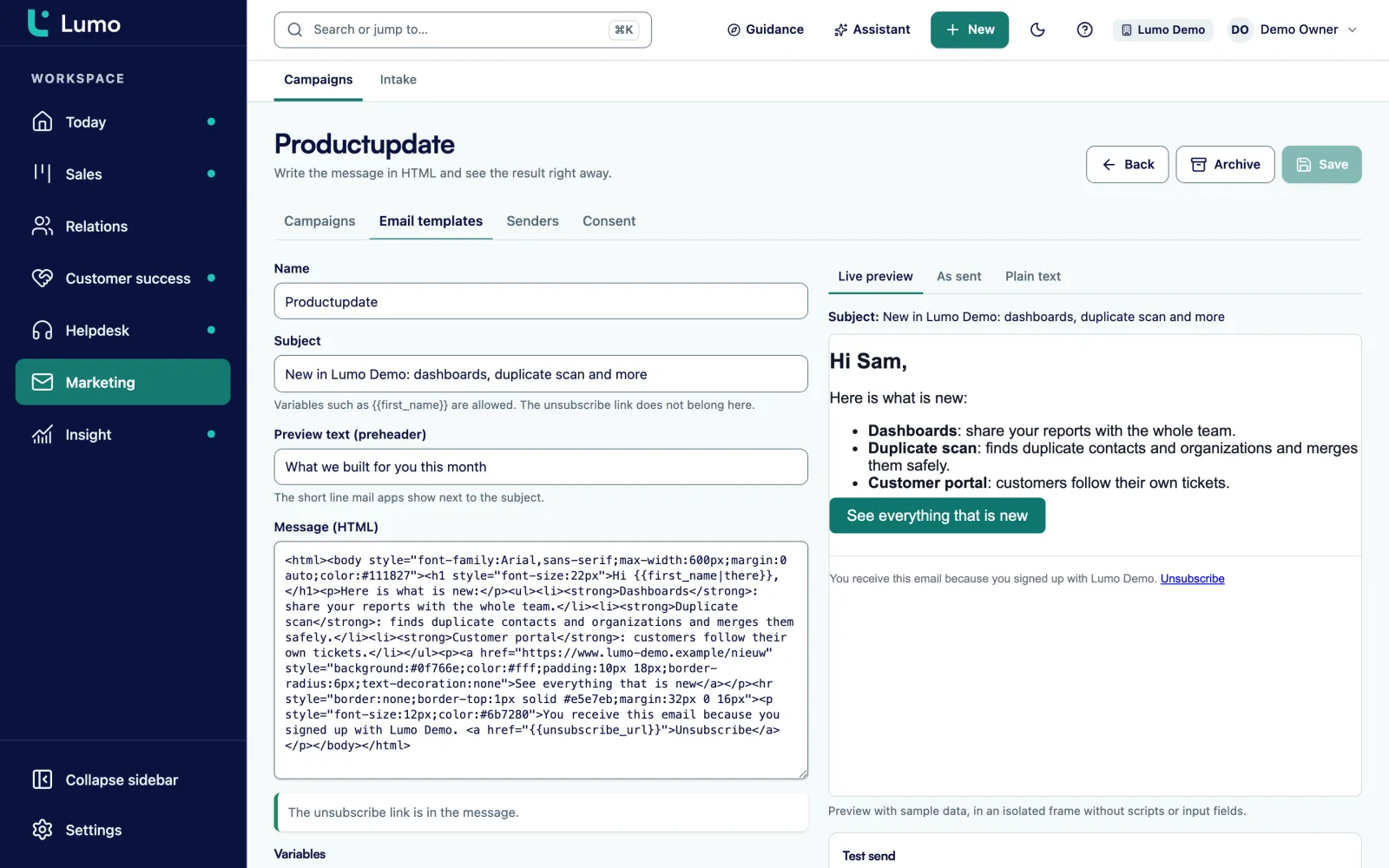
You pick a saved segment as recipients, a template with the required unsubscribe link, an optional A/B test with 2 to 4 subject lines, and a time. The campaign moves to Scheduled. A follow-up goes to people who did not open or did not click.
In a cadence you add an SMS step and call steps. On No answer or Voicemail the person comes back as Call again, attempt 2 of 3. From any gift segment, Use in a cadence opens a new cadence straight away.
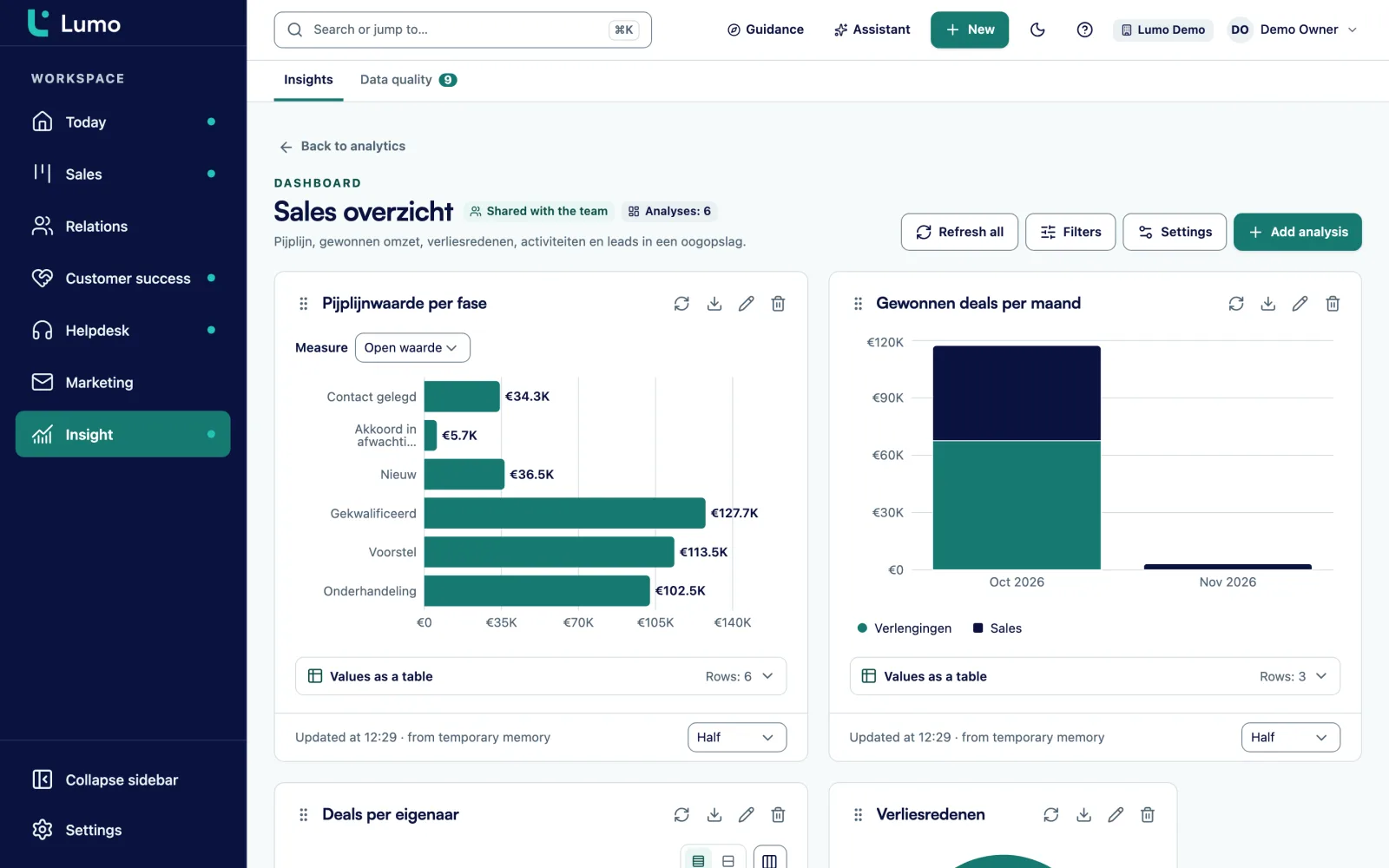
The Appeals list shows Gross revenue, Donations, Donors, New donors, Avg gift, Total cost, Margin, ROI and Cost per new donor for every appeal.
Giving Tuesday is the Tuesday after Thanksgiving. In 2026 that is December 1, and in 2027 it is November 30. It is one day with a lot of noise, which means one day where you want each email to reach the people it was written for.
Start with segments. LYBUNT donors are your best odds: they gave last fiscal year and have not given yet this year. SYBUNT donors gave in an earlier year but not last year or this year. Lapsed 18 months is its own group with its own tone. First-time donors this year get a thank-you and an invitation back, not a hard ask. Active recurring donors are either excluded from the general appeal or asked to upgrade.
In Reach you pick one of those saved segments as recipients. At send time Lumo checks every person again. Anyone without consent, who withdrew it, unsubscribed, bounced earlier, filed a complaint or was excluded by hand is skipped, and you can see why. A bounced address or a complaint cannot be lifted. Every template has a required unsubscribe link. More on the email side on email campaigns.
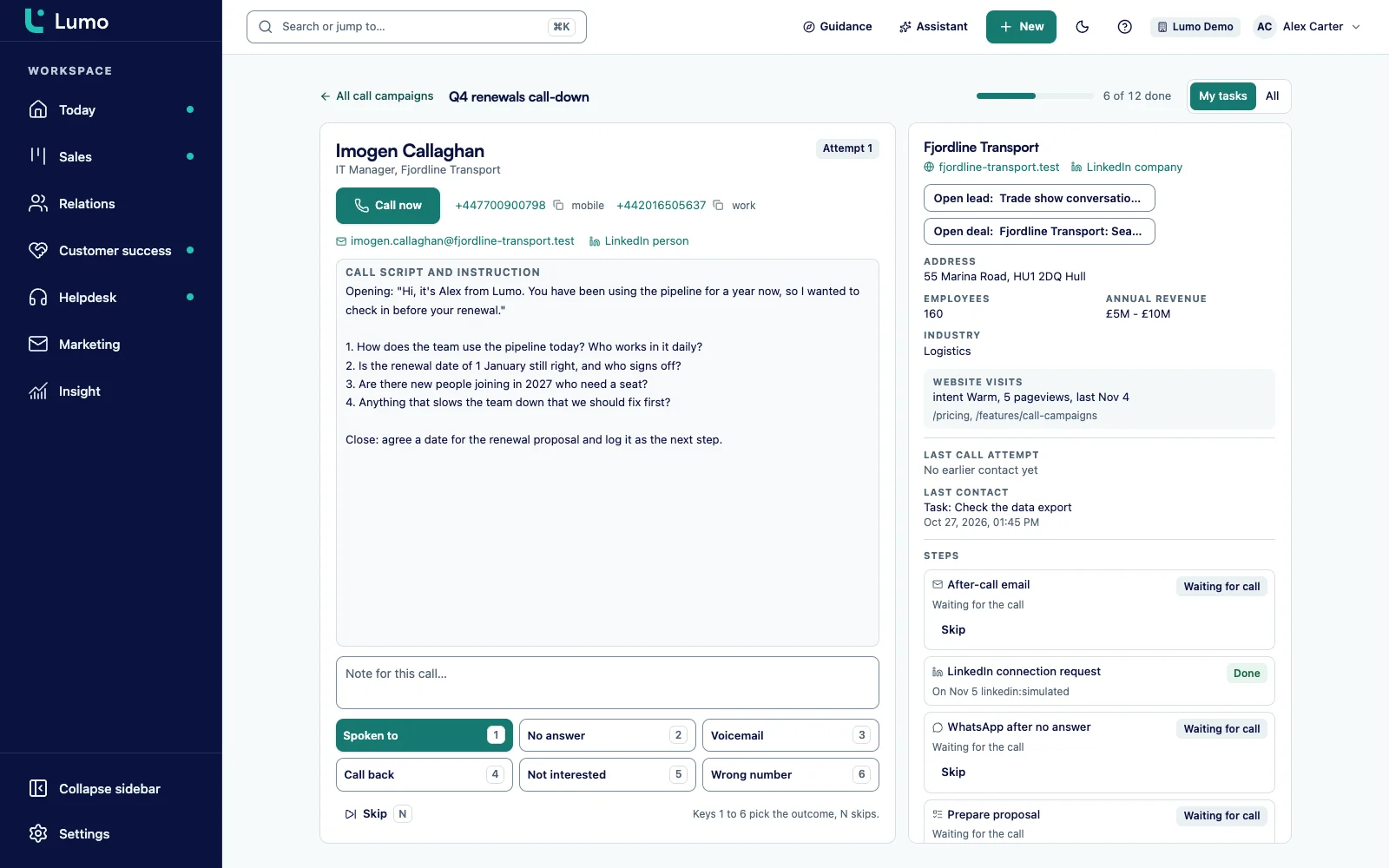
Email reaches a lot of people at once. But the donor who gave five years running and has been silent this year deserves a phone call. You do that with a cadence: a sequence of steps per person with calls, email, a LinkedIn or WhatsApp task, a plain task and SMS.
In call mode you work through the list. You see the person, the last note and the last contact. After the call you pick an outcome. On No answer or Voicemail the person comes back later, as attempt 2 of 3 and then 3 of 3. Nobody drops off because they were in a meeting on Tuesday afternoon.
SMS is a step in a cadence or an action in an automation, sent through your own Twilio account. By default Lumo only texts people with explicit consent, between 8 a.m. and 8 p.m. in the recipient's time zone, worked out per state and area code in the US. STOP and START are handled within seconds. A text campaign to a whole segment runs today through the API, the MCP server or the AI assistant. There is no screen for building one yet. See SMS campaigns and call campaigns and Cadence.
An appeal is its own record in Lumo. You give it costs in five buckets: postage, printing, creative, ad spend and other. Plus estimated revenue, a fiscal year, a drop date, a media channel and designations. An appeal without an end date is set to Evergreen.
Tags decide which gifts belong to it. A gift carries an appeal, a campaign or a subsource. On the appeal you list the tags that should count, one per line, and matching ignores capitals. So a gift from Stripe or from an import counts as soon as it carries the right tag. Agree on the tag for every send before the first gift arrives. This is where measurement breaks most often.
The list shows Gross revenue, Donations, Donors, New donors, Avg gift, Total cost, Margin, ROI and Cost per new donor for each appeal. ROI is margin divided by cost. Soft credits show on the donor but never count toward totals. To slice the numbers further, use the report sources for gifts, first gifts and gifts per appeal in reports.
Here is a timeline for the 2027 season, with Giving Tuesday on November 30 and the year-end appeal running through December 31. Shift it if you start later, but keep the order.
For 2026, Giving Tuesday is December 1. If you are setting up a new domain today, a 21 day warm-up will not finish in time. Use a domain that is already warm, or keep the first send small and put the weight on the year-end emails.
Say a nonprofit with a development team of three runs a year-end mail piece and two emails at the end of 2027. This is an example, not a client. In Lumo the development director creates the appeal Year-end 2027 with these costs.
Every gift tagged year-end-2027 counts. After New Year the list shows this.
Lumo does the rest. Margin is $27,000 minus $6,000, so $21,000. ROI is margin divided by cost: 21,000 divided by 6,000 is 3.5. Each dollar spent brought back three and a half dollars above its own cost. The average gift is $27,000 divided by 180, so $150. Cost per new donor is $6,000 divided by 40, so $150.
That last number is the one to watch. A new donor at $150 is expensive if they give $35 once. They are cheap if they come back next year. So next fall you look at First-time donors this year to see who stayed, and you build a separate thank-you sequence for that group. Keep in mind that soft credits do not count toward these totals, and neither do gifts without the right tag.
LYBUNT, SYBUNT, Lapsed 18 months, First-time donors this year, Gave $1,000+ this year, Active recurring donors, Failed recurring payments and Loyal donors to upgrade.
No consent, withdrawn, unsubscribed, bounced, complaint or excluded by hand. Lumo checks it again the moment the email goes out.
From 20 to 2,000 emails a day over 21 days. A new domain needs three weeks.
Two to four subject lines against each other, scheduling by date and time, and a follow-up to non-openers or non-clickers.
As a cadence step or an automation action, with STOP and START and a sending window of 8 a.m. to 8 p.m.
On No answer or Voicemail the person returns as attempt 2 of 3 and 3 of 3.
Gross revenue, donations, donors, new donors, average gift, margin, ROI and cost per new donor.
Through Stripe, with status active, payment failed, paused, cancelled or ended, and the Failed recurring payments segment.
Warming up too late. A new sending domain needs 21 days to climb from 20 to 2,000 emails a day. Set it up on November 20 and Giving Tuesday goes out at a fraction of its size. Put the warm-up first on your plan, not last.
Volume that does not fit. By default a workspace sends 500 emails per 24 hours. A list of 12,000 then takes 24 days. Sales Surge sets a higher limit per workspace on request. Ask well before the campaign and run the numbers together with the warm-up.
Sending without consent. A gala list or an old export is not consent. Lumo checks the consent on each person at send time, so anyone without it is skipped. That is the point, but your audience may be smaller than you expected. Check it a week ahead, not on the morning. To grow the list, use a form with double opt-in.
No tag on the gift. An appeal only counts gifts with one of its tags. A gift without a tag still exists, it just belongs to no appeal. Agree on tags before the first gift comes in.
Sustainers get the generic ask. Someone with an active recurring gift does not want an email that acts as if they never gave. Exclude that segment from the general appeal or write them their own version.
Opens as the success metric. Opens in Lumo are an upper bound, because some mail apps open every message. For follow-ups, prefer did not click over did not open, and judge the result in gifts.
Work through this list, ideally eight weeks before Giving Tuesday.
Segments come from your gifts, so a good campaign starts with good data. How gifts, households and hard and soft credit work is on donor management. If you are moving from another system, read nonprofit CRM migration first, because consents and suppressions have to come across before you send a single email.
Email is covered on email campaigns, texting on SMS campaigns and calling on call campaigns and Cadence. A gift that arrives through Stripe can also get a tax receipt for 501(c)(3) and 501(c)(4) organizations, see donation receipts.
There are no ready-made Giving Tuesday or year-end templates in Lumo. Sales Surge sets up the segments, cadences and appeals with you, and you write the copy. The giving module and SMS are off by default and switched on per workspace. Lumo does not take payments and has no donation form. Your email links to your own donation page, and one-time and recurring gifts arrive through Stripe. Email volume is not unlimited: 500 per 24 hours by default, more on request. There is no 10DLC registration or SMS dashboard in Lumo, so register your numbers in Twilio.
Giving Tuesday is the Tuesday after Thanksgiving. In 2026 it falls on December 1 and in 2027 on November 30.
Start setting up at least eight weeks ahead. Warming up a new sending domain alone takes 21 days, and segments, tags and copy need time as well.
No, there are no ready-made Giving Tuesday or year-end templates. Sales Surge sets up the segments, cadences and appeals with you, and you write the emails in the template editor.
LYBUNT means last year but unfortunately not this: donors who gave last fiscal year and not yet this year. SYBUNT donors gave some year before, but not last year or this year. Both are preset segments in the Gifts tab.
By default 500 per 24 hours per workspace, and Sales Surge sets a higher limit on request. On top of that a new domain warms up from 20 to 2,000 a day in 21 steps.
Lumo calculates ROI as margin divided by cost, where margin is gross revenue minus total cost. It sits next to cost per new donor for every appeal.
Yes, as an SMS step in a cadence or an action in an automation, through your own Twilio account and by default only to people with explicit consent. A text campaign to a whole segment runs through the API, the MCP server or the AI assistant today.
No. Lumo checks consent, unsubscribes, bounces and complaints again at every send and skips that person.
No, Lumo does not take payments and has no donation form. You link to your own donation page, and gifts and recurring gifts come in through a connected Stripe account.
In a demo we show how segments, email, SMS, calls and appeals fit together, and what it takes to be ready in time.