See your clients and vacancies in Lumo
In the demo we put a few of your clients, one vacancy and one contract placement into Lumo, and talk through how your ATS fits in.
Your ATS tracks the candidates. But who tracks the clients? Lumo puts hiring managers, terms, vacancies, placements and contractor extensions in one pipeline, so business development runs as tightly as the search itself.

A recruitment agency sells on two sides. On one side you find candidates, and that work lives in your ATS. On the other side you win and keep clients: companies with vacancies, hiring managers who call you when they need someone, and procurement teams who decide whether you are on the preferred supplier list. That side is the sales work, and at many agencies it has no proper home.
The client side cycle looks like this. You approach a company, get an intro with an HR manager or a hiring manager, send your terms with the fee percentage or the hourly rate, and get onto the supplier list. Then the vacancies arrive. Each vacancy is a small deal: an intake, candidates submitted, interviews, an offer and a placement. In permanent recruitment the revenue is one-off, a fee on placement. In contract staffing it repeats: hours per week for as long as the assignment runs, with an extension you need to arrange on time.
You will know this one. A consultant has a strong relationship with a hiring manager at a large client. That hiring manager moves to another company. The consultant only finds out when he calls about a new vacancy. At the new company the agency is not on the list, and a competitor is. Or a contractor's assignment ends in four weeks and nobody has discussed an extension with the client, because the end date only lives in a back office spreadsheet.
The problem is that an ATS is built for candidates. Companies, contacts and commercial agreements are an afterthought there, if they are there at all.
Lumo is for that client side. A client is an organization, with every hiring manager as a person. A person can belong to several organizations, so a hiring manager who moves comes with you. Each vacancy is a deal in the pipeline. A contract placement is a deal with a weekly line and a number of cycles. And your consultants' calls are activities in one calendar. The candidates stay in your ATS.
Screen and status names are the ones used in the app.
A request through your site, a reply to a campaign or a cold approach goes in as a lead with status New and a source. After the first call it becomes Qualified or Nurturing.
With Convert to deal the client enters the Accounts pipeline. You send your terms as a quote with a signing link, or as your own document attached to the deal as a file.
A new vacancy becomes a deal in the Vacancies pipeline, linked to the organization and the hiring manager. The Next step on the deal card says what happens now.
On placement you mark the deal Won. A fee is a one-time line, a contract placement a weekly line with the number of weeks as cycles.
A Contract end date field and a report show which assignments end in the next six weeks. An automation creates a task for the consultant.
This is the pipeline per vacancy. Next to it you usually run a pipeline for new accounts. Per stage you set a win probability and a stale period.
Exit criterion: the intake with the hiring manager is done, and the profile, salary or rate and start date are in the fields. Rots after 3 days.
Exit criterion: at least two candidates have been submitted from the ATS. Rots after 7 days without a reply from the client.
Exit criterion: the client has scheduled interviews. The appointments sit as meetings on the hiring manager.
Exit criterion: the client has made an offer to a candidate, with salary or rate and start date.
The candidate has signed. The deal moves to Won with the fee or the weekly line for the contract.
With a reason: Filled internally, Other agency, Vacancy withdrawn, No suitable candidate. After a quarter you see where you lose vacancies.
In recruitment, relationships with people are worth more than relationships with companies. A good hiring manager brings you to their next employer, as long as you know they moved.
In Lumo a person can belong to several organizations, with one marked as primary. When a hiring manager moves, you link them to the new employer and the history at the old one stays visible. Per person you store several email addresses and phone numbers, work and personal.
A client with several sites or subsidiaries is set up with a parent organization. You see open vacancies per subsidiary, and how much you place for the whole group. Labels such as Supplier list or Framework, and saved filters such as IT hiring managers with no contact in 60 days, turn into a business development list in a few clicks.
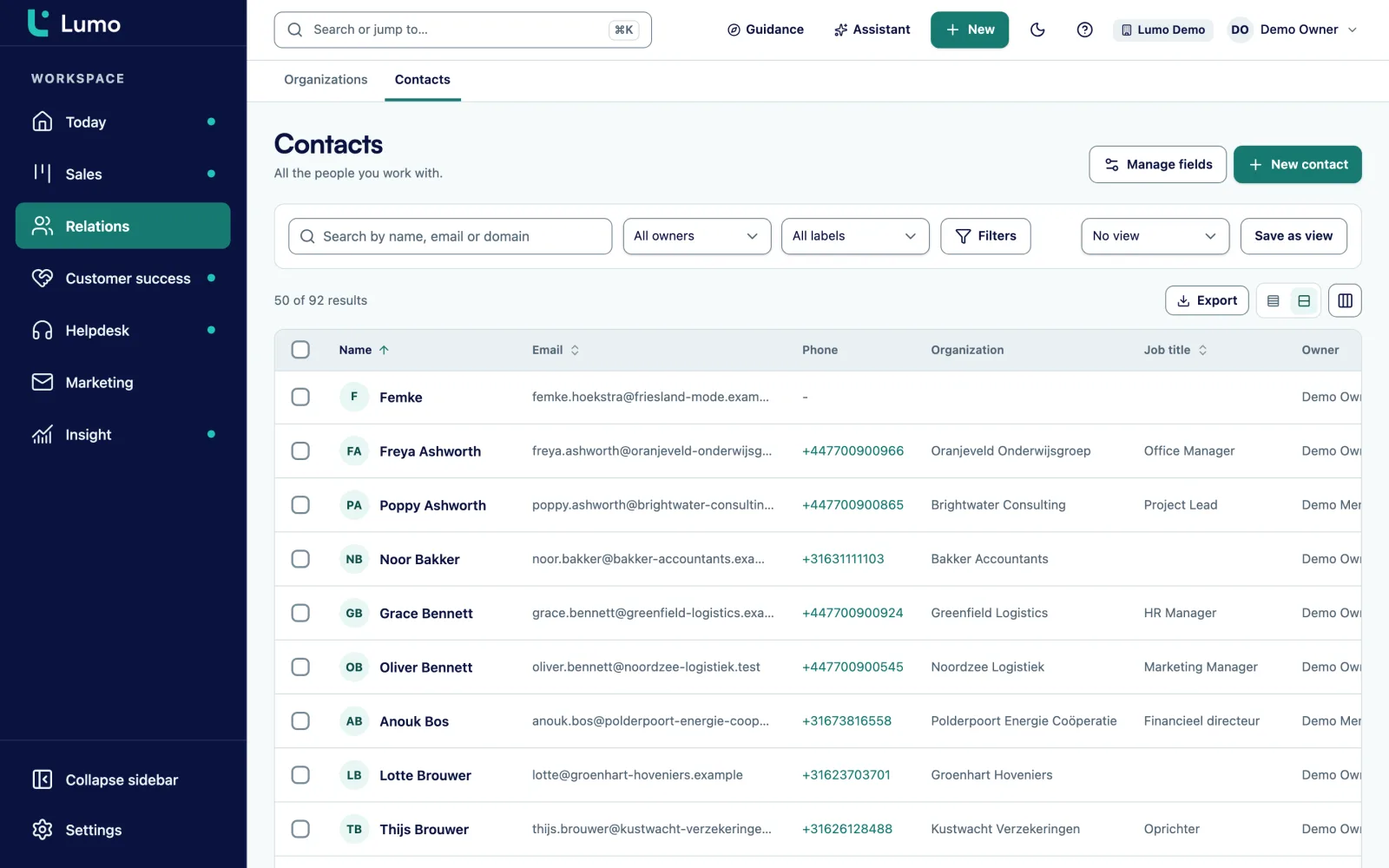
An agency that does both permanent and contract work has two kinds of revenue. A placement fee is one-off. A contract placement brings revenue every week for as long as the assignment runs.
On a Lumo deal you add products with quantity, price, discount and a billing frequency: one-time, weekly, monthly, quarterly, semi-annually or annually. A contractor on 36 hours a week at an hourly rate becomes a weekly line, with the number of weeks of the assignment as cycles. Lumo calculates the value over the full term. A recurring line without cycles counts as one year.
The deal also holds the expected start date, the client side participants and the currency. If you also place abroad, reports convert to your own currency with exchange rates.
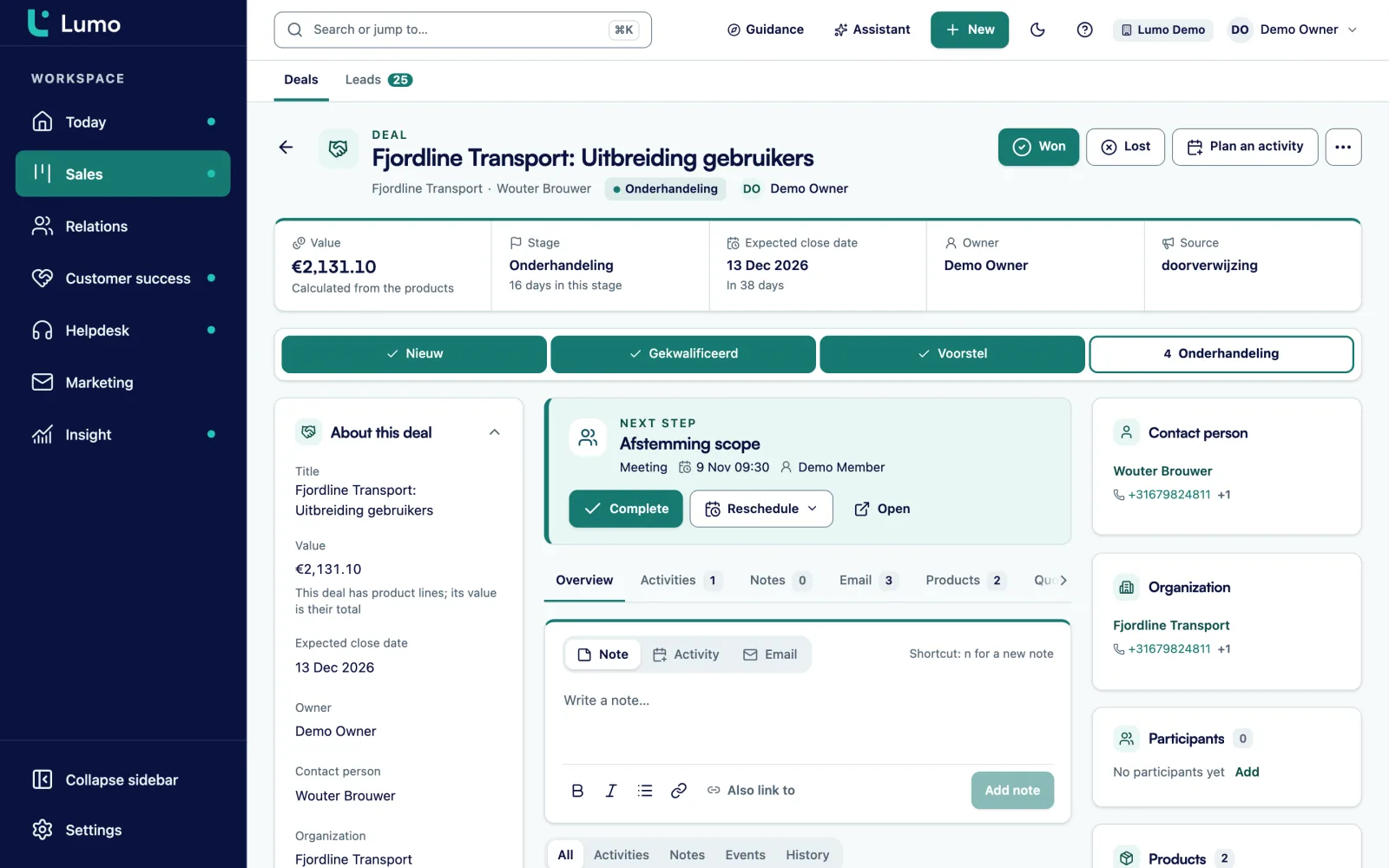
Many agencies send hiring managers an occasional update: a market report, a salary overview, a shortlist of available professionals. In Lumo you do that with email campaigns.
You choose a segment from your contacts, for example all finance hiring managers in one region. The preview shows live who is excluded and why. You pick an HTML template with variables such as first name and organization, plus a preheader. A test send only goes to colleagues in the workspace.
Explicit consent is on by default and is checked again at the moment of sending. The unsubscribe link is mandatory and an unsubscribe applies to the whole workspace. Bounces and complaints are suppressed permanently. After sending you see unique opens and clicks per campaign, and a follow-up campaign goes out after a number of days to anyone who did not open.
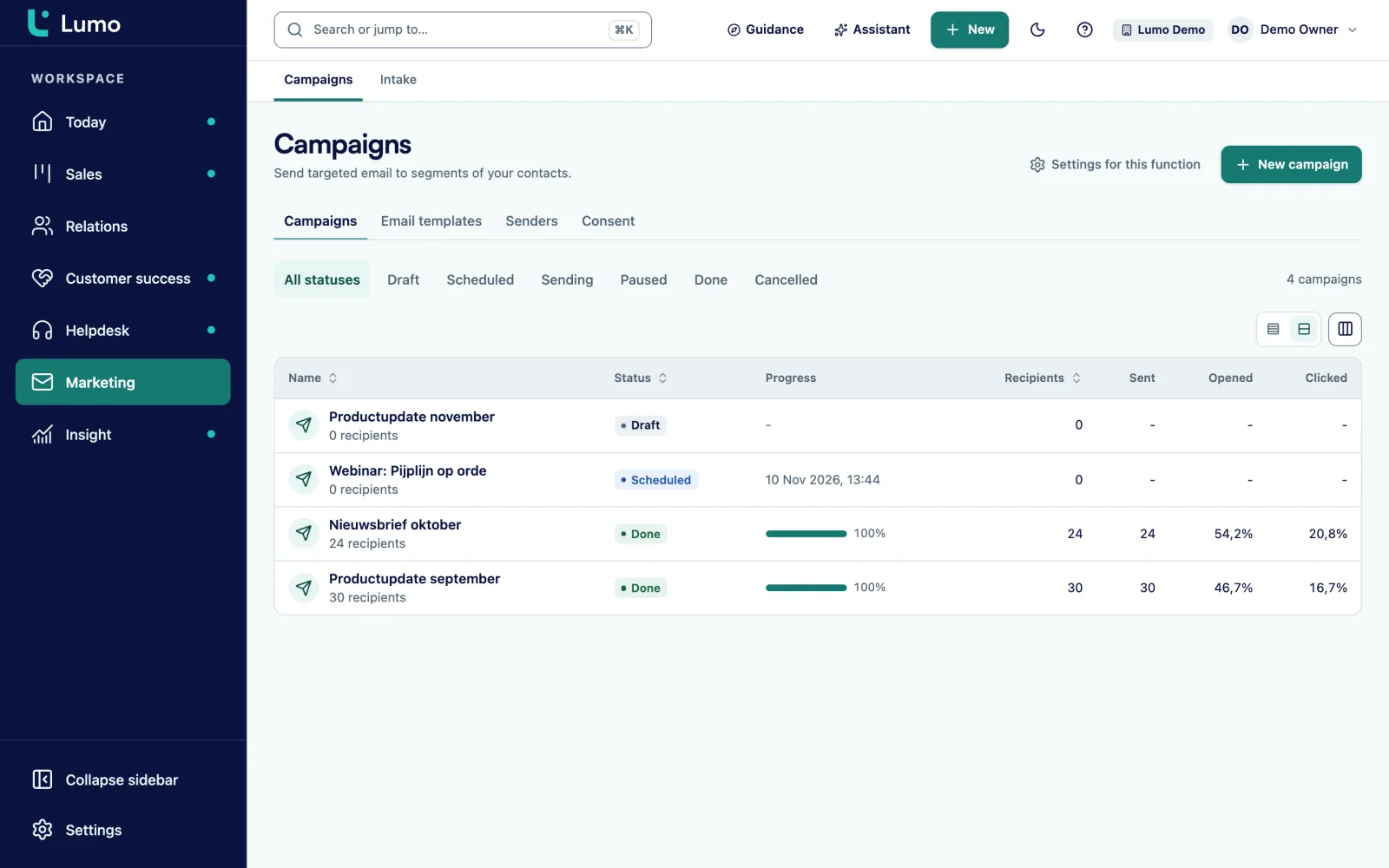
You add custom fields to deals, organizations, persons, leads, tickets and activities, with types such as select, number, monetary, date and user.
Select field on the deal: Permanent, Contract, Interim or RPO.
Select field such as IT, finance, engineering, sales or healthcare.
Number field on the organization, from the signed terms.
Number field on the deal for vacancies with several openings.
Date field on the deal. The basis for your extension report.
Date field on the organization, for the next tender.
Text field on the deal, so an API integration finds the right vacancy.
User field on the deal, next to the account manager as owner.
Automations react to a new deal, a stage change, a won or lost deal, a new lead, person or organization, a completed activity, or a deal or lead that has been stale for a number of days. They create an activity or note, update a field, assign an owner or add a label. They do not send email. A dry run shows what would happen first.
Rules agencies often switch on:
In reports you build the numbers an agency steers by. Vacancies per client and per discipline. The share of vacancies that become placements, per consultant. Average time from intake to placement, from stage history. Lost reasons per quarter. And a list of contract placements ending in the next six weeks. Every chart drills down to the deals behind it. Calls and meetings per consultant come from the activities.
Say a recruitment and staffing agency in finance and IT with eight consultants, two account managers and a back office. For this example we call it Talentline. About half its revenue comes from permanent placements, the other half from contractors. The candidates live in the ATS.
Talentline creates two pipelines. Accounts with the stages Intro, Terms sent and On supplier list. And Vacancies with the stages from the example above. Each client is an organization, with every hiring manager and HR contact as a person.
A new vacancy usually arrives by email or phone. The consultant creates a deal in Vacancies, and a rule immediately creates a task Schedule intake. The vacancy ID from the ATS sits in a custom field. A small script from the internal IT team moves the stage in Lumo to Candidates submitted through the API as soon as a candidate is submitted in the ATS.
The consultants connect Gmail, so mail with hiring managers lands on the right deal. The two account managers work in Outlook and put the BCC address on their emails. Calls are logged as activities, so the team lead sees who talks to which client.
For a contract placement the consultant adds a weekly line of 36 hours at the hourly rate, with 26 cycles for a six month assignment. The back office fills in the end date. Every Monday the director reviews a dashboard with placements per consultant, open vacancies per client and contractors ending within six weeks. An extension becomes a conversation the consultant has on time.
This is the order we follow in an implementation.
Lumo is not an ATS. Candidates, CVs, matching and application workflows stay in your own system. There is no ready-made ATS integration. With the API and webhooks your ATS can update stages or fields in Lumo, or react to a won deal. Timesheets and contractor invoicing are not included either and stay in your back office. Calls run through plain phone links. They are not logged automatically, so a consultant logs a call as an activity. There is no LinkedIn integration. Gmail and Google Calendar sync today. The Outlook and Microsoft 365 integration is on the roadmap, and until then the BCC address works with any mail client.
Lumo is built for the client side: clients, hiring managers, vacancies and placements. Candidates and CVs belong in your ATS.
Not out of the box. With the REST API you read and write persons, organizations, deals, leads and activities, and webhooks let your ATS react to what happens in Lumo.
A contract placement is a weekly line with the number of weeks as cycles. A Contract end date field and a report show which assignments end soon.
A person can belong to several organizations. You link them to the new employer and make it their primary organization. The history stays visible.
Gmail and Google Calendar sync today. The Outlook and Microsoft 365 integration is on the roadmap. Until then you put the personal BCC address in Bcc or forward an email, and it lands on the right person, organization and deal.
Calls are logged as activities of type call. There is no telephony integration that logs calls automatically.
Yes, with email campaigns to a segment, with a consent check, an unsubscribe link and a follow-up to people who did not open.
The price depends on the number of users and the modules you switch on. Pricing
In the demo we put a few of your clients, one vacancy and one contract placement into Lumo, and talk through how your ATS fits in.