Put Zoho and Lumo next to your own process
In the demo we look at which Zoho apps you really use. If a better Zoho setup is enough, we will say so.
Zoho offers a whole family of apps, from CRM to accounting. Lumo is one product for sales, service and marketing. Sales Surge is a certified Zoho partner and built Lumo, so we know both from the inside.
Zoho CRM is part of a large family. Next to the CRM there are apps for helpdesk, email campaigns, accounting, e-signatures, analytics, website chat and much more. They work together, and if you take everything from Zoho you get a lot of functionality. On top of that, Zoho CRM itself is highly customizable: custom modules, layouts, processes and Deluge scripts.
Sales Surge is a fully certified Zoho partner. We set up Zoho, write Deluge and connect the apps. What we see along the way: Zoho's strength is also the work. Every app has its own settings, its own permissions and sometimes its own version of the customer. The link between CRM and helpdesk exists, but you have to set it up and maintain it. And with Deluge you can build almost anything, which means someone also has to maintain it.
Lumo takes a different shape. One product, one database, fourteen modules you switch on or off per workspace. A person exists once. The helpdesk, campaigns, forms, live chat and quotes with e-signatures all work on that one record. You configure it without scripts: custom fields in twelve field types, pipelines, roles, rules and automations.
So the question is not which one can do more. Zoho can do more, certainly with accounting and the rest of the family. The question is whether you want a construction kit you assemble yourself, or a product that already has the parts together. Sales Surge has done more than 150 CRM implementations in both shapes. Below is the difference, theme by theme.
Qualitative differences, no prices. Zoho changes often, so always check the details yourself.
| Topic | Zoho CRM | Lumo |
|---|---|---|
| Structure | CRM within a large family of separate Zoho apps | One product with fourteen modules in one database |
| Customization | Very high: custom modules, layouts and Deluge scripts | Custom fields, pipelines, roles, rules and automations, no scripting |
| Pipeline | Pipelines with stages and process guidance | Deal board with win probability, weighted value and stall warnings |
| Several mail providers, including Zoho Mail | Gmail today, Outlook and Microsoft 365 planned, BCC address works with any mail client | |
| Calendar | Calendar integrations with the common providers | Two-way Google Calendar sync |
| Quotes and signing | Quotes in the CRM, signing through another Zoho app | Quote built from deal products, signed with an emailed code, with an audit log |
| Helpdesk | Through Zoho Desk, a separate app | Tickets, SLA targets, customer portal and knowledge base in the same product |
| Email marketing | Through Zoho Campaigns or features in the CRM | Campaigns, segments, consent and follow-ups built in |
| Accounting and invoices | Through Zoho Books and other Zoho apps | Not included, quotes are |
| Reporting | Reports in the CRM, deeper analysis through Zoho Analytics | Report builder with nine chart types, goals and drill-down |
| AI | Zia, its own AI assistant | AI assistant that is off by default and asks for approval before outward actions |
| Data quality | Validation and duplicate checks, extendable with scripts | Rules that block a save, and merging with undo |
| Mobile | Mobile apps | Web app, no mobile app |
Compared on the basis of public information, November 2026. Check the Zoho website for current details.
Zoho has pipelines with stages and a process feature that guides reps step by step through a deal. Lumo keeps it on the board. Every stage has a win probability and a limit in days after which a deal is marked as stalled. You see count, value and weighted value per stage, and every stage change is stored with its duration. Leads move through New, Working, Nurturing, Qualified, Disqualified and Converted to deal, and become a deal exactly once. If you want to enforce a step, you do it with a rule that blocks the save when a required field is empty.
Zoho works with several mail providers and has its own mail product. Lumo syncs with Gmail and Google Calendar today, and the Outlook and Microsoft 365 integration is planned. Only mail involving a known contact is stored, private unless you make the connection visible to the team. The calendar works both ways, up to 10 calendars per user, and Lumo never edits Google events it did not create. With the personal BCC address you log mail from any mail client.
In Zoho you create the quote in the CRM and have it signed through another Zoho app. In Lumo it is one flow. The quote takes over the deal products, numbers per workspace and year, and goes to the customer with a PDF and a signing link. They sign with a typed name and a six-digit code sent by email. The signed PDF gets an evidence page with time, IP address, device and a SHA-256 hash. What you should know: quote documents are in Dutch, and Lumo does not create invoices.
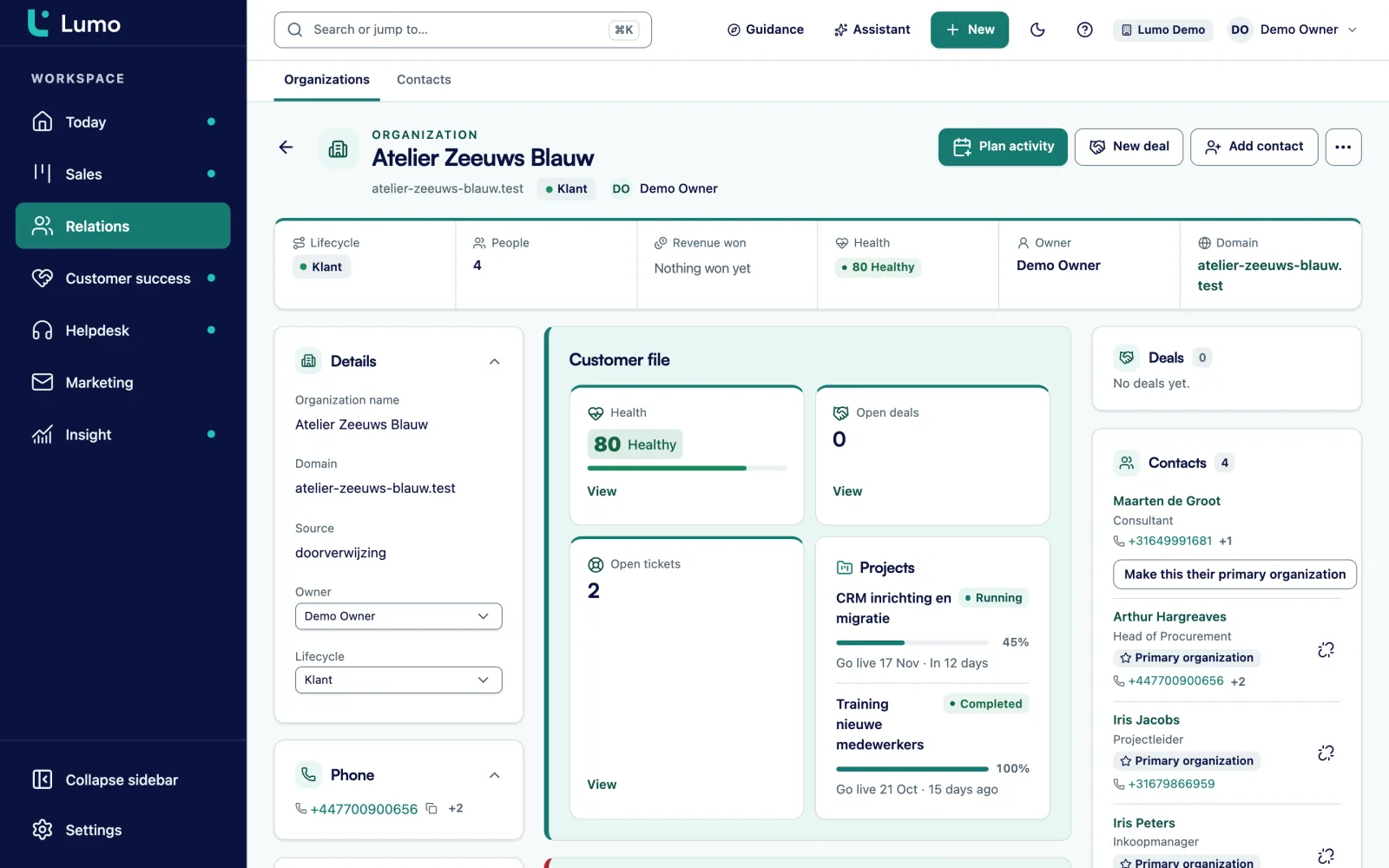
In a Zoho setup with CRM, Desk and Campaigns, the customer lives in three apps that you keep in line with integrations. In Lumo there is one organization record. On it you see the people, open deals, tickets, notes and files. Plus a health score from 0 to 100 based on ticket signals over 90 days.
An organization can have a parent organization, so you can model a group with subsidiaries properly. Every organization has a lifecycle stage, with automatic rules and a funnel. Persons can belong to several organizations, with one marked primary. You can pin notes on the timeline, so the most important agreement stays on top.
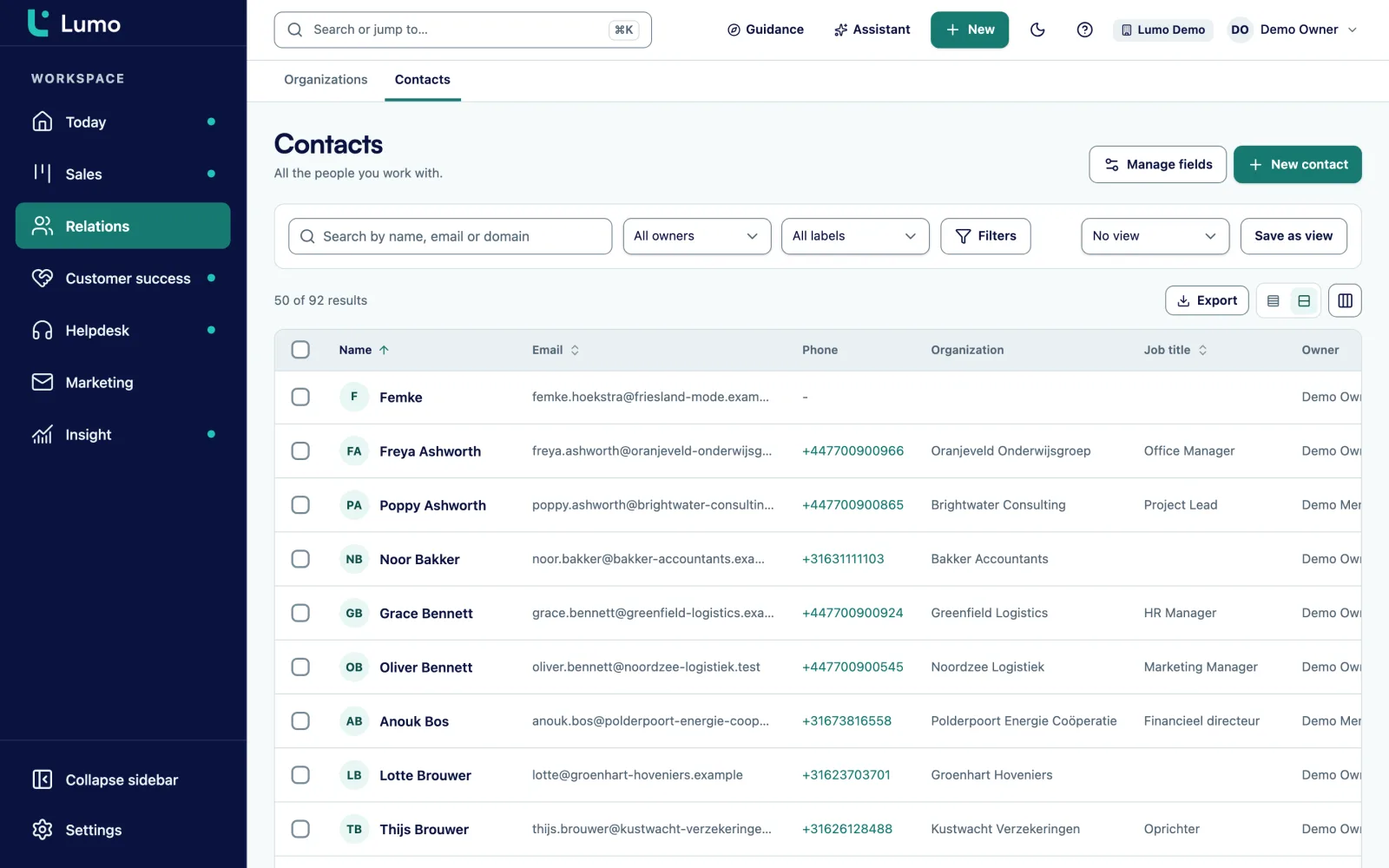
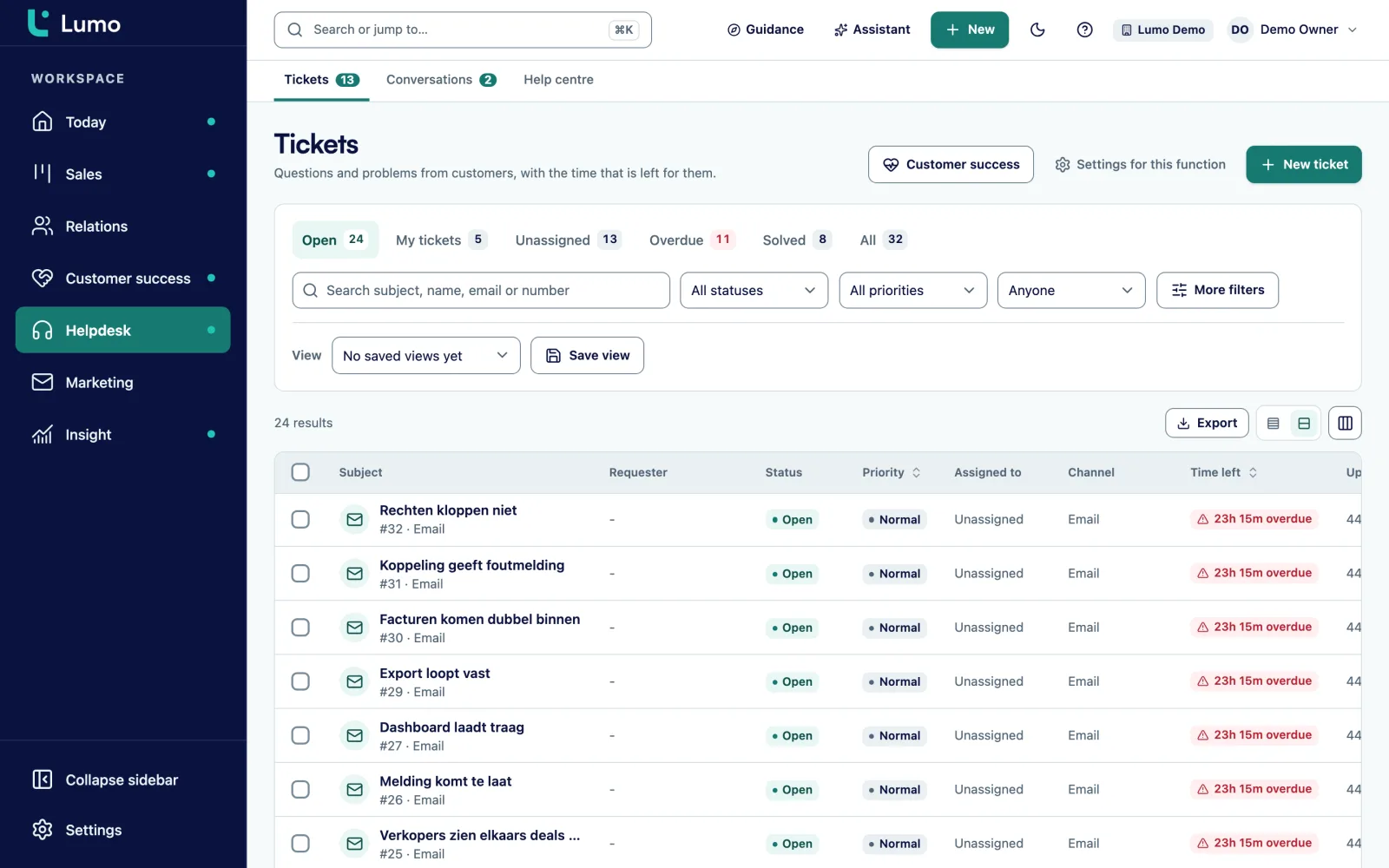
Zoho Desk is a full helpdesk, but a separate app. In Lumo the helpdesk is a module. Tickets move through New, Open, Pending, On hold, Solved and Closed. There are SLA targets per priority with business hours and holidays, macros under a shortcut, assignment across available agents and a satisfaction survey after solving. The customer portal uses a passwordless login link, and the knowledge base has Dutch and English articles.
Zoho Campaigns goes further than what Lumo does. In Lumo you send email campaigns to segments from your filters, with HTML templates, a test send and a follow-up to people who did not open or click. Explicit consent is required by default and is checked again at the moment of sending. Bounces and complaints are suppressed permanently. What you should know: there is no drag-and-drop editor and no SMS.
Zoho has reports in the CRM and a separate analytics product for deeper analysis. Lumo has one report builder: source, measure and breakdown, nine chart types, periods including fiscal year, goal lines, drill-down and CSV export. A report from a sentence works through the AI assistant. For analysis across several systems you pull data into your own environment through the API.
A support agent in Lumo works in a normal ticket list with saved views. They post a public reply or an internal note, use macros with Cmd or Ctrl and a slash, and assign to available colleagues. Rules take over repeat work.
The difference with a separate helpdesk is on the other side. The account manager sees open tickets on the organization, and the Today screen shows tickets close to breaching their SLA. Live chat on the website lands in the same inbox and can become a ticket. It is not an AI chatbot, the channels use fixed texts and opening hours.
Zoho has Zia, an AI assistant across its apps. The Lumo AI assistant searches, creates and updates records, and builds segments, campaigns, automations and reports. It has 52 tools, of which 8 commit changes. Anything outward-facing or irreversible waits for your approval. It runs with your role, is off per workspace until an admin switches it on, and runs on Google Gemini by default, with Groq, OpenRouter or Mistral as alternatives.
Lumo has its own login with two-factor authentication, four roles, separation per workspace and an append-only audit log with CSV export. For GDPR you export or erase a person with double confirmation, and retention periods clean up daily. Data is hosted in London. There is no SSO.
There is no automatic import from Zoho. Because Sales Surge knows Zoho from the inside, we move your modules, fields and data by hand and check the result with you. If you use Zoho Books for invoices, it can keep running next to Lumo. Read how we approach implementation and onboarding.
As a Zoho partner we know well where Zoho shines.
If you already use several Zoho apps and things run well, a better Zoho setup is often the logical step. We do that too.
If three or more of these sound familiar, a demo is worth your time.
There is no automatic import from Zoho. Sales Surge handles the switch by hand.
We look at which Zoho apps, modules, fields and scripts you use, and which of them you need in Lumo.
Pipelines, stages with win probability, custom fields, roles, rules and the modules you switch on.
We bring over persons, organizations, deals and, where needed, tickets by hand. Then we check samples together.
Gmail and Google Calendar per user, or the BCC address for anyone on Outlook. Other systems through the API and webhooks.
Training, in-product tours and checklists, and a merge round for duplicates.
Lumo does not create invoices and has no scripting. Keep invoicing in your accounting package, and connect custom logic through the API and webhooks. If you work in Outlook, use the BCC address until the Outlook and Microsoft 365 integration is there. Data is hosted in London. Bring these points to the demo and we will look at how to handle them.
For teams that want sales, service and marketing in one product without integrations and scripts, yes. If you use the whole family of Zoho apps, including accounting, Zoho is broader.
Because we set up both. Sales Surge is a certified Zoho partner and has done more than 150 CRM implementations. We keep setting up Zoho too.
Yes, but not through an automatic import. Sales Surge moves your data by hand. Implementation
No. Lumo creates quotes with e-signatures, but no invoices. Quotes
No. You configure Lumo with fields, rules and automations without code, and connect custom logic through the API.
Gmail and Google Calendar sync today. The Outlook and Microsoft 365 integration is planned. Until then the personal BCC address works with any mail client.
We do not quote other vendors' prices. Lumo pricing depends on the number of users and the modules you switch on. About pricing
Yes. You request a trial workspace and we set it up for you. Free trial
In the demo we look at which Zoho apps you really use. If a better Zoho setup is enough, we will say so.