Go through your security questions with us
Do you have a questionnaire from your IT team or a customer? Bring it to the demo and we will go through it together.
A CRM holds your customers, your deals and your mail. This page sets out exactly how Lumo protects that: who can do what, how you sign in, how workspaces are separated, what gets logged and how you handle a GDPR request. And what is not there yet.
A buyer or IT lead asks the same questions about every new system. Where is the data? Who can get to it? What happens if a password leaks? Can we see who changed what? And if a customer asks for all their data, or to be erased, how do we do that within a month?
On many websites the answer is a row of logos and a line saying security is a "top priority". That does not help when you are filling in a customer's security questionnaire. You want to know which roles exist, whether two-step verification can be required, whether the audit log can be changed and what exactly happens with an erasure request.
So here it is in concrete terms. Lumo has four roles. You sign in with email and password, and two-step verification with an authenticator app can be required for admins per workspace. Every workspace is separated from all others in the database. There is an audit log that can only be added to. And under Privacy and log you handle access and erasure requests, with a check afterwards and a register that cannot be edited.
We also list what is missing. Lumo has no certifications and no single sign-on. We would rather say that here than in week four of a selection process. For mailings and consent under GDPR, see our guide on B2B email marketing and GDPR.
You do these steps as owner or admin in the first week.
Invite colleagues as owner, admin, member or viewer. The invitation works once and confirms the email address straight away.
Under your account, turn on two-step verification with an authenticator app and keep the recovery codes. Then make it required for admins.
Under Privacy and log, Retention tab, choose how long form answers, closed conversations, unlinked mail and files and the log are kept.
Only switch on the modules you use. The AI assistant is off by default and you only turn it on if it fits your agreements with customers.
Check the Log for who did what and review Active sessions for the devices you are signed in on.
Lumo has four roles. Owner and admin set up the workspace: settings, the team and privacy requests. Member works in the CRM with deals, contacts, activities and the rest. Viewer can read but not change anything. Sections that are only for owners and admins do not appear in the menu for other roles.
You sign in with your email address and password. With two-step verification, signing in also asks for a six-digit code from an authenticator app, so a stolen password is not enough. You get recovery codes that each work once, for when your phone is not at hand. A workspace can require two-step verification for admins, and they then cannot switch it off themselves.
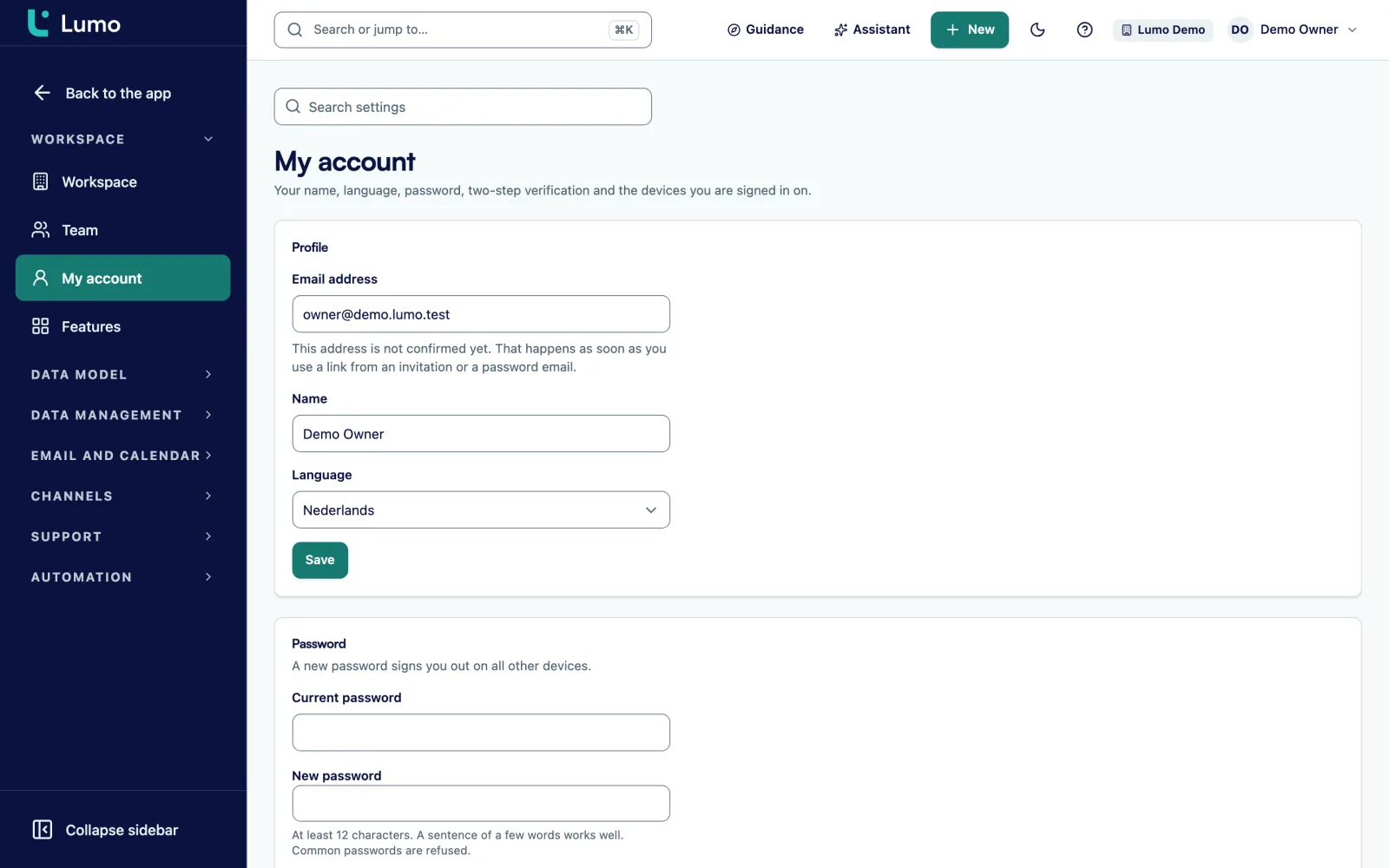
Under Active sessions you see which devices you are signed in on and when they were last active. If you do not recognise one, sign it out remotely and change your password. After a password reset you are signed out on every device.
Under Privacy and log there are five tabs: Requests, Register, Retention, Consents and Log. When someone asks for access, you find the person and build a package. You get everything held about them: contact details, deals, activities, notes, tickets, messages, emails and files, as JSON and as CSV, with files attached up to a limit.
When someone asks to be erased, you choose Anonymise or Delete completely. Anonymising replaces name, email addresses, phone numbers and consent with neutral placeholders, including where the name appears in a note. Deleting goes further and also removes notes, activities, conversations and emails that are only about that person. You confirm twice, by ticking a box and typing the name.
Afterwards Lumo checks every table for leftover hits and reports the count. The request goes into the Register, without the erased data itself, and the register cannot be edited. For an erased email address Lumo keeps only a derived code, so the address cannot come back through a form, an import or a conversation.
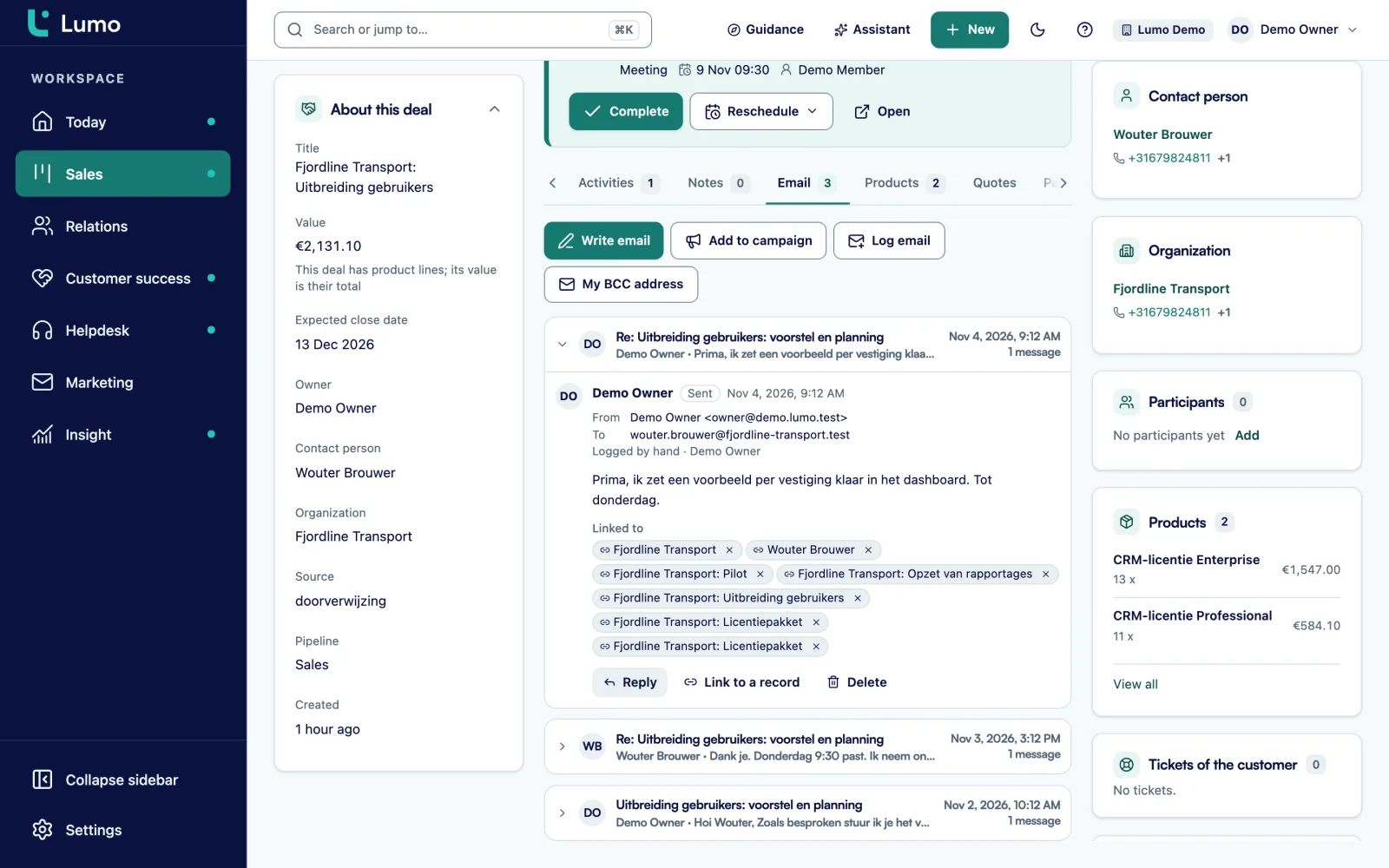
When you connect Gmail, Lumo only stores mail that involves at least one known contact. The content of other mail is never fetched. Synced mail is private by default: only you see it, and that is enforced in the database. You can set a connection to team, exclude a thread, and disconnect with or without deleting the stored mail. External images in mail are blocked by default.
The AI assistant stays off per workspace until an owner or admin turns it on. It works with the user's permissions, asks approval for outward actions, and every call is logged. By default it runs on Google Gemini, and your question and the data it fetches go to that provider. More on the AI assistant page.
API keys get only the permissions they need and can expire. Webhooks only go to public https addresses and are signed. More under API and integrations.
Owner, admin, member and viewer. A viewer can read but not change anything.
A code from an authenticator app, recovery codes that each work once, and the option to require it for admins.
Every table with customer data carries a workspace and is protected per row. The app uses database roles without special privileges.
Changes and events, append-only and not editable. Filter by record, user and period and export to CSV.
Everything about a person in one package, as JSON and CSV, with files up to a limit.
Anonymise or delete with double confirmation, followed by a check for leftover hits.
Per type of data, with daily clean-up. The log is kept for at least 90 days.
An overview in counts: with and without consent, without a date, confirmation pending and blocked.
Say a consultancy with 20 staff gets an email from a former contact at one of its clients. He has left that company and wants all his data removed. Here is an example of how the admin handles that in Lumo.
She opens Privacy and log and searches for his email address. First she builds an export package, in case he also asks for access. The package states how many emails and files it contains.
Then she chooses Delete completely. Lumo reports that the person is on a won deal the firm has to keep. Deleting is not possible then, but anonymising is. She chooses Anonymise, ticks the box confirming she understands it cannot be undone and types his name. Name, email addresses, phone numbers and consent are replaced, including in notes where his name appeared. The deal stays, but nobody can trace who it was about.
The check afterwards reports zero leftover hits. The Register shows the request with date, outcome and who handled it, without the erased data. His email address is on the blocked list. If he fills in a form by accident a year from now, he does not come back as a new person without new, explicit consent.
The admin replies that it is done. The Log shows who did what and when.
Go through these points before the whole team works in Lumo.
Security runs through every part of Lumo. In email and Gmail you decide per connection whether mail is private or shared with the team. In email campaigns consent is checked at the moment of sending and an unsubscribe applies to the whole workspace. In duplicate management you pick the most restrictive consent value when merging, so an unsubscribe does not disappear.
The AI assistant and the API use the same roles and permissions. If you still have questions, see the FAQ or book a demo.
Lumo has no certifications and no sign-in through SSO, Google or passkeys. So use two-step verification and require it for admins. Data is stored in a datacenter in London, in the United Kingdom. There is a daily backup. Roles apply to the whole workspace: everyone with access sees all records in it, including a colleague's deals.In an erasure, a colleague's private mail that was not shared with the team is not included. Feel free to ask us about any of these points in the demo.
In a datacenter in London, in the United Kingdom. Not in the Netherlands or on the European mainland. There is a daily backup.
Yes, with a code from an authenticator app and recovery codes. A workspace can require it for admins.
Not yet. You sign in with email and password, plus two-step verification.
Owner, admin, member and viewer. A viewer can read but not change anything. Permissions per record, such as deals only the owner sees, are not available yet.
Yes, in the Log under Privacy and log. You filter by kind, record type, record, user and period and export to CSV. Log entries cannot be changed.
Find the person under Privacy and log and build a package. You get all their data as JSON and CSV, with files up to a limit.
Choose Anonymise or Delete completely and confirm twice. Lumo then checks for leftover data and records the request in the register. If the person is on a won deal you have to keep, anonymising works and deleting does not.
No. We do not claim any certifications. This page describes what is in place so you can judge it yourself.
Only if an admin turns on the AI assistant. Then your question and the data it fetches go to the model provider, Google Gemini by default.
Do you have a questionnaire from your IT team or a customer? Bring it to the demo and we will go through it together.