
Walk through the data model with us
In the demo we go through your systems, fields and integrations, and say per part what Lumo can and cannot do.
In Lumo sales, service and marketing work on the same people and organizations. You manage one data model, one set of roles and one audit log. And with the API, webhooks and an MCP connection you plug in the rest of your systems.

Ask a RevOps manager how many systems hold customer data and the answer is rarely under five. The CRM for sales. A helpdesk. An email tool for marketing. A form builder. An e-signature service. And between them, integrations, often in an automation platform, that someone built once and nobody fully knows any more.
Every integration is a place where things can break. A field that has a different name in the other system. An unsubscribe that does not sync. An organization that exists three times in three systems, spelled three ways. And when leadership asks how much revenue comes from service, or which campaign produced the most deals, a week of exporting and merging begins.
Then there is administration. Who has access to which system? Who gets switched off when someone leaves? Where is the request from the person who asked to be erased, and is he really gone everywhere? Every tool has its own roles, its own log and its own way of exporting.
Lumo puts deals, leads, email, quotes, campaigns, forms, tickets, the customer portal, chat and reports on one database. Per workspace you choose under Features which parts you use. There are 14 modules. So you manage one data model with custom fields, one set of roles, one audit log and one place for GDPR requests.
What stays outside Lumo, such as your accounting system or your own product, you connect through the API and webhooks. See also the whole platform or the page on security and privacy.
The work that comes back in most RevOps roles, spread over a week.
You open the automation run log and the webhook delivery log. A webhook that failed to deliver shows up there. A new rule you test as a dry run before switching it on.
Duplicates lists pairs of people, organizations and deals with a score. You compare field by field, pick the winner and merge. A mistake you undo from the merge log.
Sales wants a field for contract type. Under Custom fields you create a select field on deals, and under Guidance a rule that warns when it stays empty. Violations shows where it still goes wrong.
You update the shared dashboard: won value against target, pipeline per stage, leads per source and lost reasons. Leadership has the viewer role and opens it themselves.
A former customer asks to be erased. Under Privacy you first export what is held about him, then erase or anonymise with a double confirmation. A check reports anything left over. Then you review the sessions and devices of a colleague who left.
There are four roles: owner, admin, member and viewer. A viewer reads everything but changes nothing, useful for leadership or finance. Sign-in uses email and password, with two-factor authentication through an authenticator app and recovery codes. Two-factor can be made mandatory for admins. Per user you see sessions and devices and can sign them out remotely.
Every table carries a workspace id with row level security in the database, and the app uses database roles without special privileges. That keeps the data of workspaces apart.
The audit log is append-only. You find it under privacy and log, with filters and CSV export. Who changed what and when also shows per record in the history on the timeline. Data is stored in London, United Kingdom, with a daily backup.
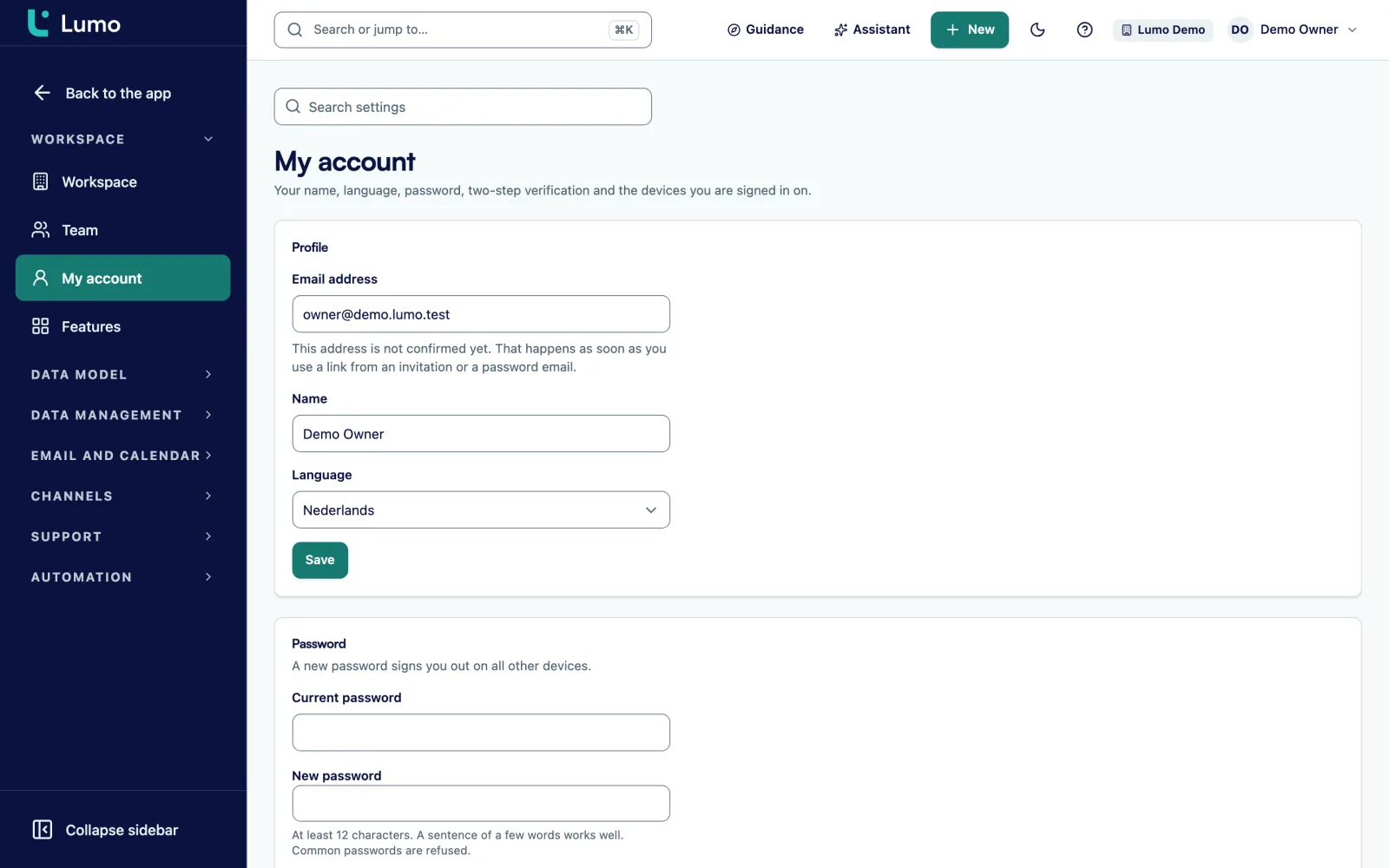
The Duplicates queue shows pairs of people, organizations and deals with a score. You compare them field by field, choose which value stays and merge. All references, such as deals, email and tickets, move to the winner. The loser is soft-deleted.
Under duplicate rules you set how Lumo searches: fuzzy name matching, same domain, and a score threshold. You also decide which value survives when two records differ. Auto-merge per rule is possible, but it is off by default and needs an explicit acknowledgement. After 5 failed merges it stops by itself.
Every merge goes into the merge log and can be undone. You keep the CRM clean without anyone throwing records away unseen. More on duplicate management and in the guide on CRM data quality.
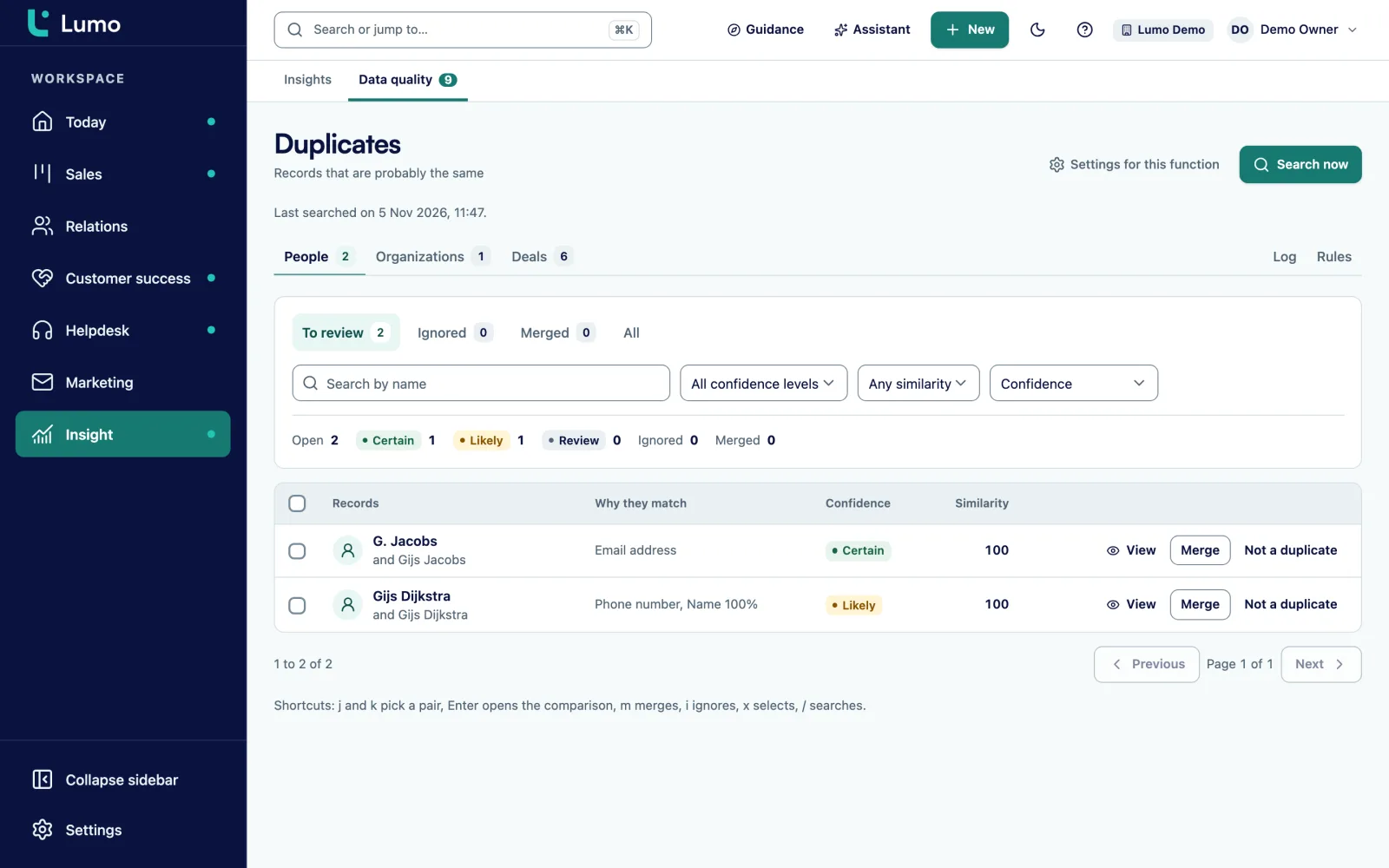
If you come from Pipedrive, you bring your data in with the import wizard: connect with an API token, choose what to bring, dry run, review, import and result. Owners, pipelines and stages, organizations, people, deals with product lines, leads, activities and notes come across. The import can be paused and resumed, and running it twice creates nothing twice.
There are two ways of working. In one, Lumo is the source. In the other, Pipedrive stays the source and Lumo writes changes to activities, notes, deals and leads back. After the import a webhook keeps both in step, with a check every 15 minutes.
That lets you move in stages. For example support and marketing in Lumo first, while sales works in Pipedrive for a few more weeks. Import from other CRMs or from CSV is not available. We move that data over by hand at the start. Read switching from Pipedrive or have the migration done for you.
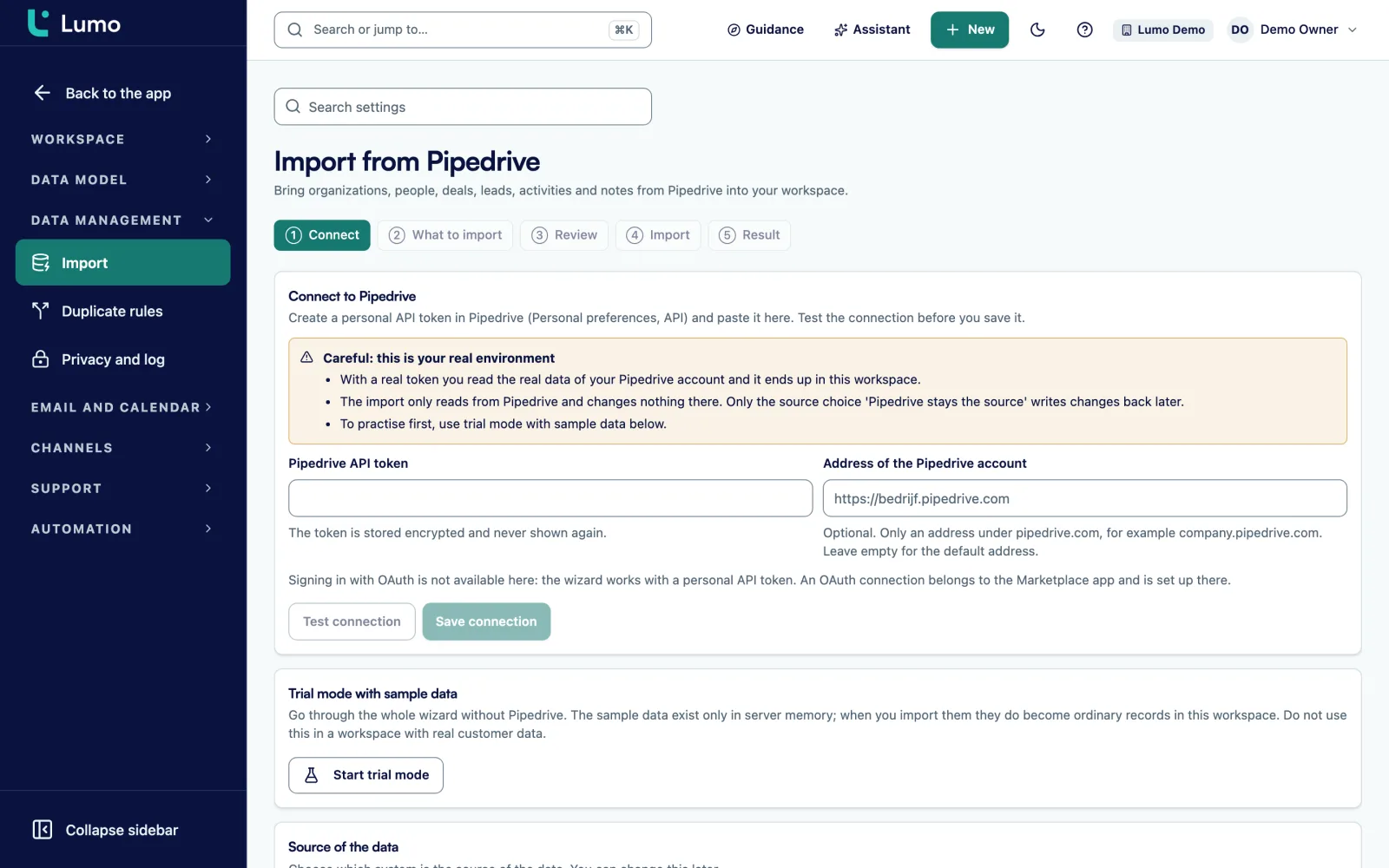
With the viewer role a board member opens a shared dashboard on their own. It holds reports on deals, leads, activities, pipelines, stages, lifecycle, lost reasons and team members. Charts such as a KPI with a goal line, funnel, waterfall and stacked bars, with periods up to the fiscal year.
Every chart drills down to the records behind it. So when a number raises a question, the answer is one click away. If you sell in several currencies, Lumo uses exchange rates. CSV export works per report.
You can also describe a report in a sentence and the AI builds it. Reports that combine deals with tickets, campaigns or submissions are on the roadmap. More on reports and dashboards.
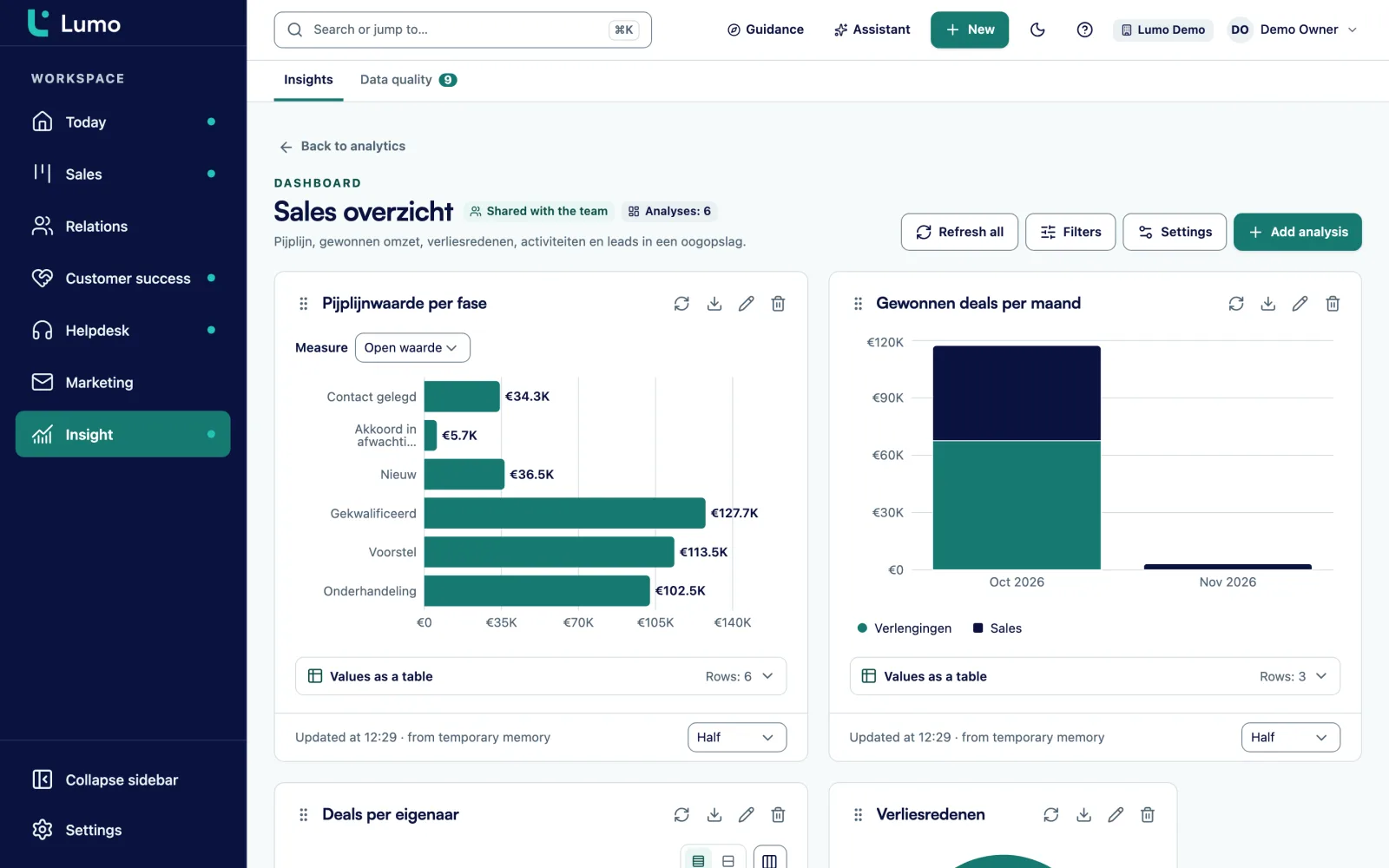
RevOps measures two kinds of things. Results: revenue against target, pipeline coverage, conversion per stage, time from lead to deal. And the health of the system itself: how complete is the data, how many duplicates are there, does the team use the CRM, and do the integrations work.
For results Lumo has reports on deals, leads, stages and lost reasons, with stage history for cycle time. For system health there are three places. Violations under Guidance shows where data quality rules fire. The Duplicates queue shows how many pairs are waiting. And the adoption score shows per user how many walkthroughs and checklist items are done.
Integrations you follow through the webhook delivery log and the automation run log. What Lumo does not measure is cost per lead or acquisition cost, because those numbers come from your accounting and your ad platforms. How to build a KPI set that steers is in the guide on sales KPIs.
On people, organizations, deals, leads, tickets and activities. Types: text, long text, number, monetary, date, boolean, select, multiselect, url, email, phone and user.
Tip, warning or block. Blocking really refuses on screen and through the API. Imports and connections are flagged.
Ten triggers, conditions and five actions, with a run log and a dry run. A rules overview lists rules from five places. Automations
49 routes with openapi.json, scoped keys with an expiry date, 600 requests per minute and Idempotency-Key support.
Outgoing webhooks with a signing secret, rotation, a delivery log and a test send. Private and internal addresses are refused.
An MCP server with an API key and 6 tools for search, people, deals, leads and activities, so an AI tool can read along safely.
Export and erase per person, a request register, blocked addresses, retention periods and a consent overview.
14 modules you switch on or off per workspace, so the team only sees what it uses.
Picture a technical services firm with 60 staff, 25 of them in sales, service and marketing. This is an example, not a customer. Five systems hold customer data: a CRM, a helpdesk, an email tool, a form builder and an e-signature service. One operations manager keeps them running.
Every month he builds a leadership report from three exports. An organization exists about twice in the CRM and once more in the helpdesk. A GDPR request takes him half a day, because he has to search five systems.
The move happens in phases. First the setup: pipelines, custom fields and roles. Data from the old CRM is moved over by hand. Then support and marketing: the support mailbox becomes a ticket mailbox, the forms are rebuilt with mapping to CRM fields, and the newsletter moves to campaigns with the verified sending domain. Last comes sales, with the email connection per rep.
After the move the operations manager runs the duplicates queue every Tuesday. At first there are many pairs, then fewer. The leadership report is a shared dashboard leadership opens with the viewer role. A GDPR request is one export and one erasure, with a check that reports anything left. The accounting system pulls won deals through the API.
The points we go through with RevOps before the first user signs in.
Data is stored in London, United Kingdom. Sign-in uses email, password and two-factor authentication. SSO through SAML or OIDC is not available. Per-record visibility is not enforced, so everyone in the workspace sees all contacts and deals. Personal Gmail email is private by default though. There is a daily backup.Email and calendar sync with Google today. A connection with Outlook and Microsoft 365 is on the roadmap, and until then the BCC address works with any mail client. Walk through these points with us in the demo, so you know exactly what you can rely on.
In London, United Kingdom. Each workspace is separated with row level security in the database. There is a daily backup. Security and privacy
Yes. A REST API with 49 routes and an openapi.json for contacts, deals, pipelines, stages, leads, activities and notes. Tickets and campaigns are not in the public API yet.
Yes, through the MCP server with an API key and 6 tools. The key decides whether a tool can only read or also write.
No. You sign in with email and password, with two-factor authentication that you can make mandatory for admins.
You export everything held about a person and erase or anonymise them with a double confirmation. A check reports what is left. Requests go into a register that cannot be edited. A colleague's private Gmail email is not covered by the erasure.
Yes. Under Features you switch modules on or off per workspace. The adoption score shows how far everyone is with walkthroughs and checklists.
Yes. Lists export to CSV, as do reports and the audit log. Through the API you pull records into your own systems.
Yes. Pipeline, quotes, helpdesk, campaigns and reports do not depend on your mail client. You log email with the personal BCC address or by hand. A connection with Outlook and Microsoft 365 is on the roadmap.
The price depends on the number of users and the parts you switch on. You hear it in the demo. Pricing
In the demo we go through your systems, fields and integrations, and say per part what Lumo can and cannot do.