See whether Lumo fits your organization
In the demo we look at your supporters, funders and campaigns, and we tell you plainly what stays in your donation system.
A charity or advocacy organization runs on relationships: donors, foundations, partners, members, volunteers and political contacts. Lumo records each of them once, tracks major gifts and grant applications as deals and only emails people who gave consent. With the GDPR tools you need when you hold data about members of the public.

A nonprofit has no customers, but it does have a funnel. Someone signs a petition, subscribes to a newsletter or comes to an event. Some of them start giving, once or regularly. A few become major donors, ambassadors or partners. Next to that run grant applications to foundations, sponsorship talks with companies and contacts with politicians and the press.
Each flow needs a different approach. The broad base you reach with campaigns and forms. Major gifts and grant applications are personal work with a long lead time, and look more like B2B sales than mass fundraising. So you want to know which application sits with which foundation, what the deadline is and who owns the relationship.
A familiar story: the relationship manager for a large trust goes on leave. Her replacement finds three folders, a spreadsheet and an inbox full of half agreements. Nobody knows whether the interim report for the trust has gone out. Meanwhile the communications team emails the same wealthy donor for the third time this month with a general appeal, because his address is also on the newsletter list.
On top of that you hold personal data of people who are not customers. Consent and GDPR are not a side issue for a nonprofit. An unsubscribe has to apply everywhere. An erasure request has to really erase. And someone who opted out must not come back on the list through a new petition form.
In Lumo every person exists once, with a flag for marketing consent. A web form never switches that flag on for an anonymous submission, it sends a confirmation email instead. An email campaign checks consent again at the moment of sending. Major gifts and grant applications are deals in their own pipeline. And the GDPR tools under security and privacy help with access and erasure requests.
You build a petition or sign up form with the tabs Fields, Link to CRM fields, Conditions and Thank you. A consent field of the kind Marketing sets consent on the person, after confirmation by email.
A submission finds or creates the person by email, creates a lead and records source and consent. A hidden field keeps which campaign someone came from.
With lifecycle stages such as Subscriber, Donor and Ambassador you see in a funnel how your base grows. Rules update the stage for you.
The wizard has four steps: Name and sender, Recipients, Template and Timing. Under Recipients you see straight away who drops out because of missing consent or an unsubscribe.
Anyone who can do more gets a deal in the pipeline for grants and major gifts, with an owner, a deadline as an activity and the amount as deal value.
After an award you plan the report to the funder as a task with a date. The Today screen shows what is due this week.
For a nonprofit most supporters arrive through forms: a petition, a newsletter, an event sign up or a campaign action. In Lumo you build these yourself, with several steps and conditions where needed.
The consent field is the most important one. You pick the kind Marketing, which sets consent on the person. The exact text the visitor agrees to is stored with every submission. Change the text and Lumo asks for a new version, so you can later show which text someone saw.
An anonymous submission never switches consent on by itself. The visitor gets a confirmation link by email, and only after the click is consent set. That is double opt-in. Bots are kept out with a hidden honeypot field and a fill time check.
Hidden fields fill from a URL parameter, such as utm_source or a campaign name. So for every new donor you know which action brought them in. A form can only be published once every required CRM field is linked.
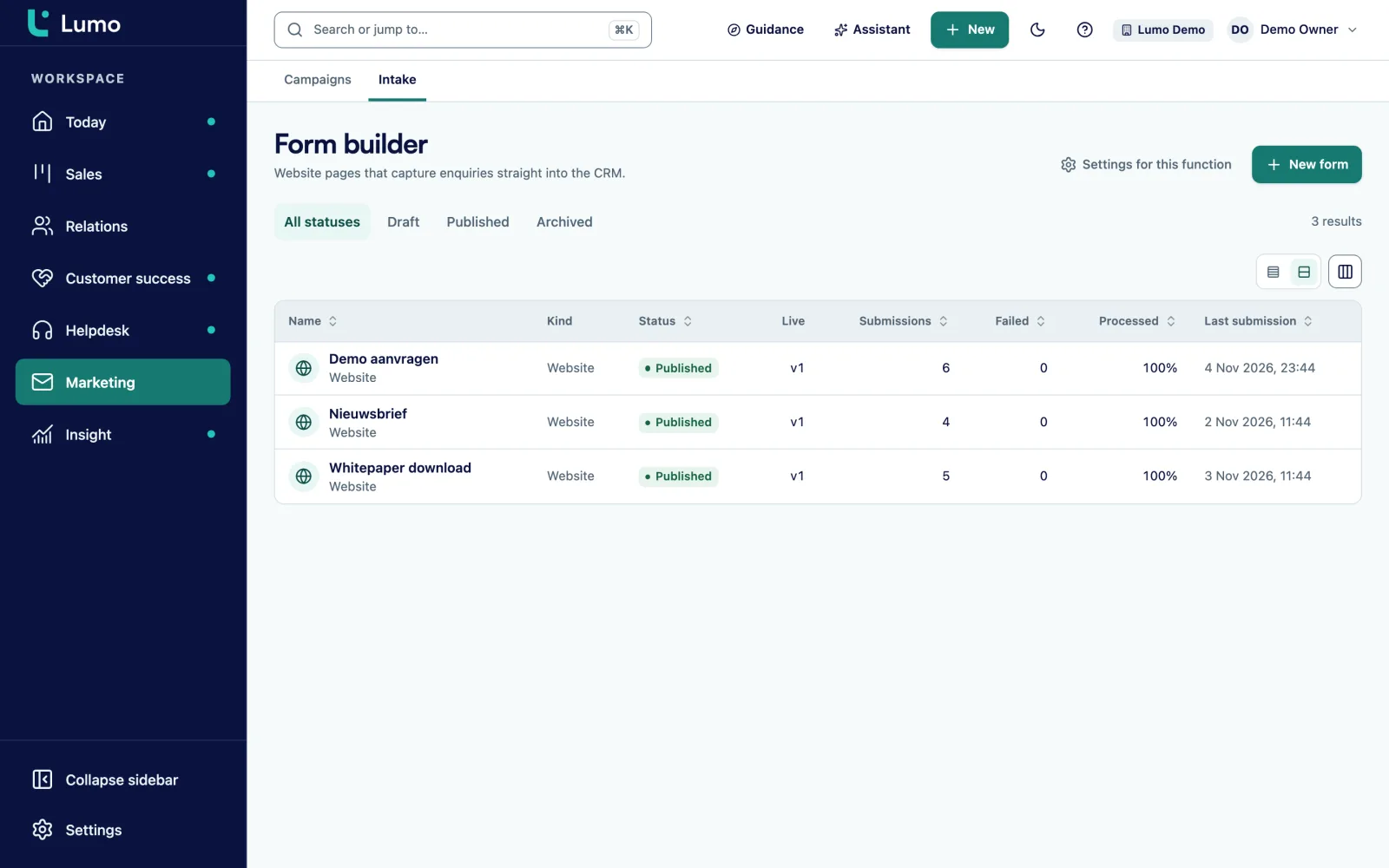
The personal work you track as deals. An example pipeline for grants and major gifts, with an exit criterion per stage:
Each stage gets a win probability and a setting for after how many days a deal counts as stalled. An application that has waited months for a decision stands out. For a multi year pledge you add a product to the deal with the frequency yearly and the number of cycles. With lost reasons like "outside criteria" or "budget spent" you see after a year where things go wrong.
When someone asks what data you hold, you export everything recorded about that person. When someone asks to be erased, you erase or anonymise them with a double confirmation. A check afterwards reports any data left over.
Only a hash of the address remains. If the same person comes back later through a form or an import, Lumo recognises them and does not create them again. For a nonprofit running many petitions that is not a detail.
Under Privacy and log you find Requests, Register, Retention, Consents and Log. The request register cannot be edited. Retention periods clean up daily whatever is past its term. The consent overview shows who agreed to what. And the audit log can only be added to, never changed.
An unsubscribe from campaigns applies to the whole workspace, with the one click unsubscribe header. Addresses that bounce or complain are never emailed again.
A donor who is also a volunteer and works at a company exists once in Lumo, with several organizations and one marked primary.
From subscriber to donor to ambassador, with rules that update the stage and a funnel in reports.
Require explicit consent is on by default and checked again on sending. Stats for delivered, opened, clicked, bounced, complaints and unsubscribes.
A follow up campaign to people who did not open or click after a number of days, for example a reminder for an appeal.
A trust as an organization with a parent organization, and every application as its own deal.
Scored pairs, merged field by field, with a log and undo.
The sum of awarded grants per quarter, the funnel of your supporter base or new subscribers per campaign source.
Owner, admin, member and viewer. A volunteer who only needs to look gets the viewer role.
Take this as an example: a national advocacy group for clean air, with a team of 9. Two work on grants and corporate partners, three on campaigns and communications, the rest on policy and public affairs.
The supporter base is around 40,000 people, spread over a newsletter tool, two petition tools and a spreadsheet of major donors. The inventory shows that many people sit in several lists, sometimes with a different address.
The organization chooses one workspace. People arrive without marketing consent, except those who can be shown to have subscribed to the newsletter. The petitions are rebuilt as Lumo forms with a consent field and double opt-in. A hidden field keeps the name of the petition.
The two fundraisers get a pipeline with the stages Prospect, First contact, Application in progress, Application submitted and Awarded. Every funder deadline is an activity on the deal. After an award, an automation creates a task for the interim report.
The public affairs team uses organizations and people for political contacts, with a label per policy file. They are not in campaigns, because they have no marketing consent.
After three months one report shows which petitions brought in the most new donors, and another shows the value of awarded grants per quarter. This is an illustration, not a customer case. Your numbers and choices will differ.
Supporters live in contact management, mailings in email campaigns and petitions in web forms. How to email within the rules is covered in B2B email marketing and GDPR. Everything about roles, erasure and the audit log is under security and privacy. If you want it set up for you, see implementation and onboarding.
Lumo is not a donation system. Payments, direct debit mandates, recurring gifts and tax receipts stay in your payment or donation system, as does a membership administration with dues. What you can do: track major gifts and grant applications as deals, and bring gifts from your donation system into Lumo through the API and webhooks, yourself or with help from Sales Surge. Templates are HTML, there is no drag and drop editor and no SMS. In an erasure request, a colleague's private Gmail email falls outside the erasure. Data is stored in London, in the United Kingdom. If your team works in Outlook, you log email with the personal BCC address, and the Microsoft 365 connection is on the roadmap.
One that records each person once, guards consent, has campaigns and forms in the same system and lets you follow up major gifts personally. Whether Lumo fits depends on how much you want to keep in your donation system.
No. There is no payment processing and no management of recurring gifts. You do track major gifts and grant applications as deals, with the amount as deal value. Gifts from your donation system can come into Lumo through the API.
Require explicit consent is on by default and is checked again at the moment of sending. An unsubscribe applies to the whole workspace at once. See B2B email marketing and GDPR.
Yes. The exact consent text is stored with every submission, with a version. The consent overview shows who agreed to what.
Yes. You erase or anonymise a person with double confirmation, and a check afterwards reports any remaining data. The address is blocked for new forms and imports.
In London, in the United Kingdom. Each workspace is separated at database level, and there is a daily backup.
Yes, with the viewer role. A viewer can read everything but change nothing.
From Pipedrive with an import wizard. From a newsletter tool, spreadsheets or another system Sales Surge loads your data by hand, with care for consent. See CRM migration service.
In the demo we look at your supporters, funders and campaigns, and we tell you plainly what stays in your donation system.