Put HubSpot and Lumo next to your own process
In the demo we look at which hubs you really use and how that would run in Lumo. If HubSpot fits your marketing better, we will say so.
HubSpot grew big on marketing and built sales and service around it. Lumo starts from the B2B sales process and puts service and marketing in the same database. Here is what that means in practice, theme by theme.
HubSpot is built from hubs. There is a hub for marketing, one for sales, one for service, and there are hubs for content, operations and commerce. They share one CRM database, and each hub has its own tiers. You can start small and expand per department. That is a strong setup, and it explains why so many marketing teams use it.
In practice we do see a pattern. A team starts with the marketing hub, sales joins, and a few years later there is a mix of tiers, add-ons and integrations holding things together. Who can see what, and which part does which job, becomes a job of its own. That is not HubSpot's fault. It is what happens when a platform can do a lot and an organization grows.
Lumo is one product. You switch modules on or off per workspace, fourteen in total, and they all work on the same persons, organizations and deals. The centre of gravity is B2B sales: pipelines with win probability and stall warnings, leads, the Today screen and quotes with e-signatures. Next to that sit campaigns, forms, a helpdesk with a customer portal, live chat and customer success.
Sales Surge has done more than 150 CRM implementations, including HubSpot environments. So we will say it plainly: if your growth runs on content, landing pages and extensive marketing automation, HubSpot is strong there. If it runs on a well-followed pipeline and customers you serve well after the sale, read on.
Qualitative differences, no prices. HubSpot changes often, so always check the details yourself.
| Topic | HubSpot | Lumo |
|---|---|---|
| Structure | Separate hubs on one CRM database, each with its own tiers | One product, fourteen modules switched on or off per workspace |
| Pipeline | Deal pipelines in the sales hub | Multiple pipelines with win probability, weighted value and stall warnings |
| Sales follow-up | Sequences for follow-up emails in a series | Today screen, activities and a campaign follow-up, no sequences |
| Gmail and Outlook | Gmail today, Outlook and Microsoft 365 planned, BCC address works with any mail client | |
| Calendar | Calendar integrations and its own meetings scheduler | Two-way Google Calendar sync, never sends invitations on your behalf |
| Quotes and signing | Quotes in the sales and commerce hubs | Quote built from deal products, signed with an emailed code, with an audit log |
| Service | Service hub with tickets and a portal | Tickets with SLA targets, customer portal, knowledge base and live chat |
| Marketing | Broad: automation, landing pages, CMS and a rich editor | Campaigns to segments with HTML templates and follow-ups, no landing pages |
| Automation | Workflows that can also send email | Rules with triggers and actions that deliberately do not send email |
| Reporting | Reports and dashboards per hub | Report builder with nine chart types, goals and drill-down |
| AI | Its own AI features across the hubs | AI assistant that is off by default and asks for approval before outward actions |
| Integrations | Large app marketplace | REST API, webhooks and an MCP server, no marketplace |
| Mobile | Mobile app | Web app, no mobile app |
| Switching | You stay where you are | Sales Surge moves your data by hand |
Compared on the basis of public information, November 2026. Check the HubSpot website for current details.
In HubSpot the pipeline sits in the sales hub, with sequences to send follow-up emails in a series. Lumo has no sequences. What it does have: every stage has a win probability and a limit in days after which a deal is marked as stalled. The board shows count, value and weighted value per stage. Leads move through New, Working, Nurturing, Qualified, Disqualified and Converted to deal. The Today screen shows what is open every morning. There is no forecast screen, you build a weighted forecast as a report.
HubSpot connects to Gmail and Outlook. Lumo syncs with Gmail and Google Calendar today, and the Outlook and Microsoft 365 integration is planned. Only mail involving a known contact is stored, and it is private by default. You send from your own Gmail with variables, up to 30 per hour and 200 per day per user. If you work in Outlook, you use the personal BCC address today: put it in Bcc or forward a mail to it, and it lands on the right person, organization and deal.
In Lumo you create the quote on the deal. Lines come from the deal products with quantity, price, discount and billing frequency, and numbering runs per year. The customer signs with a typed name and a six-digit code sent by email. The signed PDF gets an evidence page with time, IP address, device and a SHA-256 hash, and every step sits in a hash-chained audit log. What you should know: the quote documents and the signing page are in Dutch, and it is not a qualified electronic signature.
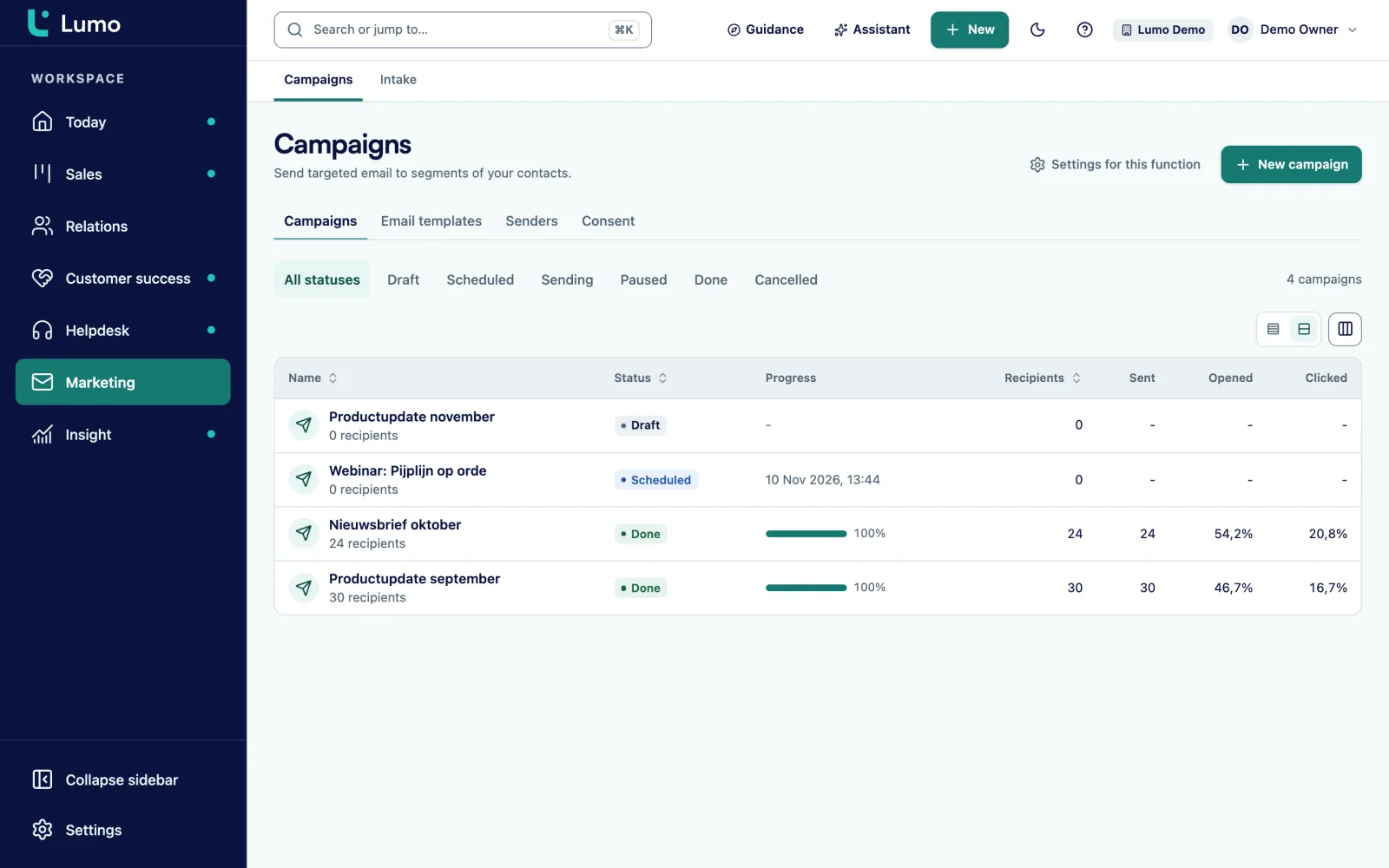
HubSpot is broader than Lumo on marketing, and we are happy to say so up front. What Lumo does differently is that a campaign reaches exactly the same people the account manager sees in his pipeline. You build a segment from a saved filter, with a live preview of who is excluded and why. Someone without consent, someone who unsubscribed, someone whose mail bounced.
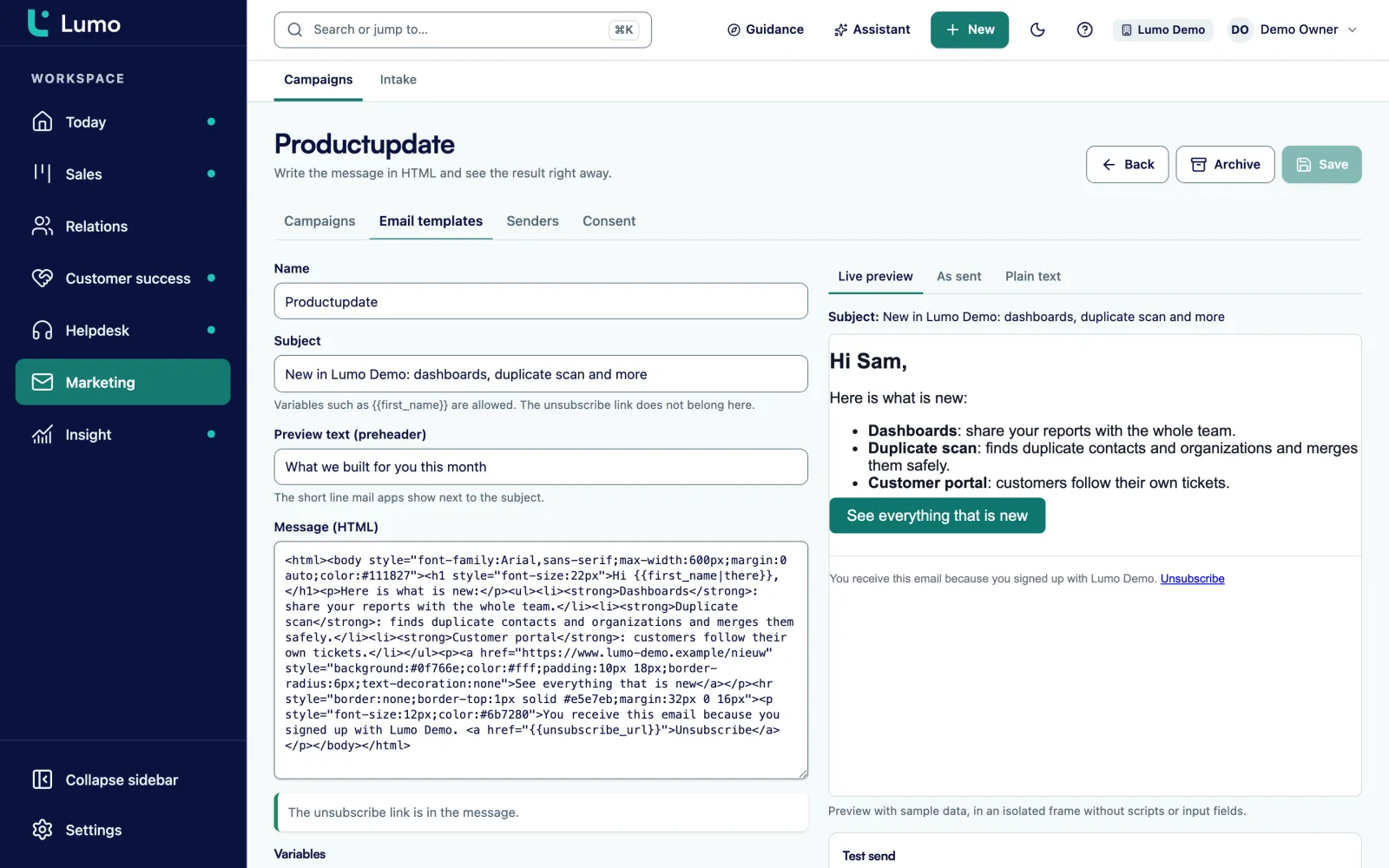
The campaign wizard has four steps: name and sender, recipients, template and timing. Templates are HTML with variables, a preheader and an automatic plain-text version. You send a test to colleagues in the workspace first. After sending you see sent, delivered, opened, clicked, bounced, complaints and unsubscribes, plus the most clicked links.
Both have tickets and a customer portal. In Lumo tickets have six statuses, from New to Closed, with SLA targets per priority, business hours, holidays and a warning at 75 percent. The customer portal uses a passwordless login link and never shows internal notes. The knowledge base has Dutch and English articles that you translate yourself. Live chat turns a visitor who leaves an email address into a person, a lead and an activity. It is not an AI chatbot, the channels use fixed texts.
This is where the gap is largest. HubSpot has landing pages, a CMS, extensive workflows and a drag-and-drop editor. Lumo has campaigns to segments, web forms with double opt-in, and a follow-up after a number of days. Automations in Lumo react to triggers such as deal won or lead stale, and then create an activity, a note, a field update, an owner or a label. They deliberately do not send email. That is a choice: no mail goes out without a person having seen it.
The report builder in Lumo works on deals, persons, organizations, leads, activities, pipelines, stages, lifecycle stages, lost reasons and members. There are nine chart types, periods up to the fiscal year, goal lines, drill-down to records and CSV export. Dashboards are private or shared. Reports that combine tickets and campaigns with deals are still on the backlog.
For a B2B team that mainly sells, the value sits in the pipeline. On the Lumo deal board every stage has a win probability, and you set per stage after how many days a deal rots. If a deal sits there longer, you see it on the card and on the owner's Today screen.
Every stage change is stored with its duration. That lets you measure where deals really hang, instead of guessing. When you lose a deal you pick a lost reason from a fixed list, so you can count them in a report. Reopening a deal is possible too. You manage multiple pipelines in settings, for example one for new business and one for renewals.
HubSpot builds AI features across its hubs. The Lumo AI assistant searches, creates records, and builds segments, campaigns, automations and reports. It has 52 tools, and anything outward-facing or irreversible waits for your approval. It runs with your role, is off per workspace until an admin switches it on, and runs on Google Gemini by default.
Lumo has its own login with two-factor authentication, four roles from owner to viewer, separation per workspace and an append-only audit log. For GDPR you export or erase everything about a person, and an erased person does not come back through a form. Data is hosted in London. There is no SSO.
Lumo has an import wizard for Pipedrive, not for HubSpot. Sales Surge therefore handles a switch from HubSpot by hand: we bring over your pipelines, stages, fields, persons, organizations and deals and check the result with you. Read how that works under switch from HubSpot.
HubSpot is genuinely good at a few things, and it is fair to name them.
If content and marketing automation drive your growth, HubSpot is strong there.
If three or more of these sound familiar, a demo is worth your time.
There is no automatic import from HubSpot. Sales Surge handles the switch by hand, in fixed steps.
In a demo we look at which hubs you use and what you need in Lumo.
We prepare pipelines, stages with win probability, custom fields, roles and the modules you use.
We bring over persons, organizations, deals and the rest by hand, and check samples together with you.
Each user connects Gmail and Google Calendar, or uses the BCC address when working in Outlook.
The team gets training, and in-product tours and checklists help with the rest.
Lumo has no landing pages, no sequences and no drag-and-drop editor. If you cannot do without them, keep them in a separate tool and let forms come into Lumo through a link or embed. If you work in Outlook, use the BCC address until the Outlook and Microsoft 365 integration is there. Data is hosted in London.
For B2B teams where the pipeline and the customer after the sale come first, yes. If your growth runs on inbound content and extensive marketing automation, HubSpot is stronger there.
Yes, but not through an automatic import. Sales Surge moves your data by hand. Switch from HubSpot
No. There is a follow-up to people who did not open or click a campaign, and the Today screen shows who needs follow-up.
No. You create web forms that you put on your own site with a link or embed.
Gmail and Google Calendar sync today. The Outlook and Microsoft 365 integration is planned. Until then you use the personal BCC address, which works with any mail client.
We do not quote other vendors' prices. Lumo pricing depends on the number of users and the modules you switch on. About pricing
No, deliberately not. They create activities, notes, field updates, owners and labels.
In London, in the United Kingdom. Every workspace is separated and there is a daily backup.
In the demo we look at which hubs you really use and how that would run in Lumo. If HubSpot fits your marketing better, we will say so.