A price for your situation
Book a demo. You see the product, we look at what you need and you get a quote in writing with every part listed separately.
There are no amounts on this page. The price depends on the number of users, the modules you switch on and how much of the setup you hand to Sales Surge. Here you read exactly how those three work, what an implementation involves and what the quote you get after the demo looks like.
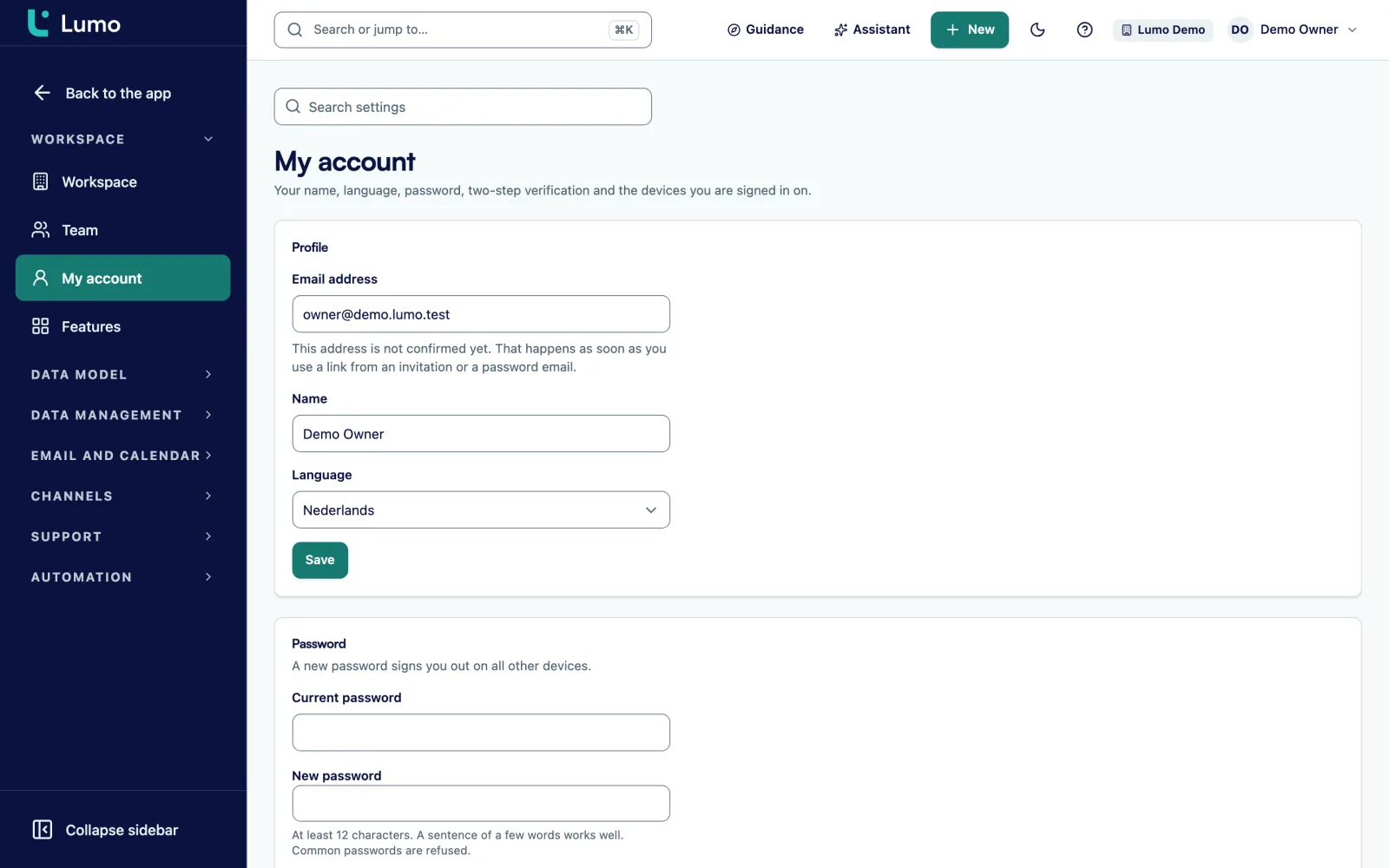
We get it. You would rather see a table with amounts. Everyone comparing CRMs wants that. But with Lumo, a price per user says little until you know what you switch on and who sets it up.
Lumo has fourteen modules that you switch on or off per workspace. A team of five reps using only deals, leads and Gmail has a different package from a team that also runs the helpdesk, customer portal, live chat and campaigns. Those are different situations, so they get different prices.
Then there is the question of who sets it up. You can configure Lumo yourself. Pipelines, fields, roles and rules are set up without code. Or you can have Sales Surge do it, the agency that built Lumo, is a Pipedrive Platinum Partner and has done more than 150 CRM implementations. That is an implementation with setup, migration, training and guidance, and its size varies a lot between companies.
If you come from another CRM, migration plays a part too. From Pipedrive there is an import wizard you can run yourself, with a dry run first. From HubSpot, Salesforce, Freshsales or spreadsheets we do it by hand, because Lumo has no import from other CRMs or from CSV. Read about our migration service for what that involves.
A price list would be right for almost nobody. So in a demo we look at your team, your process and the modules you will actually use. After that you get a quote in writing, with every part listed separately. You are not committed to anything until you have seen it and signed it.
Three main dials, and within the implementation a few factors that decide its size.
How many people work in Lumo. There are four roles: owner, admin, member and viewer. A viewer reads along without changing anything. In the demo we discuss who needs which role.
Sales, quotes, campaigns, forms, helpdesk, customer portal, knowledge base, live chat, customer success, reports, AI assistant and more. You switch on per workspace what you use. See the platform.
Optional. Setup, migration, training and guidance after go-live. If you do it yourself, this part falls away. Implementation and onboarding.
Pipedrive goes through the wizard with a dry run. Other CRMs and spreadsheets we move by hand. The amount of data and how clean it is decide how much work that is.
One pipeline with six stages is different from four pipelines, each with their own fields, required fields per stage and data quality rules that actually block a save.
Forms on your website, a sender domain for campaigns with a DNS record, a helpdesk mailbox, the chat widget, webhooks or the API. Every channel you switch on also needs setting up.
How many people we train, in which roles, and how long we stay involved after go-live. We can also set up in-app tours and checklists for you.
An implementation with us is not an installation with a manual attached. We work in three phases that Sales Surge also uses in other CRM projects: Align, Automate and Accelerate.
Align. We start with your process, not the screen. What kinds of deals do you have, who does what, when is a lead really qualified, and what information does your team need at each step. From that follow the pipelines, the stages with their win probability and the number of days before a deal starts to rot, the fields and which of them are required.
Automate. Next we set up what takes work off your hands. Automations on triggers such as deal won or lead stale, with a dry run before they go live. Data quality rules with the severity tip, warn or block. Forms that create a person and a lead with the source attached. Where it matters, also the helpdesk with SLA targets per priority, or campaigns with a verified sender domain.
Accelerate. Then the switch and the adoption. We move your data, have every user connect their Gmail and calendar, and train the team on their own deals. After go-live we stay involved: who is really working in it, where does it go wrong, which rule needs adjusting. The adoption score and the list of rule violations help with that.
Not every company needs all three phases. If your process is already clear on paper and you only want help with the migration, the implementation is smaller. If you want to do everything yourself, there is no implementation. All of that is listed separately in the quote, so you see what you pay for.
Both work. This is the practical difference.
| Topic | Set it up yourself | Implementation by Sales Surge |
|---|---|---|
| Pipelines and stages | You set them up in Settings, without code | We define them with your team, with exit criteria per stage |
| Data from Pipedrive | You run the import wizard yourself, with a dry run | We run the import and check the result with you |
| Data from another system | Entered by hand, there is no CSV import | We move it over by hand |
| Gmail and calendar | Each user connects and grants extra permissions once | We walk through it with each user |
| Training | You train the team yourself | We train per role, on your own deals |
| After go-live | You monitor adoption yourself | We stay involved and adjust rules |
| Price | Users and modules only | Users, modules and the implementation listed separately |
A mix is fine too, for example setting it up yourself and only outsourcing the migration.
This is how it goes, from request to signed quote.
Fill in the form on the demo page, with the number of users and a line on how you work. We get in touch within a week to schedule a moment.
We show the product next to your process. Meanwhile we note what you need: which modules, how many users, what data you bring and whether you want help with the setup.
You get a quote for your situation, with the modules, the number of users and any implementation listed separately. Questions about it we simply go through on a call.
If you want to click around yourself first, we prepare a trial workspace for you. There is no self signup. Request a trial.
Once you agree, we plan the start. With an implementation it begins with the Align phase. If you do it yourself, you get your workspace and the invitations for your team.
The quote you get after the demo is built from separate lines. That way you see exactly where each part of the price comes from, and you can drop a line to see what it saves.
For implementation work Sales Surge invoices per phase, before that phase starts. So you never pay up front for work you are not ready for yet. The term, how users and modules are billed and the conditions are in writing too, so nothing new turns up after you sign.
If you see something in the quote you do not think you need, tell us. Sometimes you are right and we take it out. Sometimes we explain why we put it in, for example a cleanup round for duplicate records before your data moves over. Then you decide.
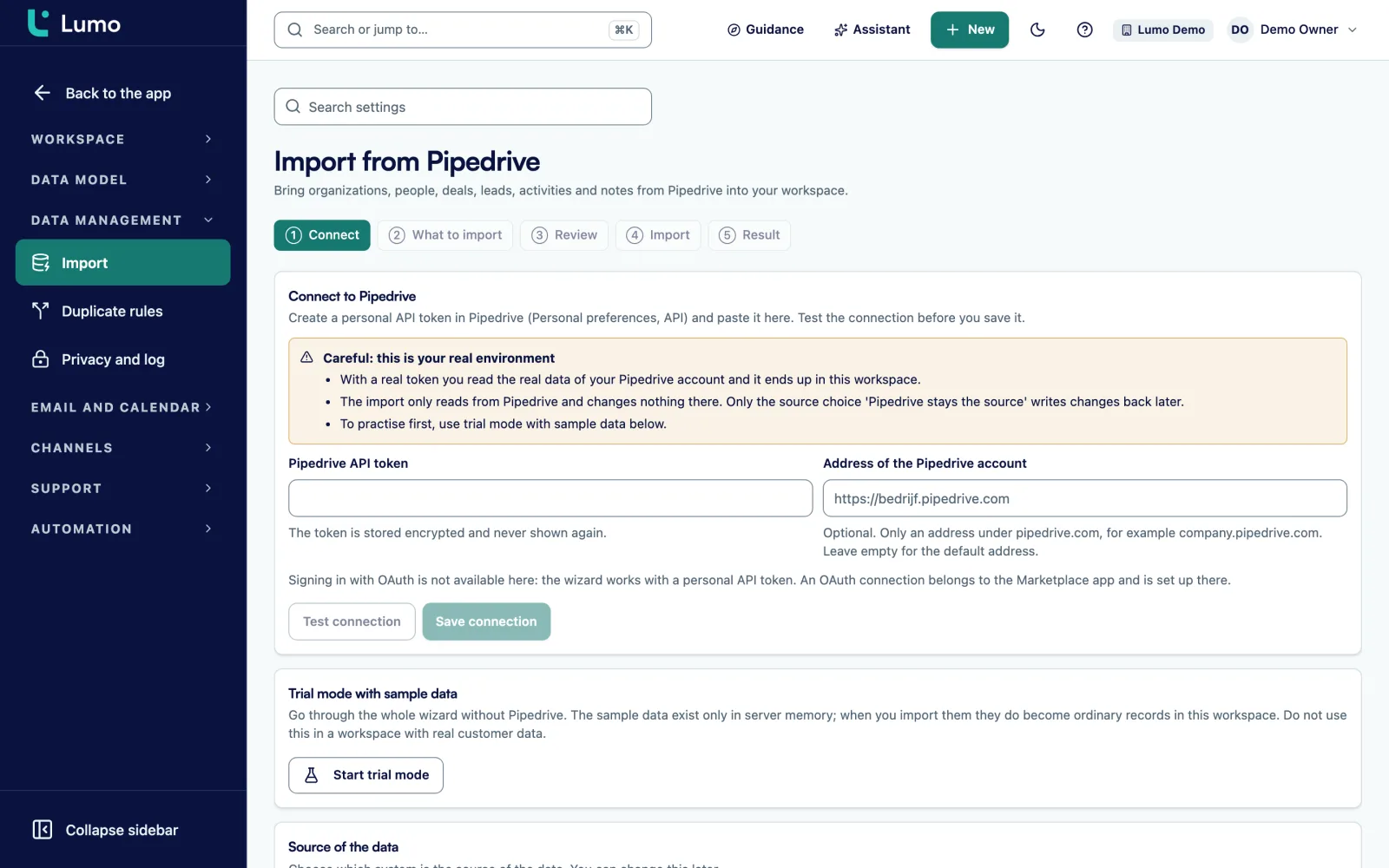
If you come from Pipedrive, migration is the smallest part of the work. The import wizard connects with your API token, you choose what to bring, run a dry run, review the result and import. Owners, pipelines and stages, organizations, persons, deals with product lines, leads, activities and notes all come along. The import can resume if it stops halfway.
You also choose between two modes. Lumo as the source, or keep Pipedrive as the source and write changes back. The second mode helps if you want to start with part of the team. More in switching from Pipedrive.
Imagine a wholesaler with ten account managers, two people in inside sales, a customer service team of four and a sales director who mainly wants to read along. This made up company runs its sales in spreadsheets and its customer questions in a shared inbox.
In the demo four things come up. They want one pipeline for new accounts and one for reorders and expansions. Customer service wants tickets with a target per priority, because a key account should hear back faster. The director is fine with the viewer role and a shared dashboard. And there is no system to import from, so the customer list has to move by hand.
The quote then has these lines. Seventeen users, one of them a viewer. The modules sales, quotes, helpdesk and reports. An implementation with an Align phase for the two pipelines and the ticket priorities, an Automate phase for the helpdesk mailbox, data quality rules and a few automations, and an Accelerate phase with the manual migration, separate training for sales and customer service, and a few weeks of guidance.
If the same company also wanted to send campaigns, a module would be added along with setup for the sender domain and templates. If it wanted no help at all, the implementation would disappear and only users and modules would remain. That is exactly why a single amount on a website would say little here.
The better you know this, the more precise the quote.
You cannot look up an amount without talking to us, and you cannot sign yourself up. That is slower than a pricing page with a button. If you only want an indication before you plan a demo, say so in the form on the contact page. Mention the number of users and the modules, you get a first direction, and then you decide whether a demo makes sense.
That depends on the modules you switch on. That is why we give the amount after the demo, for your situation and in writing.
You switch modules on or off per workspace. Which ones you switch on helps decide the price. You can add a module later when you are ready for it.
No. You can set up Lumo yourself. If you want Sales Surge to do it, it appears as a separate part of the quote, per phase.
Depending on what you need: pipelines, stages and fields, rules and automations, migration, connecting Gmail per user, training per role and guidance after go-live. See implementation and onboarding.
Yes. You request a trial workspace and we prepare it. You cannot create an account yourself. Request a trial.
The Pipedrive import wizard is part of the product. If you want us to run the import and the setup, that goes in the quote. Switching from Pipedrive.
That depends on the amount of data and how clean it is. From CRMs other than Pipedrive we move the data by hand. We estimate it after the demo.
Per phase, before that phase starts. Billing for users and modules is listed separately in the quote.
Compare which modules you would need in each package, not just the price per user. Count separate tools too, such as a helpdesk or a signing tool. Our comparisons help with that.
Book a demo. You see the product, we look at what you need and you get a quote in writing with every part listed separately.