
See your donor file in Lumo
In a demo we show the Gifts tab, donation history and a live LYBUNT segment, and go through what Sales Surge sets up in your workspace.
In Lumo every gift is a won deal in a Donations pipeline, with gift date, fiscal year, appeal, fund and credit type. You see the full donation history per person and per household, and the Gifts tab turns LYBUNT and SYBUNT into segments you can call, email or text. Sales Surge switches the giving module on for your workspace and sets it up with you.
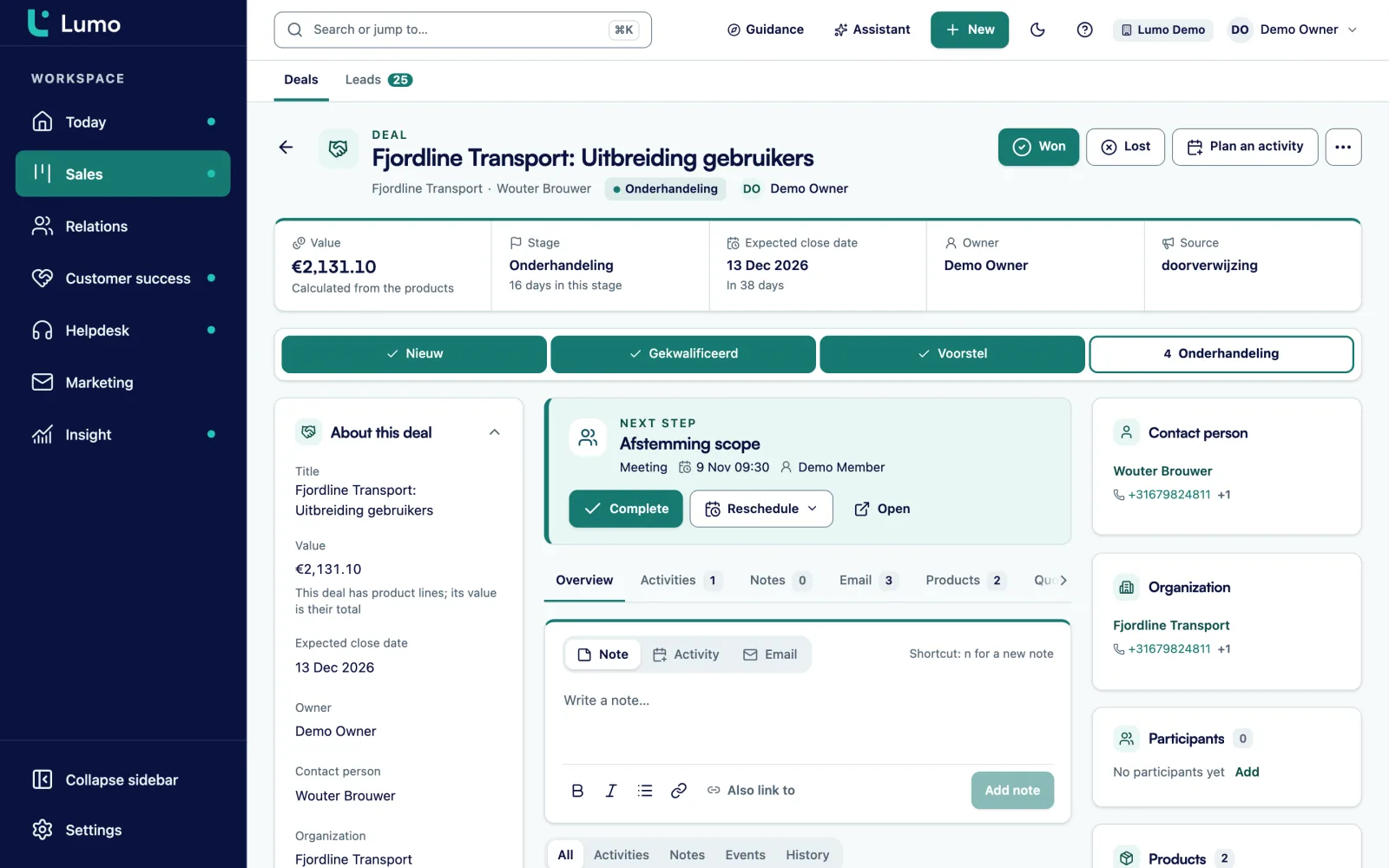
It is mid October and your executive director asks a simple question. How many of last year's donors haven't given yet this year? The year-end appeal goes to the printer in two weeks. Your development associate pulls an export from the payment processor, pastes in the checks from the lockbox report and spends the afternoon matching spouses to households. There is a number by five o'clock. Nobody trusts it, because the gift that came in through a donor advised fund shows up twice, once on the fund and once on the donor who recommended it.
That is the real problem with most donor databases. Recording a gift is easy. Counting it is not. Who is the donor of record? Does a household gift count for both spouses? Which fiscal year does a December 31 check belong to? And how do you give a board member credit for a foundation grant they opened the door to, without inflating your annual total?
Lumo answers those questions in the data model. A gift is a won deal in the Donations pipeline, with the stages Received and Not received. Each gift carries the fields you need later: gift date, fiscal year, credit type, tax class, appeal, campaign, designation, payment method, source, recurring flag, status, fund, subsource and receipt status. The credit type decides what counts. A hard credit counts toward the donor. A soft credit appears on the person's record but never counts in totals. So the board member sees the grant in their history under Soft credits, and your revenue report stays honest.
A household is an organization in Lumo, with each spouse or partner as a person on it. You decide per segment whether household gifts count for its members. The fiscal year follows the start month you set for the workspace. With that in place, the director's question is a saved segment, not an afternoon in a spreadsheet.
One thing up front. The giving module is off by default. Sales Surge switches it on for your workspace and configures the pipeline, gift fields, tax entities and Stripe with you. That configuration is the ready-to-use setup, not a toggle you flip yourself. See how it fits the wider picture on CRM for nonprofits.
From the first gift to a segment your team calls this week. The names below are the actual screen names in the app.
We switch the module on, create the Donations pipeline with the stages Received and Not received, add the gift fields and set your fiscal year start month. Existing donors, households and gift history come over in a bulk import.
Online gifts arrive through Stripe for donations, one account per entity with the mode Off, Shadow or Live. Historical gifts come from the import. Every gift becomes a won deal with a hard or soft credit.
The Donation history panel sits on the person, the household and the deal: total given, first and last gift, Per fiscal year with C3 and C4, the gift list, Soft credits and Recurring gifts.
In the Gifts view you filter by fiscal year, quarter, appeal, fund, tax entity, payment method, credit and minimum amount. You see Totals for this filter and can Export CSV. The Quarters view compares this fiscal year with last, including Retention.
In Segments you start from a preset such as LYBUNT or Lapsed 18 months, or stack rules like Gave, Did not give, Total given and Largest single gift. The count updates as you go, with how many have an email address and how many a phone number. Then Save segment.
Pick a saved segment as the audience of a cadence, a mailing or an SMS campaign. Use in a cadence opens it straight away as a new call sequence.
Lumo uses the same model for gifts as for sales: a deal in a pipeline. That sounds odd for a nonprofit until you see what it buys you. A gift has an amount, a date, a donor and a status, just like a deal. And a major gift you are cultivating can sit as an open deal in its own pipeline before the check arrives.
The Donations pipeline has two stages. Received is money in the door. Not received is a pledge or a payment that did not go through. In the Gifts tab you choose whether you see received gifts only or the others too.
Every gift carries the fields you need for counting and reporting later. Appeal, campaign and subsource tell you where the gift came from. Fund and designation tell you where it goes. The tax class says whether it belongs to your 501(c)(3) or your 501(c)(4), and the receipt status shows whether the donor has been acknowledged. For the acknowledgment side, see donation receipts.
Because a gift is a deal, everything else in Lumo works on it as well: activities, notes, email on the timeline and reports that click through to the gifts underneath.
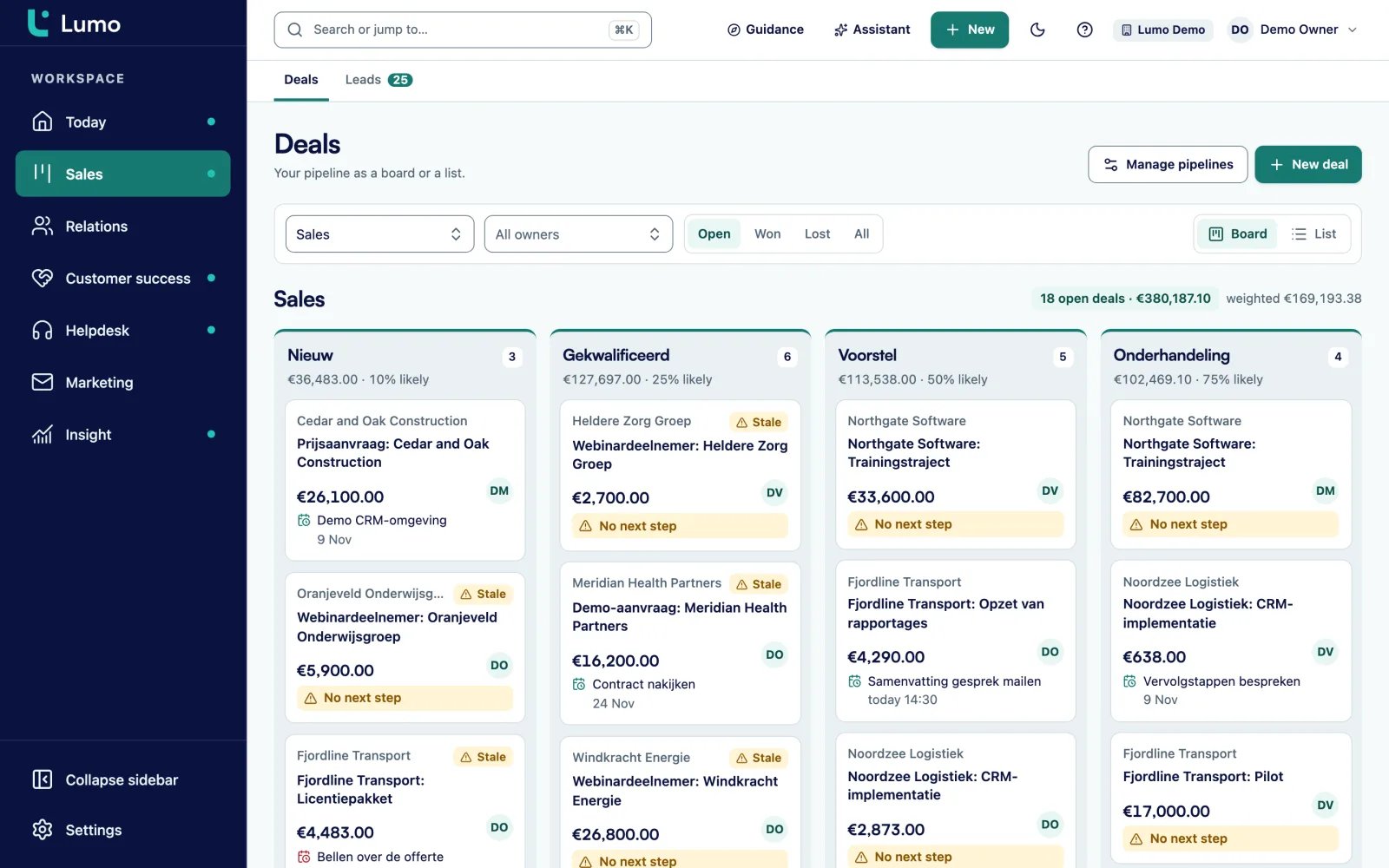
Every development shop has had the argument about who gets credit. Lumo has four credit types. Hard means the gift counts toward the donor. Soft_only and soft_credit are soft credits: the gift shows on the person under Soft credits, with the name of who actually gave it, but it does not count in totals. Excluded keeps a gift out of the numbers entirely.
The Donation history panel says so in plain words: gifts credited to this contact but counted on the giving organization, not included in the totals above. In the Gifts tab the number of soft credits sits next to the totals, so you always know what is outside the sum.
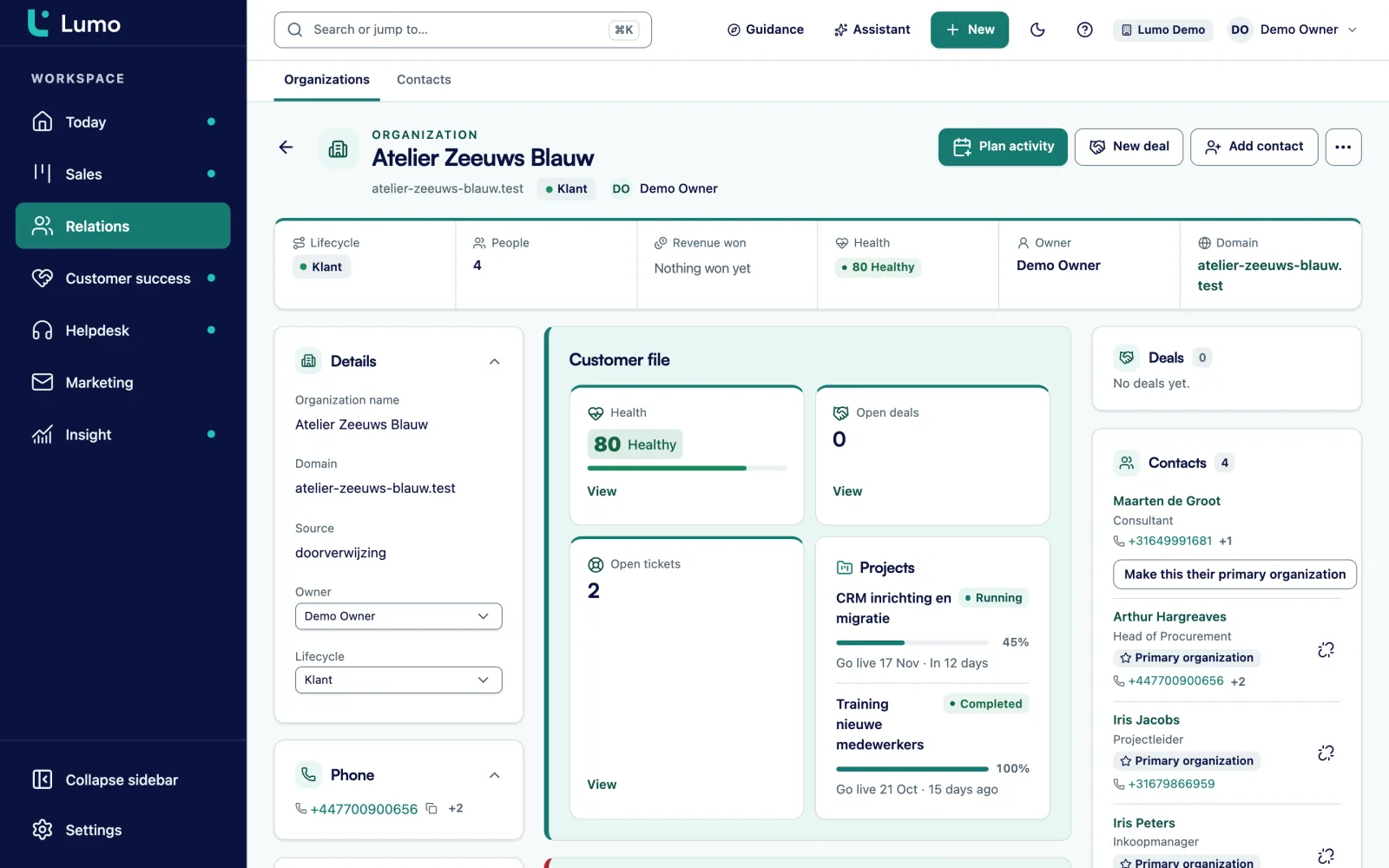
A household is an organization with the members as people. On the organization you see the household's donation history and the number of members. In a segment you choose Count household gifts for its members. Turn it on, and a spouse who never wrote a check personally, but whose household gave last year, lands in your LYBUNT list as well.
You keep one record per human and one organization per household, and your totals stay clean. More on people and organizations on contacts.
LYBUNT means last year but unfortunately not this year. SYBUNT means some year but unfortunately not this year: they gave at some point, but not last year and not this year. These are the two lists every fundraiser wants by September.
In the Segments view of the Gifts tab they are ready as presets, next to Lapsed 18 months, First-time donors this year, Gave $1,000+ this year, Active recurring donors, Failed recurring payments and Loyal donors to upgrade. You can adjust a preset or stack your own rules: Gave, Did not give, LYBUNT, SYBUNT, last gift longer ago than a number of months, first gift ever in a period, Total given, Largest single gift, Number of gifts and Recurring gift by state.
Under People in this segment you see the count right away, plus how many have an email address and how many a phone number. Give the segment a name and save it. Saved segments update themselves: whoever matches the rules on the day you use them is in. A donor who gives on November 3 drops out of your LYBUNT list without anyone touching it.
Use the segment as the audience of a call cadence, an email campaign or an SMS campaign. How texting works is on SMS campaigns.
Everything below exists in the app today, behind the giving module that Sales Surge switches on per workspace.
On person, household and deal: total, first and last gift, Per fiscal year with C3 and C4, the gift list, Soft credits and Recurring gifts.
Filter by fiscal year, quarter, appeal, fund, tax entity, payment method, credit, recurring, received and minimum amount. Saved views and CSV export up to 100,000 rows.
This fiscal year against last, per quarter: amount, gifts, donors, new donors, average gift and Retention, the share of last year's donors who gave again.
LYBUNT, SYBUNT, Lapsed 18 months and five more presets. Saved segments update themselves and feed cadences, mailings and SMS.
State Active, Payment failed, Paused, Cancelled or Ended, with a weekly to yearly schedule, the next date and the number of failed payments.
One Stripe account per entity with Off, Shadow or Live. A signed webhook books gifts, refunds, subscriptions and failed payments.
Per appeal the cost of postage, printing, creative, ad spend and other, against gross revenue, margin, ROI and cost per new donor.
Gifts, first gifts, gifts per appeal, appeals, recurring gifts with MRR and ARR, and advocacy actions as sources for your own reports.
Monthly donors are the steadiest revenue most nonprofits have, and the quietest churn. A card expires, a charge fails, and three months later the donor is gone without ever cancelling. So every recurring gift in Lumo shows its state: Active, Payment failed, Paused, Cancelled or Ended. You see the schedule, weekly, monthly, quarterly or yearly, the next date and how many payments failed.
Most of that data comes in through Stripe. For each tax entity, Sales Surge connects a Stripe account with a signed webhook. In Shadow mode Lumo checks and records what it would do without booking anything, so you can compare against your own numbers first. In Live mode it books gifts, refunds, subscriptions and failed payments. With a restricted read-only key, Lumo can also fetch the subscriptions that were already running. Lumo does not process payments itself. Your donation form and checkout stay where they are.
That makes the preset Failed recurring payments a work list. Put it in a cadence with a call step and an email, and someone hears from you before the gift quietly stops.
For appeals there is the Appeals screen. An appeal gets costs for postage, printing, creative, ad spend and other, an estimated revenue, a fiscal year, a drop date and a media channel. Gifts belong to an appeal through the tags on the gift: appeal, campaign or subsource. Lumo works out gross revenue, donations, donors, new donors, average gift, total cost, margin, ROI and cost per new donor for each one. An evergreen appeal, like a monthly newsletter ask, runs without an end date. How to plan and measure a year-end push is on year-end and Giving Tuesday campaigns.
Say an advocacy group runs a calendar fiscal year. Call it Example Action Fund. Last fiscal year 2,400 donors gave a hard-credit gift. It is mid October, so the fourth quarter has just started.
In the Gifts tab, Quarters view, Retention through Q3 reads 41 percent. Of last year's 2,400 donors, 984 have given again this year. The other 1,416 are the LYBUNT group.
The development director opens Segments and starts from the LYBUNT preset. She turns on Count household gifts for its members, so spouses of households that already gave don't show up by mistake. Lumo shows 1,416 people, 1,290 with an email address and 1,050 with a phone number. Those numbers are invented for this example. Your own workspace shows the real ones.
Phone time is the scarce resource, so she builds a second segment: LYBUNT plus Total given of at least $250 in last fiscal year. That gives 310 people. She saves it as LYBUNT 250 calls and clicks Use in a cadence. The sequence is a call, a new attempt up to three times on no answer or voicemail, and then a short email. In call mode the caller sees the donor's giving history right next to the number.
The other 1,106 donors get an email. At the default volume of 500 emails per 24 hours that mailing goes out over three days, unless Sales Surge has raised the limit for the workspace.
Now the math. If 20 percent of the 1,416 give before December 31, that is 283 donors. Retention moves from 984 out of 2,400, which is 41 percent, to 1,267 out of 2,400, which is 52.8 percent. Because the segments update themselves, everyone who gives drops out of both lists. Nobody gets a thank-you call followed by another ask.
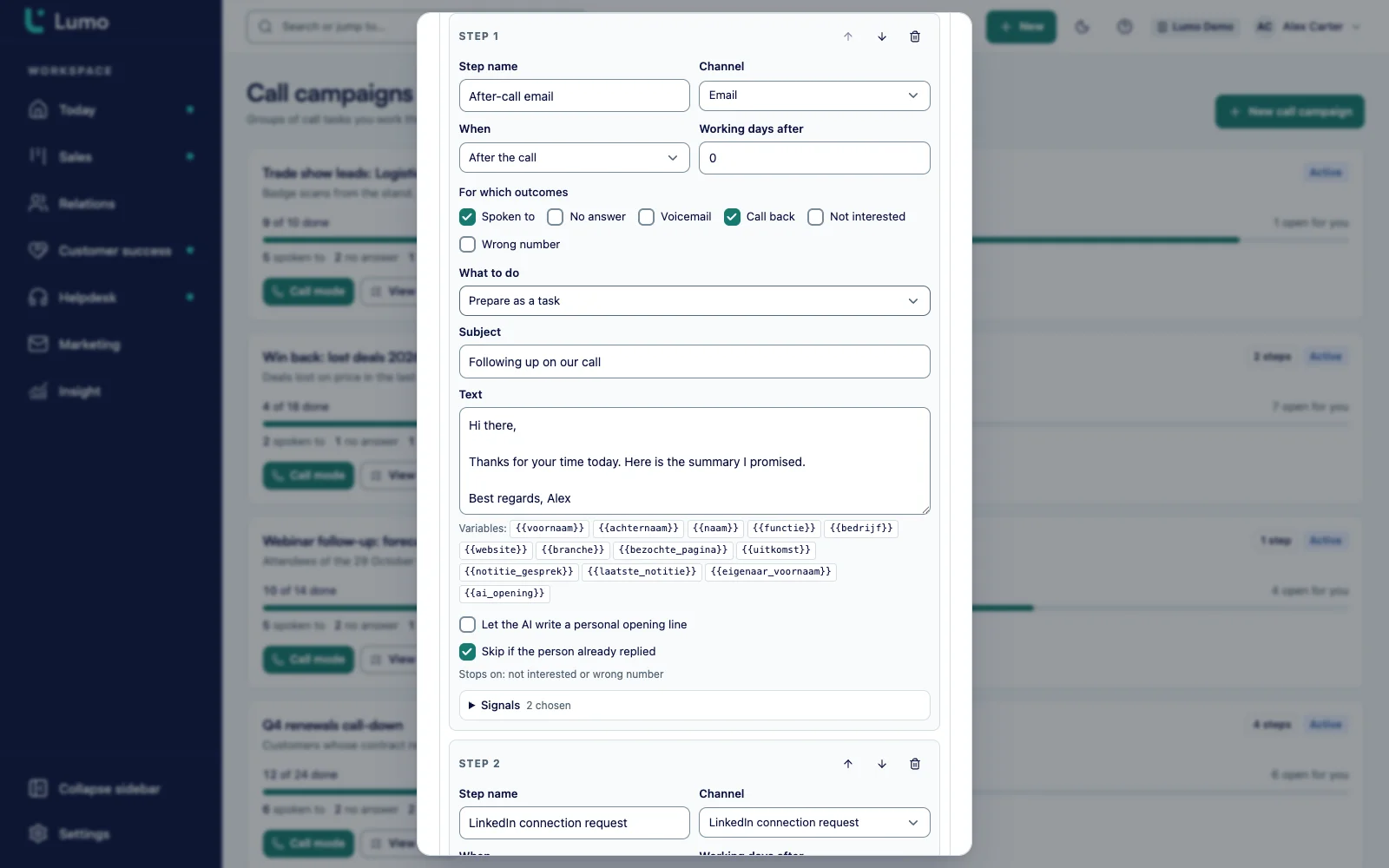
A segment only matters once someone works it. Use in a cadence opens a gift segment straight away as a new cadence. In call mode you work the list one person at a time. You pick an outcome after every call, and on no answer or voicemail Lumo schedules another attempt, up to three.
Besides calls, a cadence can hold steps for email, LinkedIn, WhatsApp as a task, a plain task and SMS. For a LYBUNT list a short sequence usually does the job: call first, then a personal email with a link to your own donation page.
You place the calls with your own phone or with CloudTalk. Lumo is not a dialer. It keeps track of who you called, what happened and what comes next. Anyone who gives during the sequence falls out of the segment. Everything about sequences is on call campaigns and Cadence.
What we go through with you before the giving module goes on.
Donor management does not sit on its own. Segments from the Gifts tab are the audience for email campaigns, which check consent again at the moment of sending. They are the list for call campaigns and Cadence. And they are the audience for SMS through your own Twilio account.
The numbers come back in reports, with gifts, first gifts, gifts per appeal, appeals and recurring gifts with MRR and ARR as sources. If you also run actions toward legislators, those sit next to the gifts through advocacy with CiviClick.
Coming from another system? It starts with the data. How households, people and gift history are imported is on migration and data. For US organizations there is one more piece: donation receipts per gift.
The giving module is off by default. Sales Surge switches it on per workspace and sets up the pipeline, fields, entities and Stripe. You can't turn it on yourself in a trial workspace.
Lumo does not take payments and has no donation form. You keep your own donation page and connect it through Stripe. There is also no dedicated screen for manual or batch gift entry. Gifts come in through Stripe or through an import that Sales Surge runs for you.
The tax fields are built for US organizations with a 501(c)(3), a 501(c)(4) or both. If you need gift aid or another country's tax rules, the gifts, households, segments and appeals still work, and you leave those fields empty.
Donor management software records donors, households and gifts and shows who gave what and when. In Lumo every gift is a won deal in a Donations pipeline, with fields for appeal, fund and fiscal year, and segments you can call, email or text.
LYBUNT donors gave last fiscal year but not yet this year. SYBUNT donors gave in some earlier year but not last year and not this year. Both are ready as presets in the Segments view of the Gifts tab.
Soft credits are shown on the person but never counted in totals or retention. The gift counts toward whoever holds the hard credit, and the soft-credited person sees it under Soft credits with the name of the actual giver.
Not in a dedicated screen. Gifts come in through Stripe or through an import that Sales Surge runs.
No. Lumo does not take payments. You keep your own donation page on Stripe, and Lumo books what comes in through a signed webhook, including refunds and failed recurring payments.
Use the Quarters view in the Gifts tab. Retention is the share of last fiscal year's donors who gave again this year through the selected quarter, shown next to the same figures for last year.
Yes, when you choose to. A household is an organization with its members as people, and each segment has the option Count household gifts for its members.
Yes. Sales Surge imports households, people, gifts, consents and suppressions in batches of 1,000 rows, and the import picks up where it left off after an interruption. A Pipedrive import runs through a wizard.
Pricing depends on the number of users and the parts you use, such as giving, email and SMS. We walk through what you need in a demo.
In a demo we show the Gifts tab, donation history and a live LYBUNT segment, and go through what Sales Surge sets up in your workspace.