
See actions land on the person
In a demo we show the Advocacy tab, the card on the person and a segment on actions with demo data. Then we talk through what your organization needs.
When someone signs a petition or emails their legislator through CiviClick, Lumo puts that action on the right person, with districts, action history and fields you can filter on. You see who your advocates are, and who to ask next to give or to help.
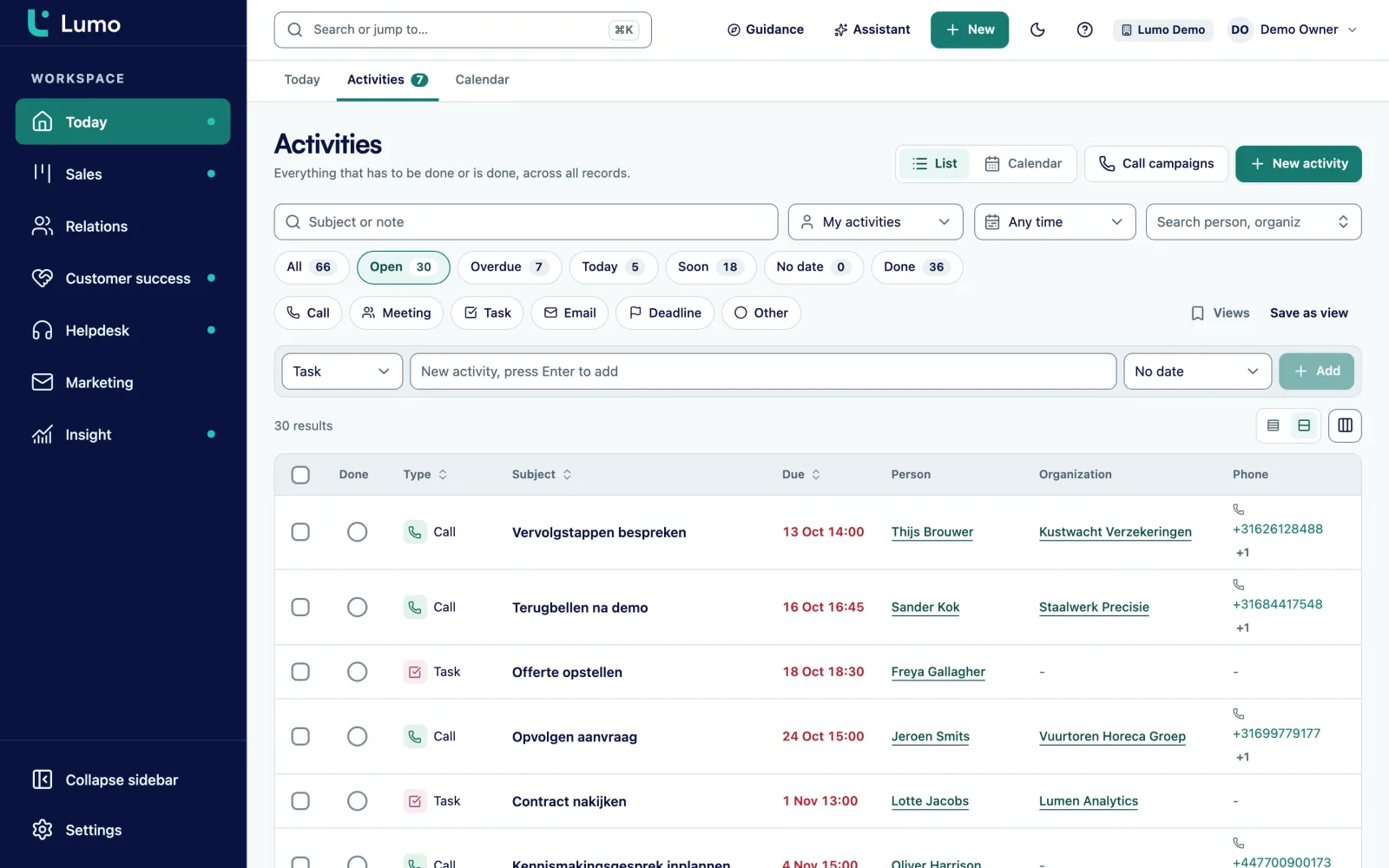
CiviClick runs your action pages: petitions, emails and calls to legislators. Lumo is the CRM behind it. Every action finds or creates the person by email address, logs a completed activity and fills the fields you map. The Advocacy tab shows campaigns, actions and legislators. Sales Surge switches the module on per workspace and sets it up with you. Lumo does not push data back to CiviClick from the app.
Your organization launches a campaign against a bill in the state legislature. In three weeks thousands of people sign the petition, and many of them also email or call their own legislators. On the action platform the numbers look great. Then your executive director asks a simple question: how many of these people do we already know, how many of them give, and who could help us in their own district next time?
That is where it breaks. The action platform knows the actions. The CRM knows the donors. Someone exports a list, someone else pastes it into a spreadsheet, and a week later half the rows are duplicates. Petition signers who have given for years get a welcome email as if they were new. Worse, a legislator's office email sometimes ends up on the newsletter list because it was in the export as the target of an action.
With Lumo, every action comes straight from CiviClick. Either CiviClick sends it to a webhook, or Lumo fetches new actions every 5 minutes. An action is processed once, even if it arrives twice. Lumo looks up the person by email address, creates them if they don't exist yet, and logs a completed activity on their timeline. The campaign and the signed petitions go into the fields you choose.
Legislators come in too, as persons with the category Legislator and no marketing consent. That keeps them out of email, text and calling automatically. Their record still shows which campaigns targeted them and how many advocates from their district took action.
This page covers the advocacy part. For donors, gifts, receipts and the rest of the nonprofit setup, start at Lumo for nonprofits.
The setting is called CiviClick advocacy and sits under Mail and SMS channels. Only an owner or admin can see it. Sales Surge does the first setup with you.
Sales Surge switches Module on. You paste the API token you find in CiviClick under Admin, API, and choose Save token. Lumo checks the token and fetches your campaigns. If CiviClick later refuses the token, the screen tells you to enter a new one.
Under Fields you pick a person field for each part: Campaigns (a multi-select that gets added to), Signed petitions, State, a Source field that is only filled for new persons, and Consent source and Consent date. Leave one empty and Lumo writes nothing there.
Processing starts in Shadow. Every action is recorded with what would happen, but persons and fields stay unchanged. In the Advocacy tab those actions show as In shadow, so you can check the integration against real traffic.
CiviClick allows one webhook subscription per account. Move the webhook to Lumo cancels the current subscription and puts the Lumo address in its place. Switch your old processing off first, then choose Go live. Otherwise every action arrives twice.
Under Fetching you can have Lumo pull new actions every 5 minutes, next to or instead of the webhook, and add new advocates as persons every half hour. An action that arrives both ways is still processed once.
Sync legislators brings in the targets of your visible campaigns as persons with the category Legislator. The screen reports how many were new, updated or unchanged.
Open someone who took action and their record shows an Advocacy block. You see the number of actions with the date of the last one, the channels they used (email, phone, petition, survey) and the campaigns they joined. Below that are their districts, for example Senate 12 and House 34, and whether they gave SMS opt-in.
Each action is also a completed activity on the timeline, next to their gifts, emails and calls. A development officer calling this person sees in one glance that they emailed their state senator twice last month about the same bill, and that they have given for three years. That call starts very differently from a cold one.
Lumo keeps three derived fields up to date: action count, last action and districts. You use them in filters and segments like any other field. A list of everyone in one district with five or more actions in the last six months is a filter, not an export project. More on persons, fields and labels in contact management.
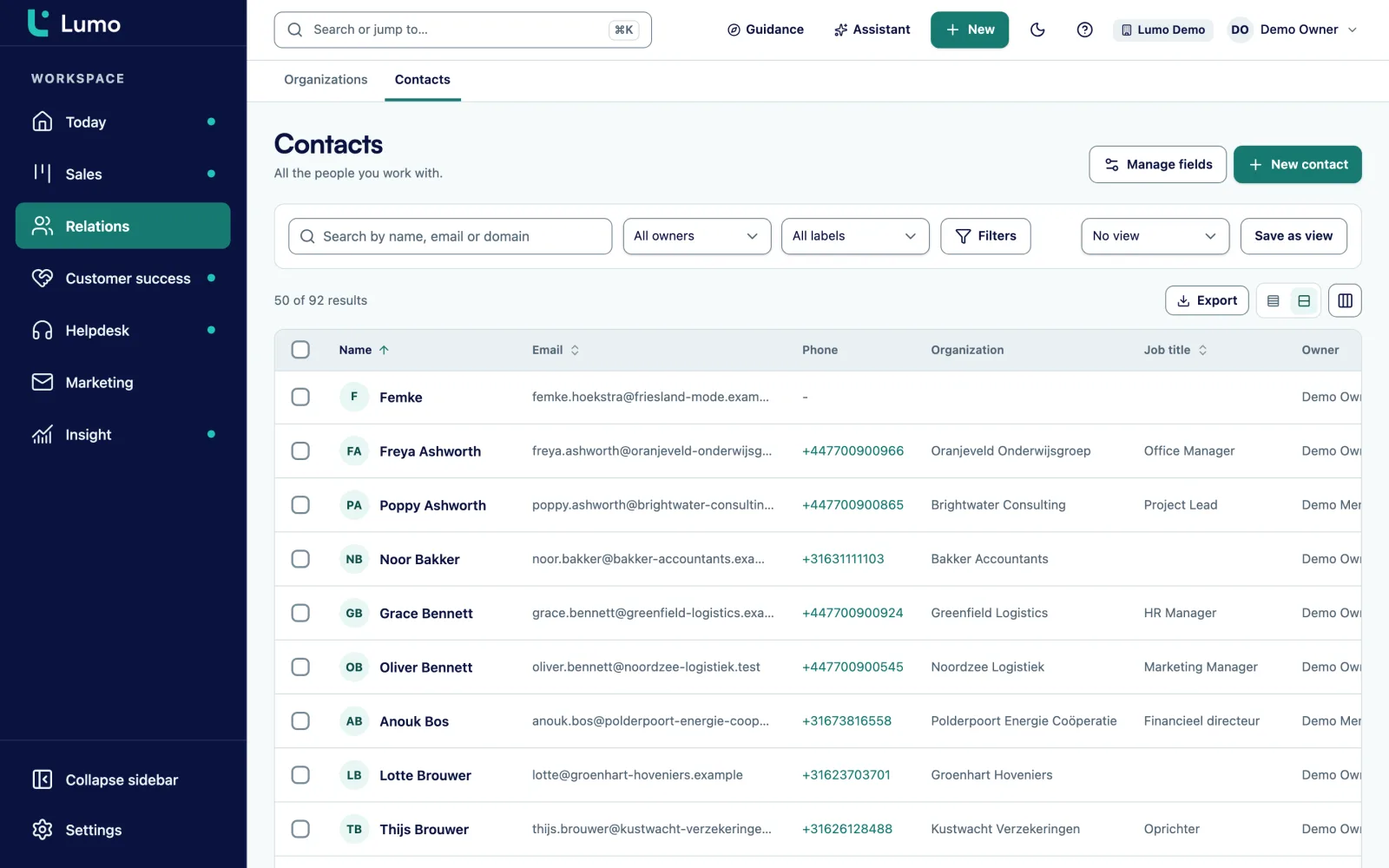
The Advocacy tab has three views. Campaigns shows each campaign's type, whether it is still running, the actions and advocates according to CiviClick next to the same numbers in Lumo, and a small chart of actions in the last 30 days. If the two counts drift apart, you see it right away. Campaigns you don't need, you hide.
Actions lists everything that came in: when, which person, which campaign, which district and how it was processed. The status is Applied, In shadow, Imported or Skipped. You filter by campaign, action type, state, district and chamber.
Legislators is a searchable list with party, chamber and state. Chambers are Federal House, Federal Senate, State House and State Senate. Open a campaign and you see its targets, actions per type, the districts with the most actions and the answers per question when the action included a survey.
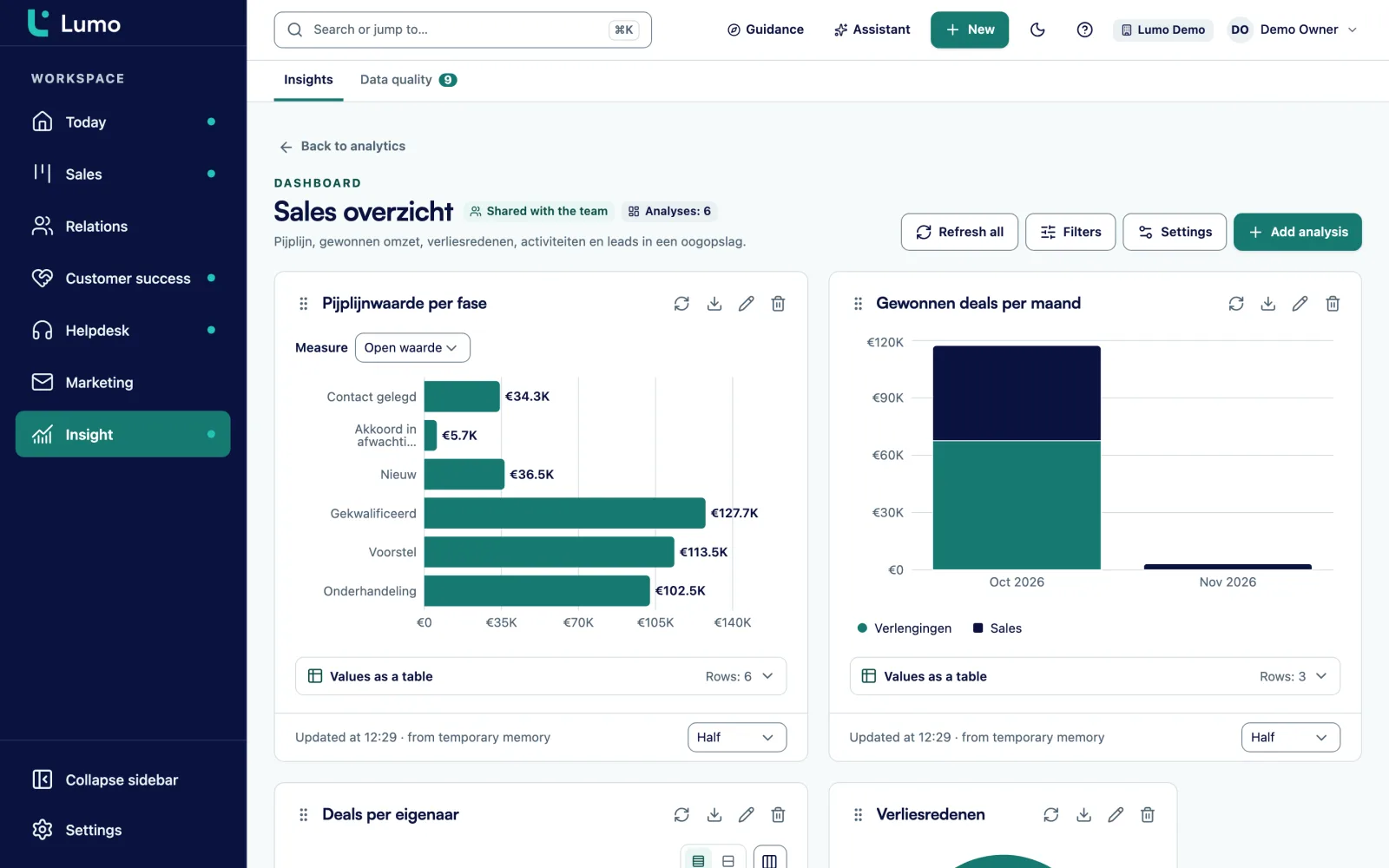
For reporting there is a separate source called advocacy actions. Use it to build actions per month per campaign, right next to your giving reports. See reports and dashboards.
A legislator lives in Lumo as a person because you want to see which campaigns targeted them. They never belong in your newsletter, your text campaign or your call list. So Lumo gives them the category Legislator and no marketing consent, which keeps them out of email, SMS and calling automatically, even when someone builds a segment that is too broad. The quick filter Legislators shows them together.
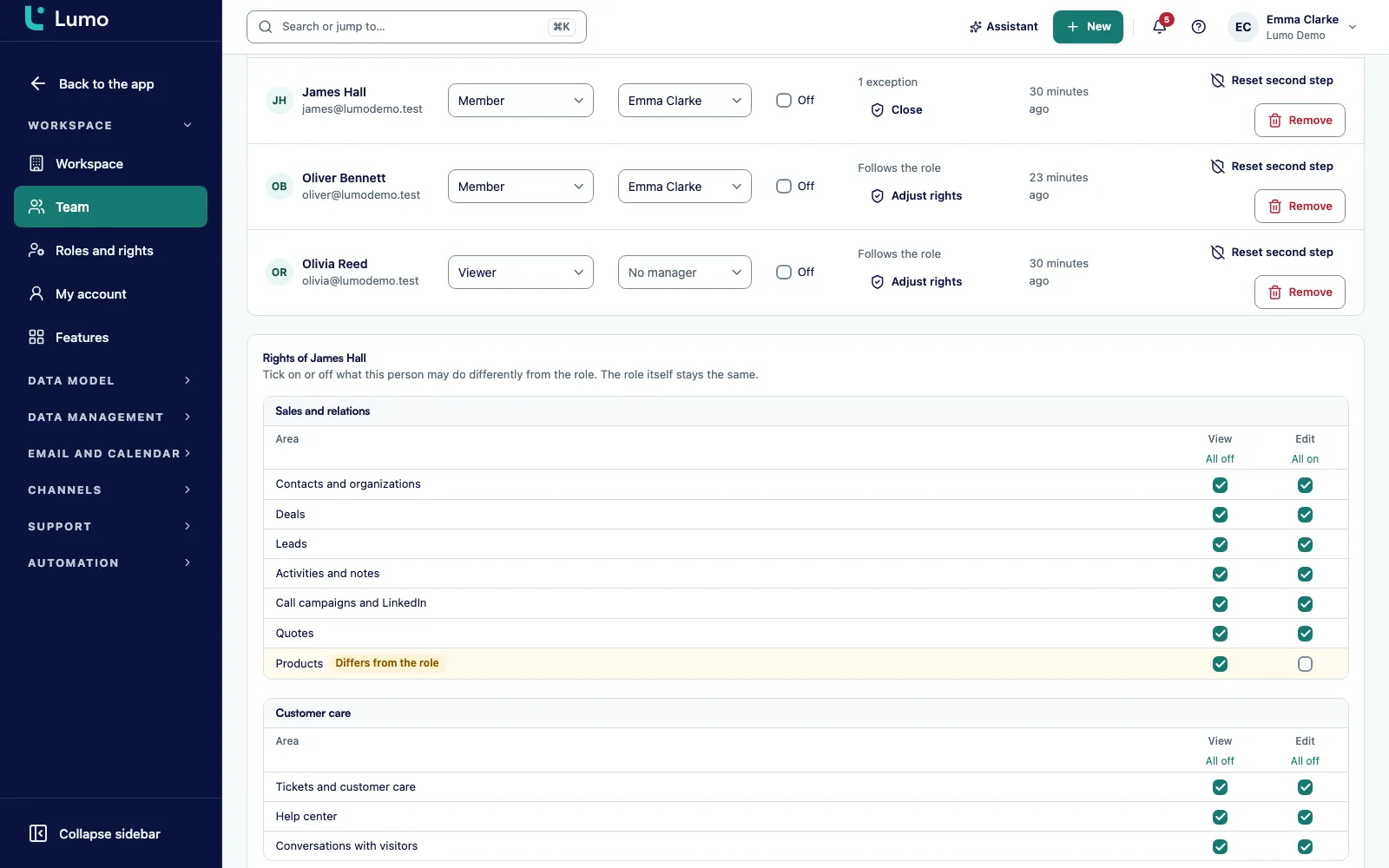
Advocacy data can be sensitive. Party leaning, age group and interests together form a sensitive profile, and that profile is only visible to people with a separate permission. A volunteer making event calls sees someone's action history, but not their leaning. You decide which role gets that permission, with custom roles and exceptions per person.
The usual Lumo rules apply on top: separation per workspace, MFA, an audit log and export and erasure per person. Read more on roles and permissions and security and privacy.
Someone who took action three times cares about your issue. That is the moment to ask for something else. In Lumo you build a segment on the derived fields, for example everyone with three or more actions, a last action in the past 60 days and no gift yet. A saved segment keeps itself up to date.
You then use that segment as an audience. In a cadence a staff member calls the most engaged advocates, followed by an email and a text as steps. In an email campaign you thank everyone and ask for a first gift. Lumo checks consent again at send time, so anyone who unsubscribed gets nothing. Texting works too, through your own Twilio account, see SMS campaigns.
When someone then gives, the gift sits on the same person. In donor management you can see who came in through advocacy. There is no separate volunteer module. Record who wants to help with a label or a custom field and follow up with a task or a cadence.
Specific, as it works in Lumo today.
Actions arrive by webhook, or Lumo fetches them every 5 minutes. New advocates are fetched every half hour and added as persons.
Each action is processed once, even when the webhook and fetching both deliver it. The person is matched by email address.
Six fields: campaigns, signed petitions, state, source field, consent source and consent date. Leave one empty and nothing is written.
In shadow every action is recorded with what would happen, without changing anything. Live writes actions to persons. You can always switch back to shadow.
Targets come in as persons with the category Legislator, without marketing consent and outside email, SMS and calling.
Action count, last action and districts, usable in filters, segments and as the audience for cadences and campaigns.
Party leaning, age group and interests are only visible with a separate permission.
Advocacy actions is its own report source, next to gifts, first gifts and recurring gifts.
This is a made up example. Say a state level advocacy group with six staff and a few thousand donors runs a campaign against a bill in its legislature. On CiviClick there is a petition and an action that lets advocates email their own state senator and representative.
Two weeks before launch, Sales Surge switches on the CiviClick module and connects the token. The fields Campaigns and Signed petitions point to two multi-select fields on the person. For a week the integration runs in shadow. In the Advocacy tab the actions show as In shadow, and the Lumo count tracks the CiviClick count. Then the webhook moves to Lumo and the module goes live.
Over three weeks a few thousand actions come in. Roughly a third come from people who were already in Lumo, often as donors. The rest are new and get the source field with the value CiviClick. The legislators in the campaign are persons in Lumo, and on one senator's record the executive director sees how many advocates from that district took action. She brings that number to her meeting at the Capitol.
After the vote, the development director builds three segments. One with advocates who took two or more actions and never gave: they get a thank you email with an ask for a first gift. One with existing donors who also took action: they get a personal call in a cadence. And one per district with the most active advocates: the group asks them to help locally in the next campaign. Anyone who says yes gets a label. A report on the advocacy actions source shows the board the actions per district, next to the gifts that came in afterwards.
The order we follow in a new workspace.
Advocacy is one part of the nonprofit setup. The same person who signs a petition can have gifts in donor management, sit in a year end campaign and be on a call list. Because everything hangs on one person, there is nothing to sync or export.
If you want something to happen after an action, use automations. For example a task for the regional organizer when someone in their district takes their fifth action. Or a text when someone signs a petition for the first time and gave SMS opt-in. If you use the AI assistant, ask in plain words how many new advocates joined this month per district.
Lumo does not run your action pages. The petition, the email to the senator and the call script live in CiviClick. Lumo is the CRM behind it. Lumo reads from CiviClick and does not send data back from the app. The only thing Lumo changes on the CiviClick side is the webhook subscription when you move it.
The module is off by default. Sales Surge switches it on per workspace and sets it up with you. Off means no webhook, no jobs and nothing written.
CiviClick is the only action platform with a ready made module. If you use another action platform, Sales Surge can connect it through the public API as a project. A simple sign up can also run as a Lumo web form on your own site, with a consent field and double opt-in. Those submissions land on the person, not in the Advocacy tab.
There is no volunteer module. Track volunteers with a label or a custom field.
Yes, Lumo has its own CiviClick module. Actions arrive by webhook or every 5 minutes, land on the right person with an activity and fill the fields you map. Sales Surge switches the module on.
No, action pages run in CiviClick. You can put a simple sign up form with a consent field on your site as a Lumo form, but it will not show in the Advocacy tab.
It is processed once. That holds even when the webhook and the 5 minute fetch both deliver it.
By email address. If the person does not exist yet, Lumo creates them and fills the source field if you mapped one.
No. They get the category Legislator and no marketing consent, and are excluded from email, SMS and calling automatically.
Only people with the separate permission for the sensitive profile. That covers party leaning, age group and interests.
Yes, with Shadow processing. Every action is recorded with what would happen, while persons and fields stay unchanged.
No, not from the app. Lumo reads actions, advocates, campaigns and targets. It only changes the webhook subscription when you move the webhook.
Yes. Advocacy actions is a report source next to gifts, first gifts and recurring gifts, so actions and giving sit in the same dashboard.
In a demo we show the Advocacy tab, the card on the person and a segment on actions with demo data. Then we talk through what your organization needs.