
Plan your move with us
In a call we go through your sources and show what your households, gifts and consents look like in Lumo.
When a nonprofit changes CRM it moves more than addresses. Households, years of gifts with hard and soft credit, consents and opt-outs all have to come across, and nobody who opted out should hear from you afterwards. Sales Surge runs the large imports for you, in batches and with a test import first.
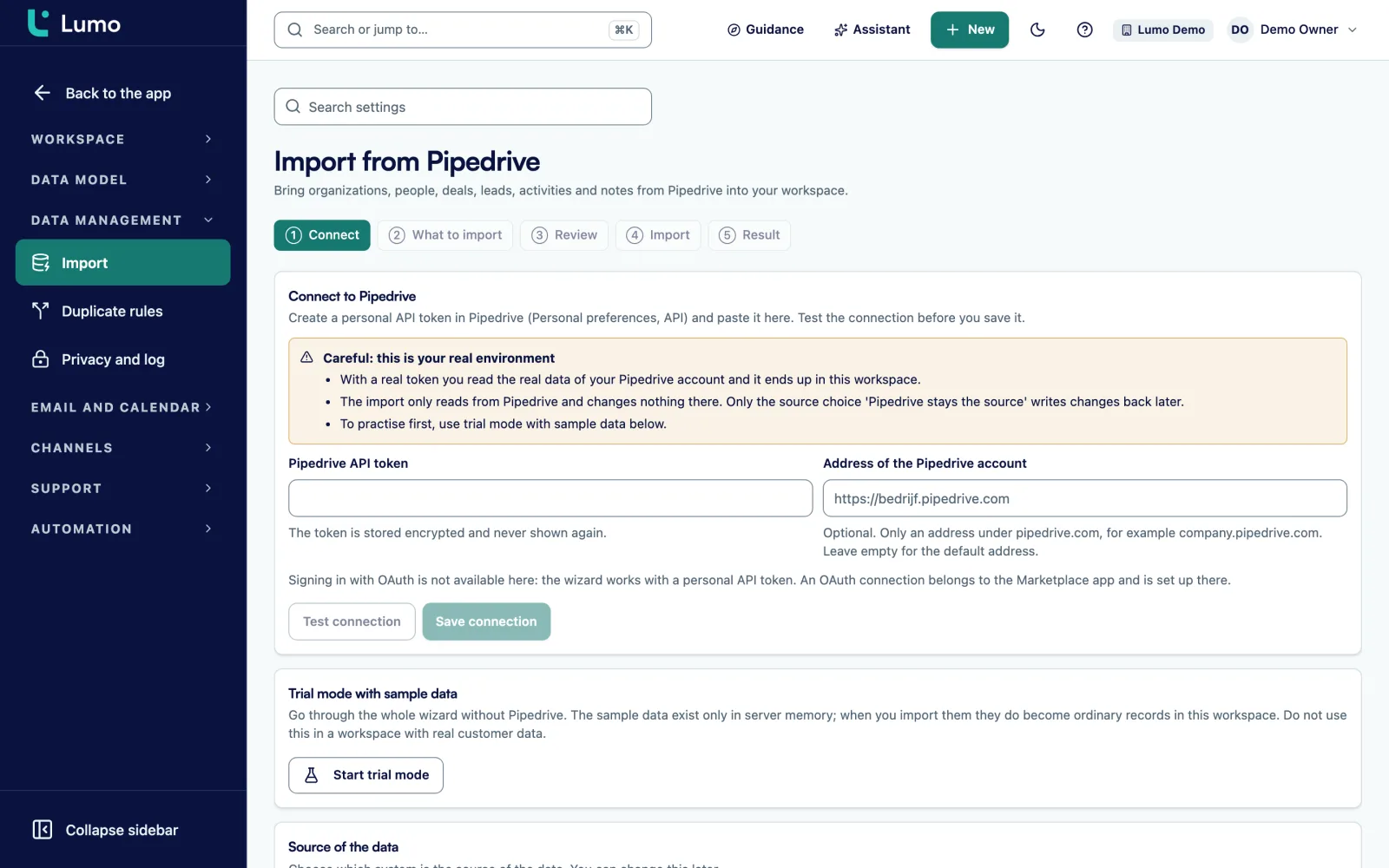
Sales Surge moves your households, people, gifts, consents and suppressions with a bulk import that writes batches of 1,000 rows at roughly 2,000 rows per second and resumes after an interruption. From Pipedrive you use the import wizard. From Dynamics 365, Salesforce or a data warehouse there is no direct connector, so Sales Surge imports from an export or straight from your warehouse. Then you run both systems side by side for a while and cut over.
For a company, a CRM migration is about customers and deals. For a nonprofit it is about years of relationships and money. A family has given for fifteen years, sometimes in one spouse's name, sometimes the other's, sometimes as a household. A gift through a donor-advised fund should be hard credited to the fund and soft credited to the person who recommended it. A donor cancelled a monthly gift in 2019 and asked for no more mail. All of that has to come across.
A familiar story: an organization moves its donors out of the old system. Everything looks fine. Three weeks later a donor writes in, upset about a year-end email, because he unsubscribed two years ago. His opt-out lived in the old email tool, not in the CRM, so it never moved. Another donor's thank-you letter shows a total twice what she gave, because her gift was also counted on her husband's record.
So a nonprofit migration has to get four things right. Keep the structure of households and people. Bring gifts across with the right credit type so totals add up. Carry over consents and suppressions so nobody who said no gets mail. And clean up duplicate donors, because every donor file a few years old has people in it two or three times.
In Lumo a gift is a won deal in the Donations pipeline, with fields such as date, fiscal year, credit type, appeal, designation and payment method. A household is an organization, and household gifts can count toward its members. Soft credits are visible but never count toward totals. How that plays out day to day is on donor management. The wider picture is on CRM for nonprofits.
This page walks through how a move works: what Sales Surge does, what you prepare and where it usually goes wrong.
List every source: the donor database, the email tool with its unsubscribes, stray spreadsheets, the Stripe account. For each one, note the row counts and who owns it.
Agree where every field lands. Households become organizations. Gifts get a credit type: hard, soft_only, soft_credit or excluded. The start month of your fiscal year is a workspace setting.
Remove duplicate people before the import where you can. After the import, work through the Duplicates screen with its tabs To review, Merged, Ignored, Rules and Log.
Sales Surge imports a slice first, or everything into a trial workspace. You check ten donors you know well: are their totals per fiscal year, household and consent right?
Stripe, SMS and receipts have a shadow mode. Lumo receives and processes, but sends nothing. You compare old and new for a few weeks.
On the agreed day Sales Surge imports what changed since the test, your Stripe account moves from Shadow to On, and the old system stops sending.
For large volumes Sales Surge uses a bulk import. It writes in batches of 1,000 rows at roughly 2,000 rows per second. If it stops halfway, because of a network error or a bad row, it picks up where it left off. You do not start over.
The bulk import is built for large volumes and handles five kinds of data: households, people, gifts, consents and suppressions. A worked number, not a client: 600,000 gift rows is 600 batches, and at 2,000 rows per second that is about five minutes. Most of the time in a migration goes into preparing and checking the export, not into the import.
If your data is in Pipedrive, you use the import wizard with the steps Connect, What to import, Trial run, Review, Import and Result. The trial run reads everything from Pipedrive and shows what would happen without writing anything. The result shows New, Changed, Unchanged, Skipped and Failed per kind, plus Owners without a match and E-mail addresses that occur twice. An interrupted import continues with Resume. More on switching from Pipedrive.
Many nonprofits run on Dynamics 365 with the Nonprofit Accelerator, on Salesforce with the Nonprofit Success Pack, or keep their gifts in their own data warehouse. If you are looking for a Salesforce NPSP alternative or want to migrate from Dynamics nonprofit, know this first: Lumo has no direct connector for those systems. Sales Surge imports from an export or straight from your warehouse.
The work is in the translation. The Nonprofit Accelerator stores gifts as transactions, with payment schedules for recurring gifts and designations. NPSP stores gifts as opportunities on a household account, with soft credits and recurring donations as separate objects. In Lumo they become won deals in the Donations pipeline, with a credit type and the household as an organization. We pin that translation down field by field with you before a single row is imported.
If your warehouse stays the system of record for gifts, for example because finance reconciles from it, Sales Surge can set up a daily delivery from the warehouse into Lumo. That is custom work, not a standard connector, and it runs one way. To get data out of Lumo you use the public API and outbound webhooks, see API and integrations.
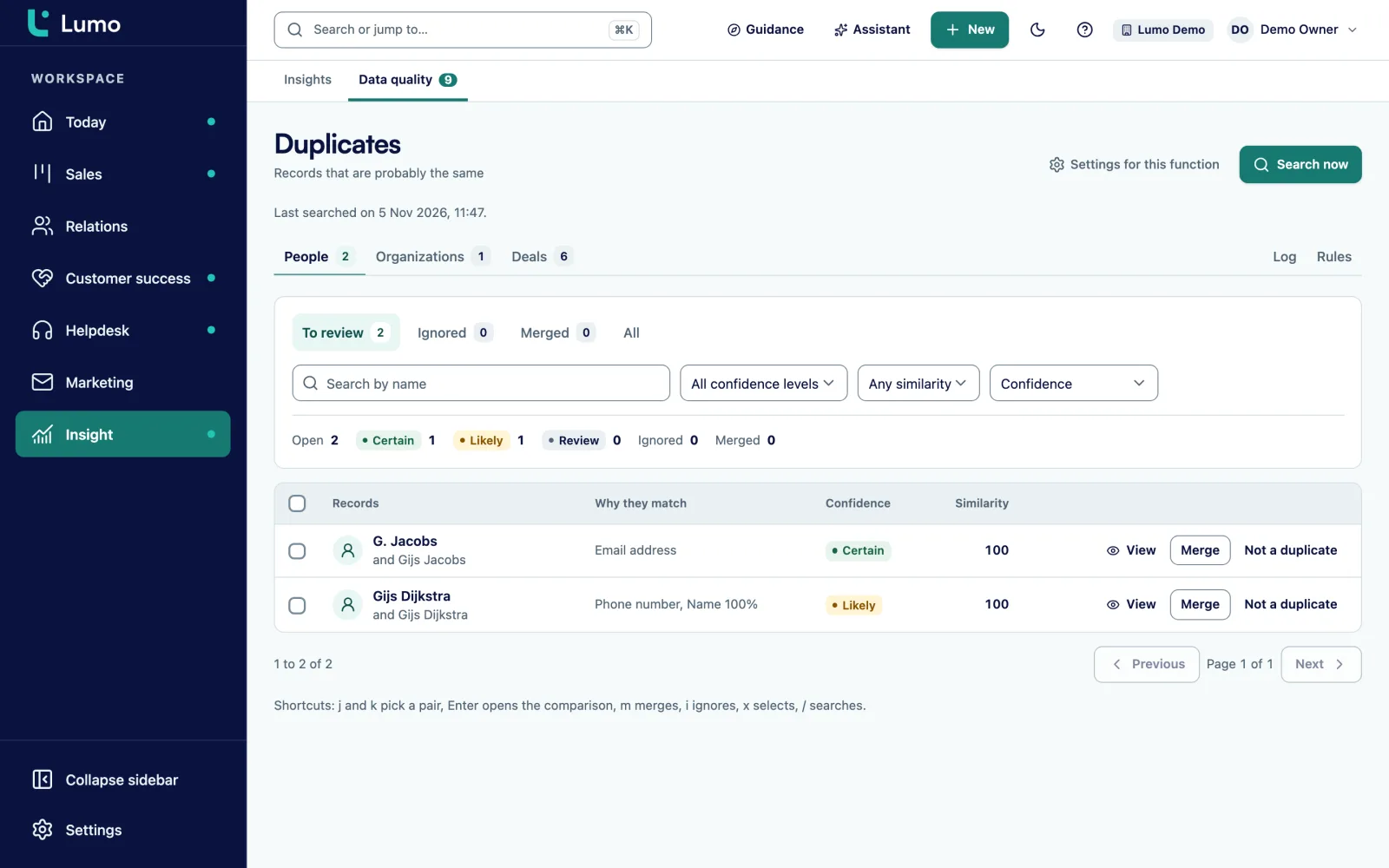
A donor file a few years old has people in it twice. Once with a personal email, once with a work email. Once as J. Miller, once as Jim Miller. A migration brings those pairs to the surface, and it is the right moment to clean them up.
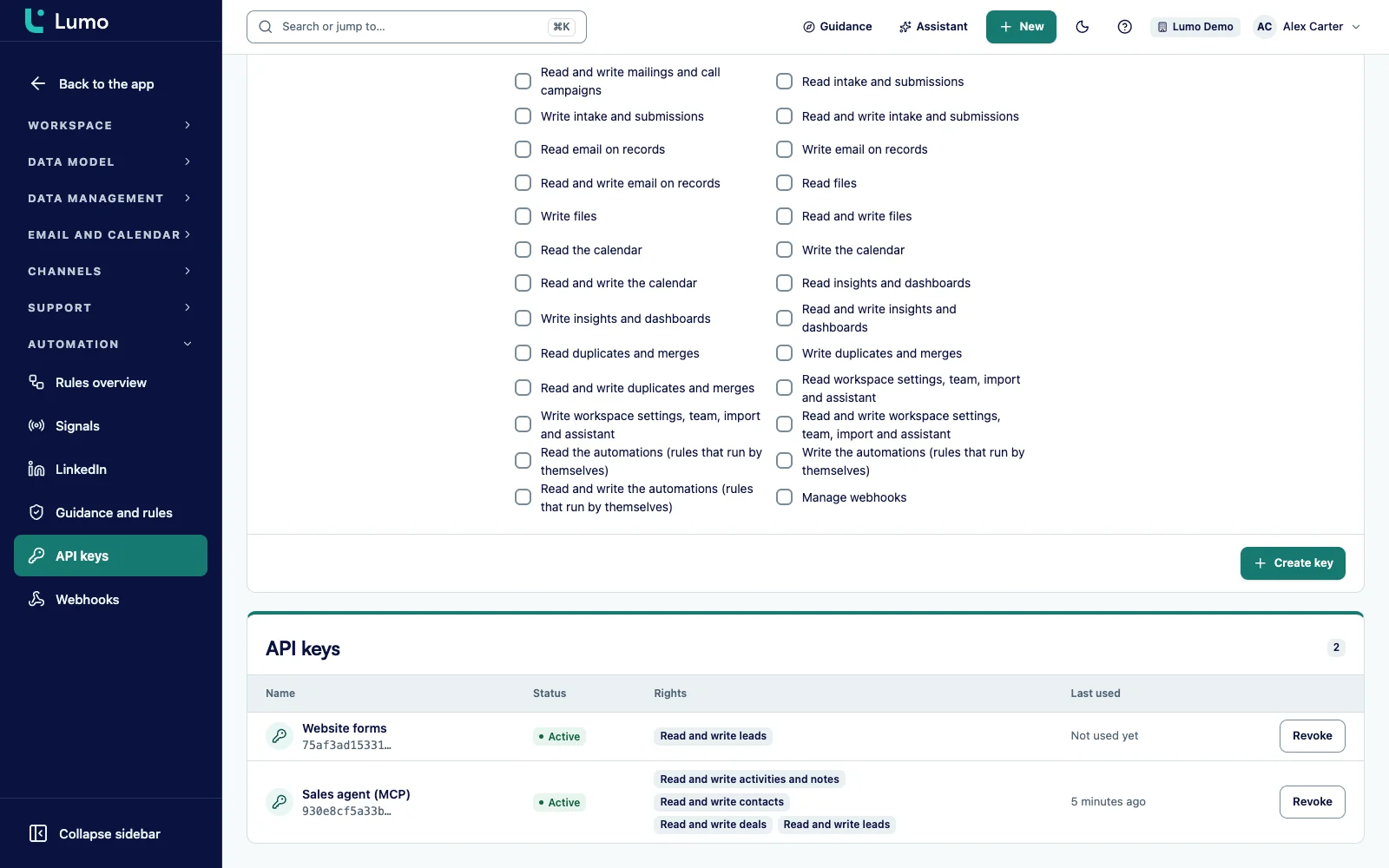
The Duplicates screen finds people, organizations and deals that are probably the same. Every pair gets a certainty: Certain, Likely or Review. You compare field by field and choose what stays. Everything linked to the losing record moves to the winner. If either of the two has no consent for mailings, that stays the case. Every merge is in the Log and can be undone.
Consents and suppressions are their own part of the bulk import. Pull them from every source, including the old email tool. Anyone who unsubscribed there lands on the suppression list in Lumo. At every send Lumo checks again whether someone has consent, unsubscribed, bounced or filed a complaint. A bounced address or a complaint cannot be lifted. More on merging at duplicate records.
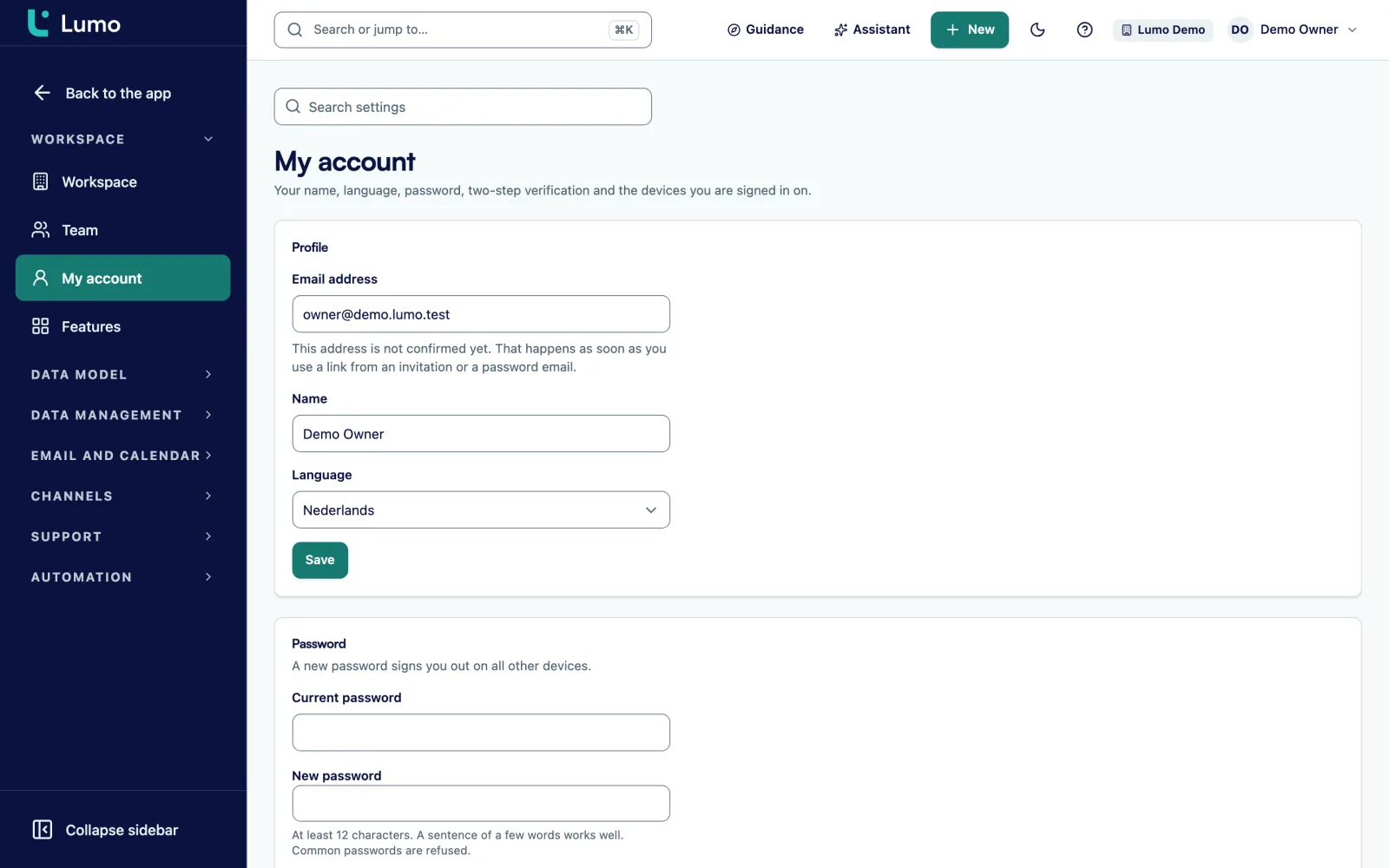
Donor data is sensitive. A volunteer making calls does not need to see gift amounts. Someone in finance does. In Lumo you create custom roles with rights per area, next to the standard roles Owner, Admin, Member and Viewer. Workspaces are separated from each other, so a sister organization can have its own workspace.
Two-step verification can be required for admins. The audit log records changes and events and can only be added to, never edited. During a migration that is useful: afterwards you can see which records the import wrote and what changed by hand later. If a donor asks for their data or to be erased, you export or erase per person.
Data is stored in a datacenter in London, in the United Kingdom. What security does and does not cover is on security and privacy, and roles in detail on roles and permissions.
Say an advocacy organization with a small development team has run a donor database for years, with a separate email tool on the side. They want to move to Lumo to have email, SMS and calls in one place. This is a made-up example, not a client.
In week 1 they take inventory. The donor database holds households, people, gifts and recurring gifts. The email tool holds unsubscribes and bounces. There is also a spreadsheet of people who filled in a card at a rally, with no consent wording. They decide not to import that as consent.
In week 2 they fix the field mapping. Gifts from a donor-advised fund get hard credit on the fund and soft credit on the person. Gifts that should not count, such as a refunded gift, get excluded. Their fiscal year starts in July, so the start month is set to July.
In week 3 Sales Surge runs a test import. The development director picks ten donors she knows well and compares their totals per fiscal year with the old system. Two are off: in the old system a gift sat on both spouses. They adjust the mapping and run the test again.
In weeks 4 and 5 they run in parallel. The Stripe account in Lumo is set to Shadow. Lumo receives that period's gifts, but the old system stays in charge. Meanwhile they merge the Certain pairs in the Duplicates screen and walk through the Likely pairs together.
In week 6 they cut over. Sales Surge imports what came in since the test, Stripe goes to On and the old email tool stops. The first mailing from Lumo goes to a saved segment, and Lumo skips everyone on the suppression list.
Batches of 1,000 rows, roughly 2,000 rows per second, and it resumes after an interruption. Sales Surge runs it.
A household is an organization with its members as people. Household gifts can count toward the members.
Credit types hard, soft_only, soft_credit and excluded. Soft credits never count toward totals.
Imported with the rest and checked again at every send.
Certainty per pair, field by field choices, everything linked moves along, and undo from the Log.
Trial run without writing, results per kind and Resume after an interruption. Choose Only here or Pipedrive stays the source.
A public REST API and signed outbound webhooks for your warehouse, your website or your own scripts.
Custom roles, two-step verification for admins, an audit log that cannot be edited, and export and erase per person.
What you do before Sales Surge imports the first row.
Once you have moved, your gifts feed segments such as LYBUNT and first-time donors this year straight away. How to run a year-end push with them is on year-end and Giving Tuesday campaigns. How Sales Surge handles a move in general, with a blueprint and handover, is on migration service. After more than 150 CRM implementations we know most problems are in the export, not in the import itself.
There is no import screen for CSV, Dynamics or Salesforce in Lumo. Sales Surge runs those imports for you from an export or your warehouse, and you run the Pipedrive import yourself with the wizard. A daily delivery from a warehouse is custom work and runs one way. There is no two-way sync with a warehouse. The giving module is off by default and switched on by Sales Surge. Lumo has no screen for keying in gifts and does not take donations, so gifts arrive through import or Stripe. Data is stored in London, not in the EU or the US. Receipts are built for 501(c)(3) and 501(c)(4) organizations.
It depends mostly on the state of your export, not on the import. The bulk import writes roughly 2,000 rows per second. Inventory, field mapping, the test import and the parallel run take most of the time.
No, there is no direct connector or import screen for those systems. Sales Surge imports your data from an export or straight from your warehouse.
Yes, consents and suppressions are their own part of the bulk import. Lumo checks them again at every send, so nobody who opted out gets mail.
A household is an organization with its members as people. Household gifts can count toward members, and the Donation history panel also shows on the household.
They come across with the credit type soft_credit or soft_only. You see them on the donor as soft credits, but they never count toward totals.
It picks up where it left off. The bulk import works in batches of 1,000 rows, and the Pipedrive wizard has a Resume button on the status Interrupted.
Yes, Sales Surge can set up a daily delivery from your warehouse into Lumo as custom work. It runs one way. To get data out of Lumo you use the API and webhooks.
Lumo covers households, gifts with hard and soft credit, appeals, recurring gifts through Stripe, email, SMS and calls. Whether it fits depends on what you use in NPSP today, so we go through that with you in a demo.
Yes. Stripe, SMS and receipts have a shadow mode where Lumo receives and processes but sends nothing. You compare both systems for a few weeks.
In a call we go through your sources and show what your households, gifts and consents look like in Lumo.